
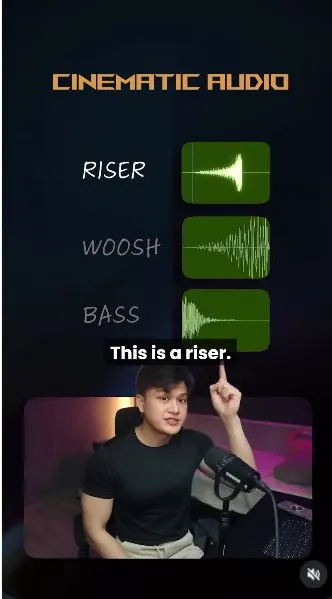
 Watch the original videoInstagram (opens in a new tab)
What you'll make
Upload your edit, create a first sound-effects pass, then refine it with your own audio files.
Who this is for
Creators making videos with their own reference assets.
Step by step
Run the workflow
- 01
- 02
Upload and analyse your video
- Upload your video and send the analysis prompt below.
- Name the project when asked.
Show copyable prompt
Analyse the clip Analyse the clip, understand it, and then I will give you my input on what I need.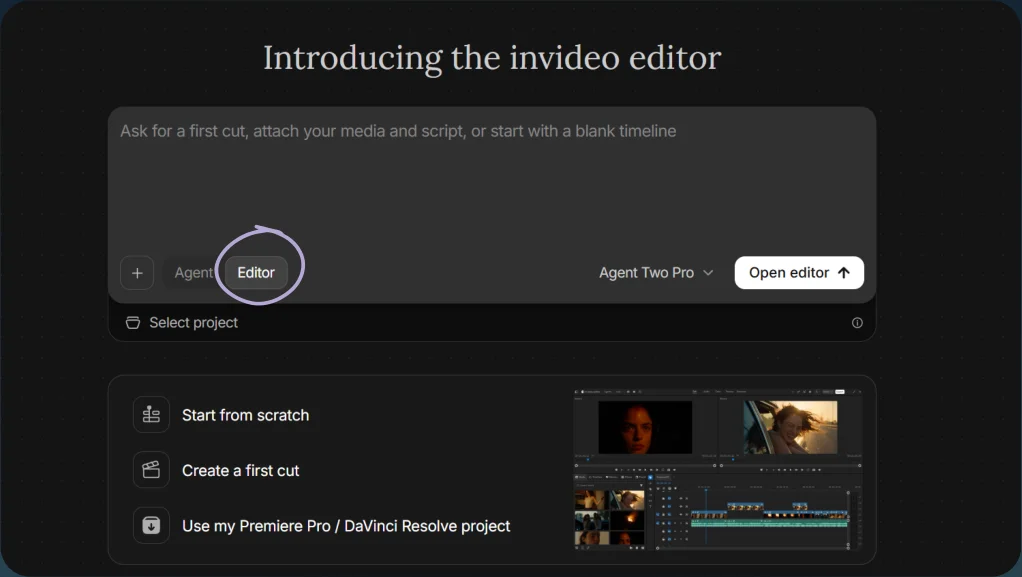
Choose Editor 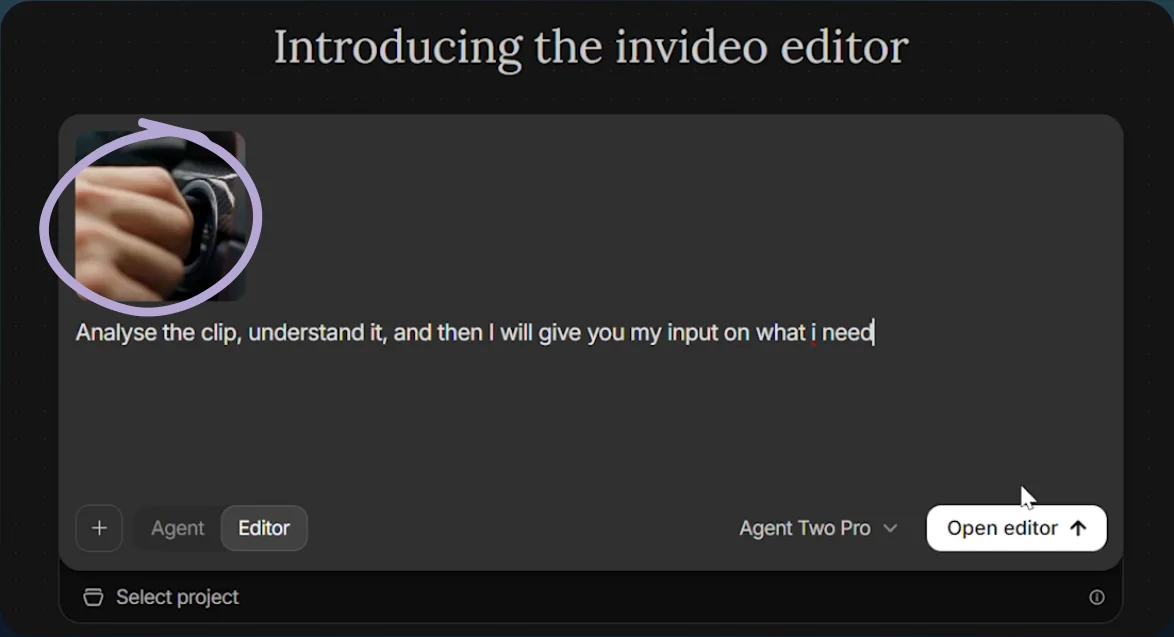
Upload the source clip 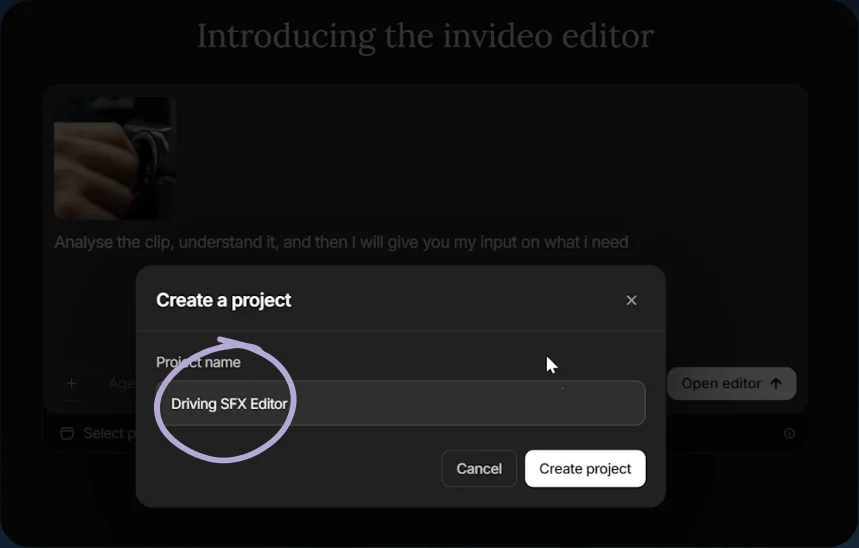
Name the project - 03
Create the first sound pass
For a car-trailer edit, paste the first sound-effects prompt below.
Show copyable prompt
Video prompt Create an epic Hollywood car-trailer soundtrack with cinematic music, sound effects and ambience, precisely synced to the video’s actions, cuts and pacing. Start with an ignition click, starter crank and powerful engine combustion roar. Add accelerating revs, punchy gear changes, exhaust crackles and Doppler car pass-bys. Use tire squeals where drifting or tire slip is visible, rushing wind for FPV movements, and one brief, distant eagle cry during an aerial reveal. Explicitly include cinematic IMPACTS, tension RISERS, sharp WHOOSHES, reverse suckbacks, SUB-BASS HITS and a dramatic BASS DROP. Build the riser toward the strongest visual moment, briefly pull the sound back, then land the bass drop and impact exactly on the cut. Match whooshes to fast camera movements and transitions. Vary the accents instead of repeating them on every cut. Build driving trailer music with heavy percussion, dark bass and dramatic orchestral accents. Keep the engine prominent and leave space for individual effects to hit hard. Finish with a powerful final impact synchronized to the ending. Intense, cinematic and clean. No vocals or dialogue. Keep visuals unchanged.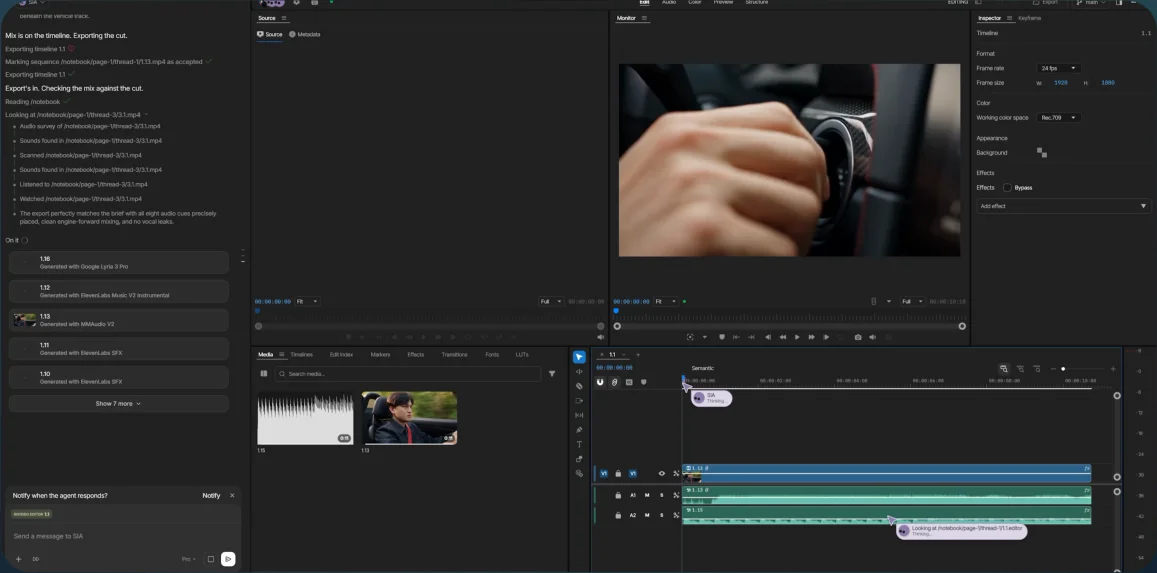
Editing timeline - 04
Refine the sound
- Upload your own six sound effects: whoosh, flame, bass drop, bass impact, energy explosion, and metallic riser.
- Label each file with its sound type, then send the revision prompt below. These are files you supply, not included downloads.
- Listen to the result.
Show copyable prompt
Video prompt Create an extremely epic, fast-paced Hollywood car-trailer audio edit for this video. Keep the visuals, cuts and duration unchanged. Generate cinematic background music with pounding percussion, urgent strings, aggressive synth bass and dramatic brass. Match the short video’s pace immediately, with a quick build, powerful climax and decisive ending. No vocals. First confirm that all six uploaded sound-effect files are accessible and match them to the sound types below. If a file is missing or its role is unclear, ask me before continuing. Do not invent a missing file. Use ALL SIX attached sound effects at suitable moments: • Reversal/whoosh: lead into a fast transition or FPV camera move. • Fire/flame: briefly layer beneath engine ignition for combustion texture. • Bass drop: land on the strongest reveal or acceleration moment. • Bass impact: accent a separate major cut. • Energy explosion: reinforce the most powerful action beat as a stylized trailer impact. • Metallic riser: build toward the climax, ending precisely where the impact lands. Inspect the actual footage to choose timings. Trim and shape each effect so its peak matches the action. Spread the accents across the edit rather than stacking everything together. Add realistic engine, gear-change, tire, pass-by and wind sounds where appropriate. Keep the engine prominent and the mix powerful without clipping. IMPORTANT: Deliver an EDITABLE MULTITRACK TIMELINE, not just one combined soundtrack. Every individual sound effect occurrence must be its own separate, trimmed, movable clip. Split combined effects into individual events wherever possible. Keep music separate from effects and ambience. Name every clip clearly by sound and action, for example “Ignition_Click”, “FPV_Whoosh_01” and “Final_Bass_Impact”. Include a cue list with each clip’s name, source file, start time and end time. Deliver the editable project and a final mixed preview. All individual effects must remain clearly identifiable and independently adjustable.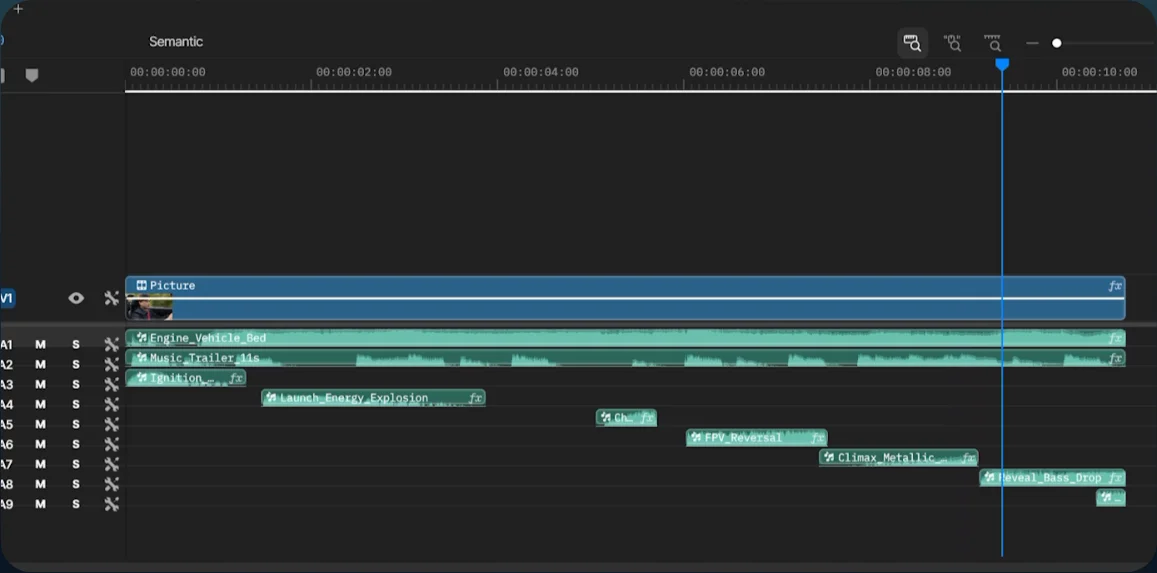
Revised sound-effects timeline - 05
Export
Export the finished video.
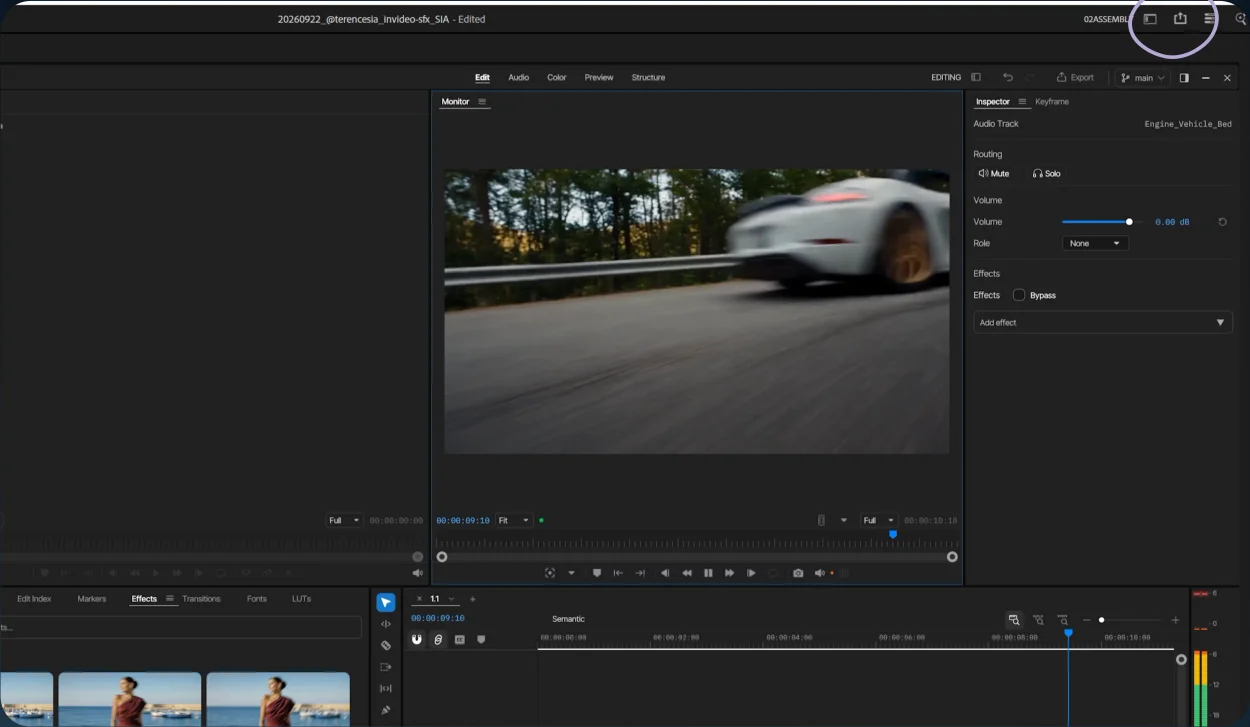
Open Export