
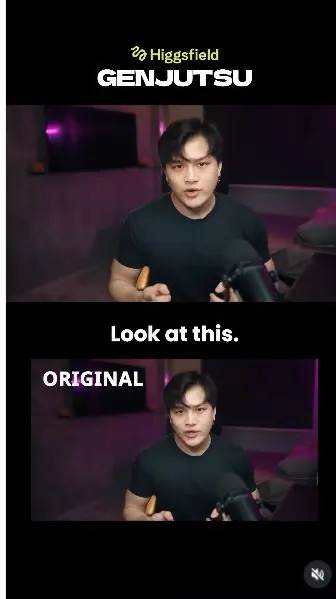
 Watch the original videoInstagram (opens in a new tab)
What you'll make
Use Genjutsu to transform the scene around your recorded performance.
Who this is for
Creators making videos with their own reference assets.
Step by step
Run the workflow
- 01
Record your clip
Film yourself speaking with the actions you want to preserve.
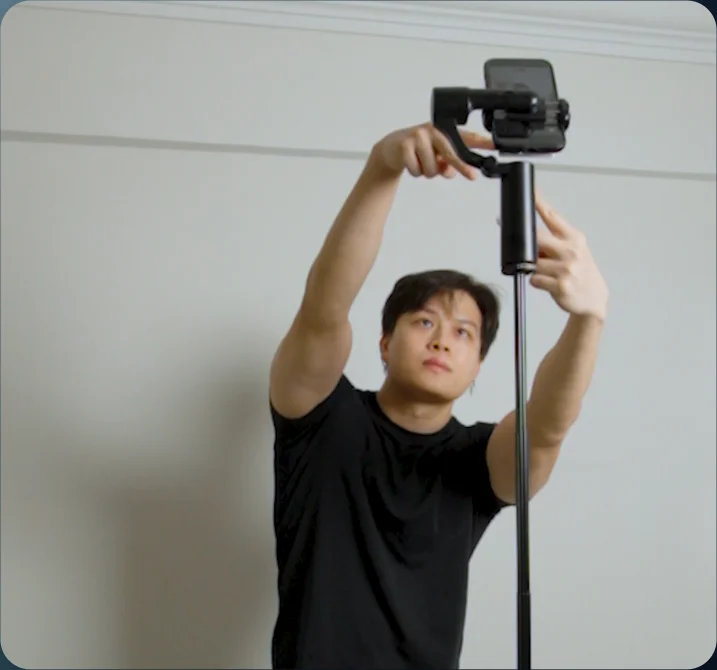
Source tutorial, page 4 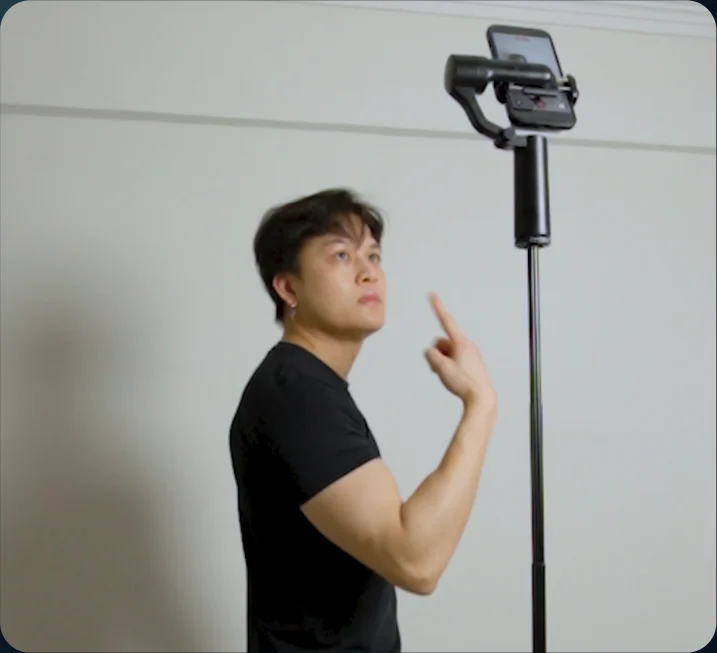
Source tutorial, page 4 - 02
Open Genjutsu
Open Video in Higgsfield and select Genjutsu.
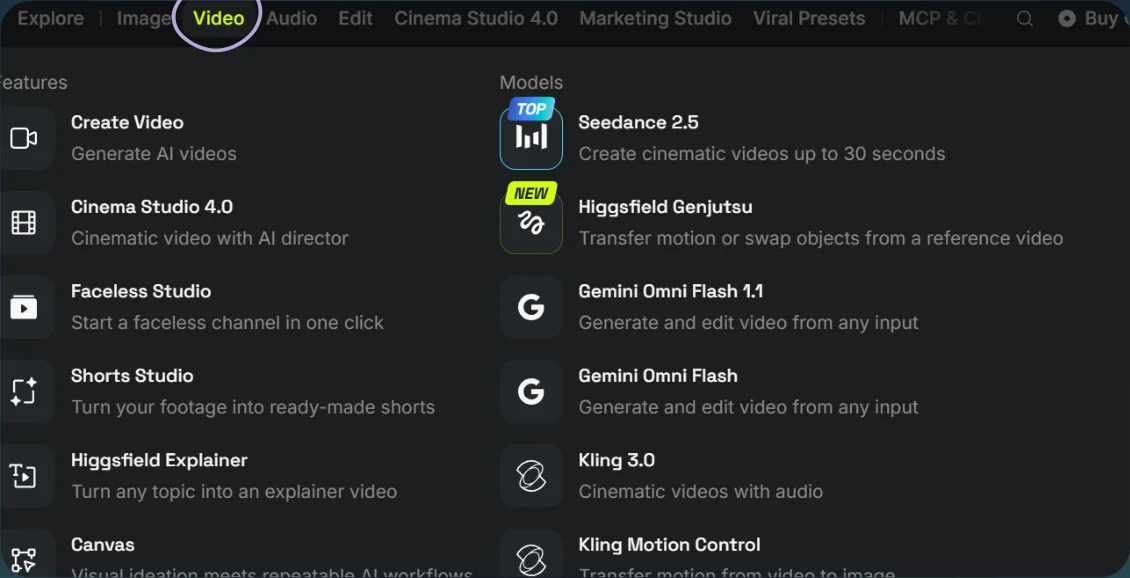
Open Video 
Select Genjutsu - 03
Add the scene prompt
- Choose Objects swap and upload your video. Add the clothing or location references you want to use.
- Adapt the prompt to your script and select Generate.
Show copyable prompt
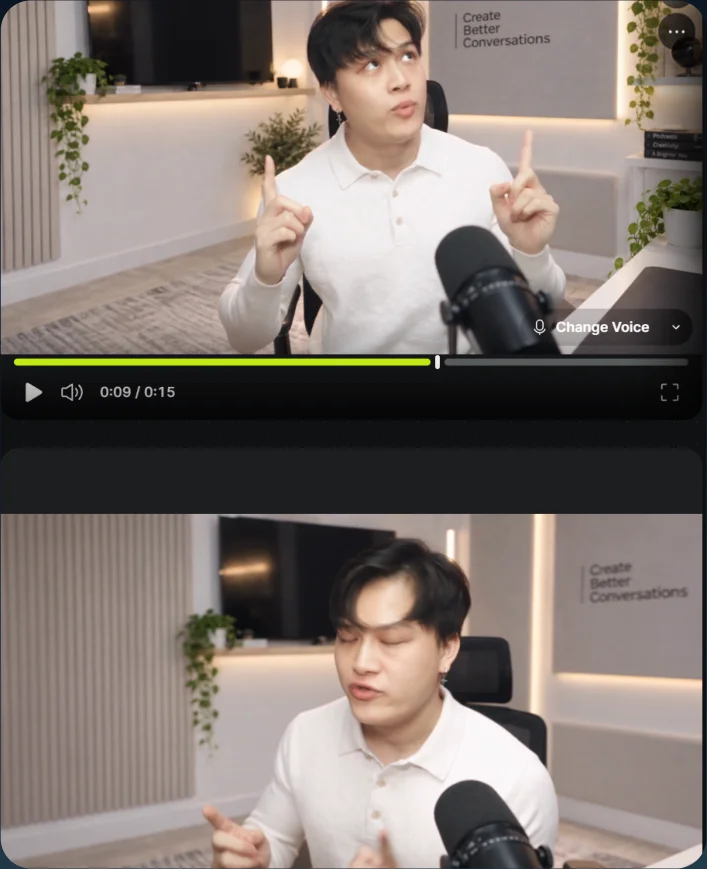
Video prompt Use the uploaded video as the absolute master for timing, motion, performance, identity, lip sync, hand gestures, seated position, and overall continuity. The man must remain the exact same person throughout. Preserve the original speech, audio, facial expression, body movement, chair position and microphone. Do not add cuts. Do not change the duration. Do not change anything early before its specified timestamp. Reference mapping: @[Image 1](image_1) = white long-sleeve knitted polo shirt @[Image 2](image_2) = white modern podcast studio @[Image 3](image_3) = phone Important global rule: the video must begin exactly like the original reference video. No shirt change, no room change, and no phone should appear before their exact timestamps. Only apply each change when its timing is reached. 0.0 to 6.5 seconds: modify only the camera behavior. The camera must actively follow the FRONT of his face. As he turns his head, the camera must quickly move around him so that his face remains mostly frontal to the viewer at all times. Do not let the shot stay static while his face turns away. The camera should track across and orbit around him fast enough to keep his face facing the camera view. His head movement itself must remain exactly as in the original video. Do not force his face to move differently. The camera is the thing that moves. Keep the distance and framing similar to the original medium shot. By 6.5 seconds, return smoothly back to the original front-facing framing from the source video. 6.5 to 7.5 seconds: hold the original framing again and continue exactly like the source video. No clothing change yet before 7.5 seconds. At exactly 7.5 seconds: change his shirt into @[Image 1](image_1). Before 7.5 seconds, keep the original shirt unchanged. At 7.5 seconds and after, he must wear the white long-sleeve knitted polo from the reference, with the same collar, button placket, knit texture, sleeve length and overall smart-casual fit. Only the shirt changes. Everything else stays the same. At exactly 9.5 seconds: change the room into @[Image 2](image_2). Before 9.5 seconds, keep the original room unchanged. At 9.5 seconds and after, the environment becomes the clean white podcast studio from the reference, with the bright modern interior, warm lighting accents, acoustic panels, plants, shelving and premium podcast aesthetic. Keep the same person, same pose, same chair placement, same microphone placement and same ongoing performance. Only the room changes. 11.0 to 12.0 seconds: add a slight camera push-in. Make it subtle, just a small natural zoom or dolly in, while keeping him centered and keeping the shot realistic. At exactly 13.3 seconds: make the phone from @[Image 3](image_3) appear naturally in his empty hand. Before 13.3 seconds, his hand must remain empty. At 13.3 seconds and after, the phone should appear properly seated in his hand with realistic scale, angle, finger interaction and perspective. Match the phone design from the reference image. Do not change the hand gesture to fit the phone. The phone must simply appear in the existing hand position and continue moving naturally with his original hand motion. Highest priority: Exact same person and face Exact same original performance and lip sync Camera from 0 to 6.5 must truly follow his face so his face stays frontal to the camera No visual swap before the exact timestamps Clean, believable transitions at the specified moments only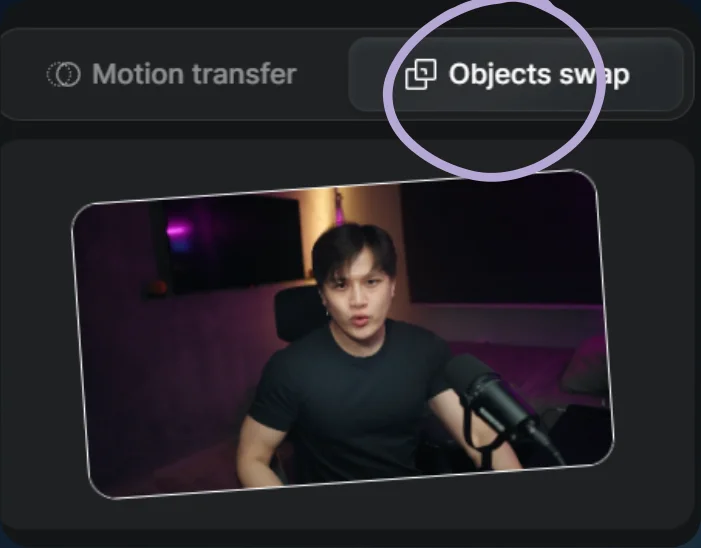
Choose Objects swap 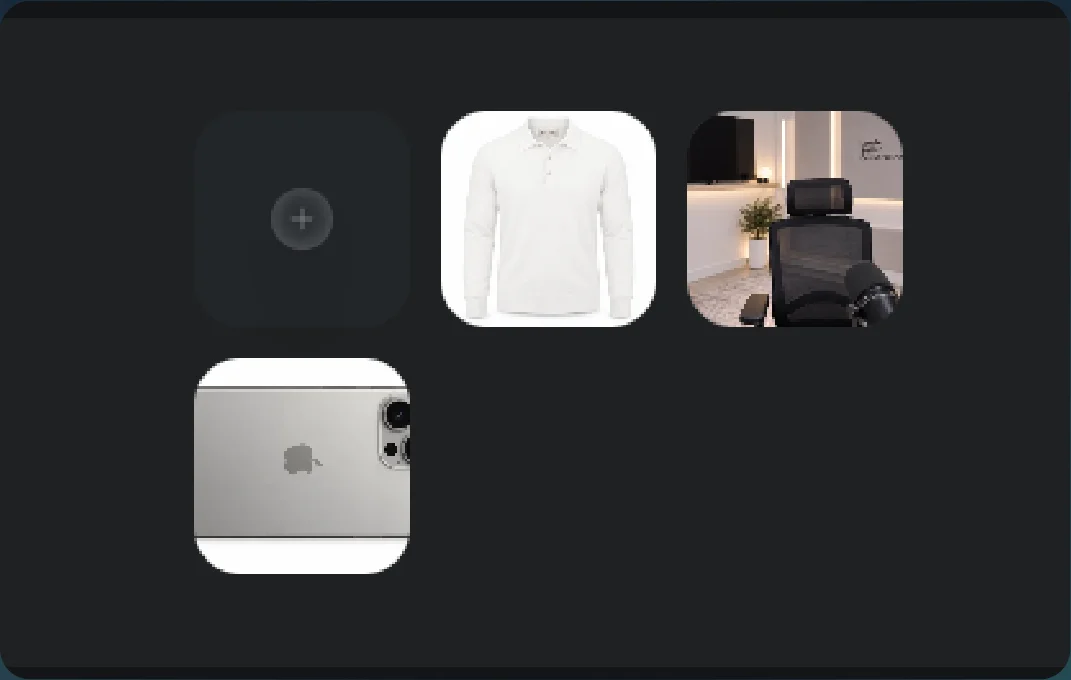
Image references 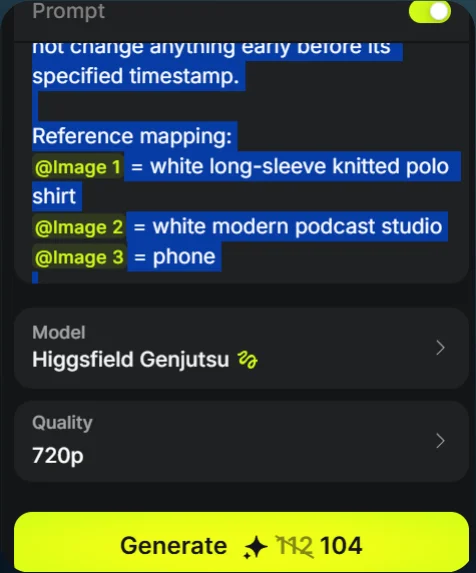
Prompt and Generate - 04
See the result
Play the generated video.
Generated result