
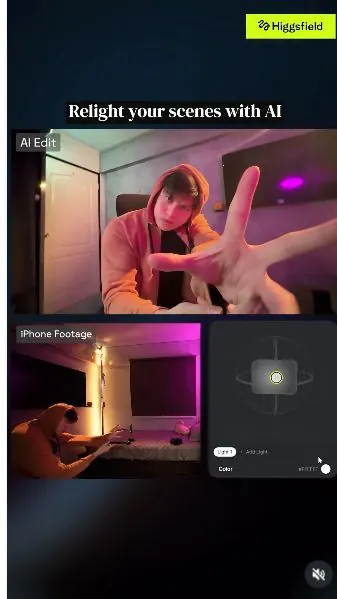
 Watch the original videoInstagram (opens in a new tab)
What you'll make
Try five lighting treatments on your own footage.
Who this is for
Creators making videos with their own reference assets.
Step by step
Run the workflow
- 01
Record your video
Film the actions you want to keep.
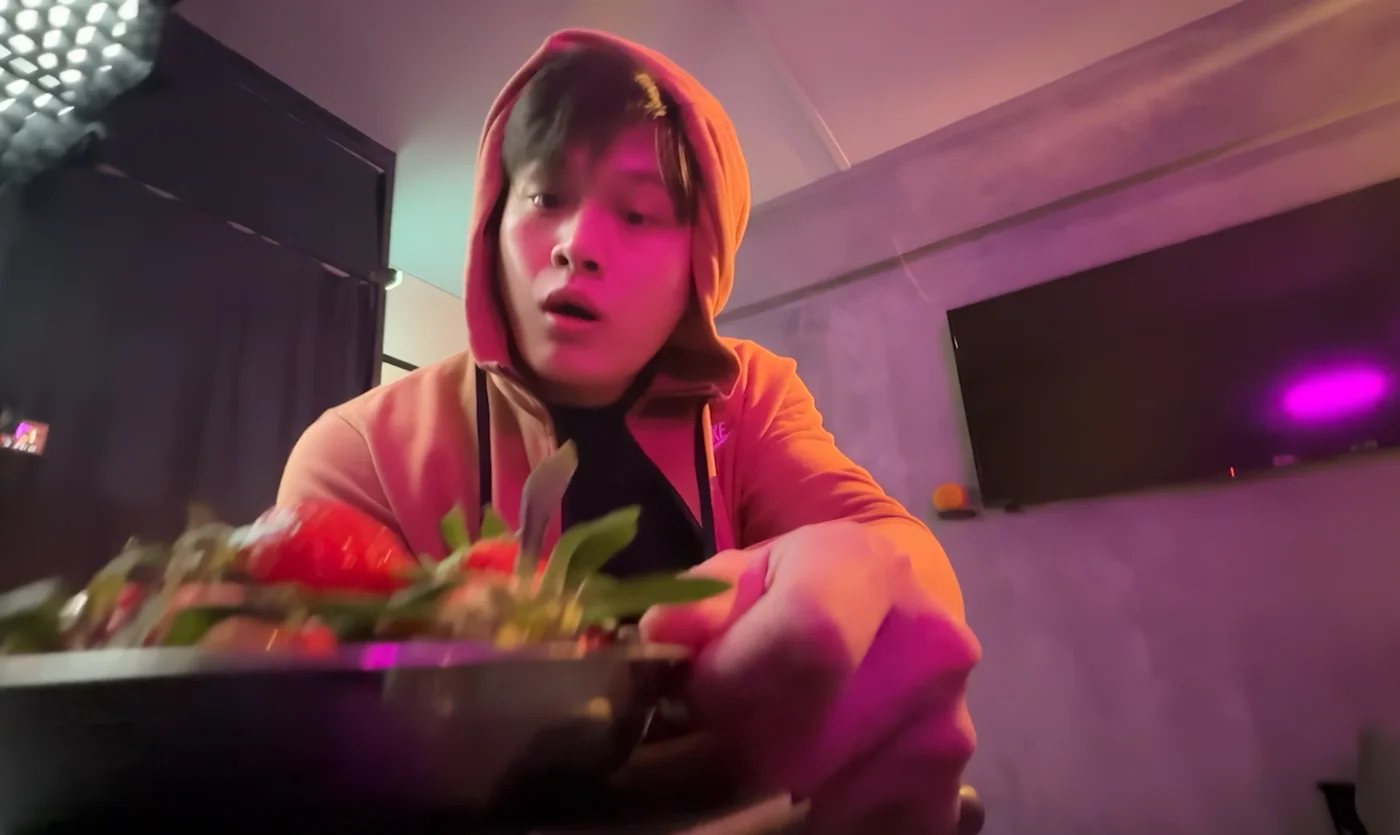
Source tutorial, page 4 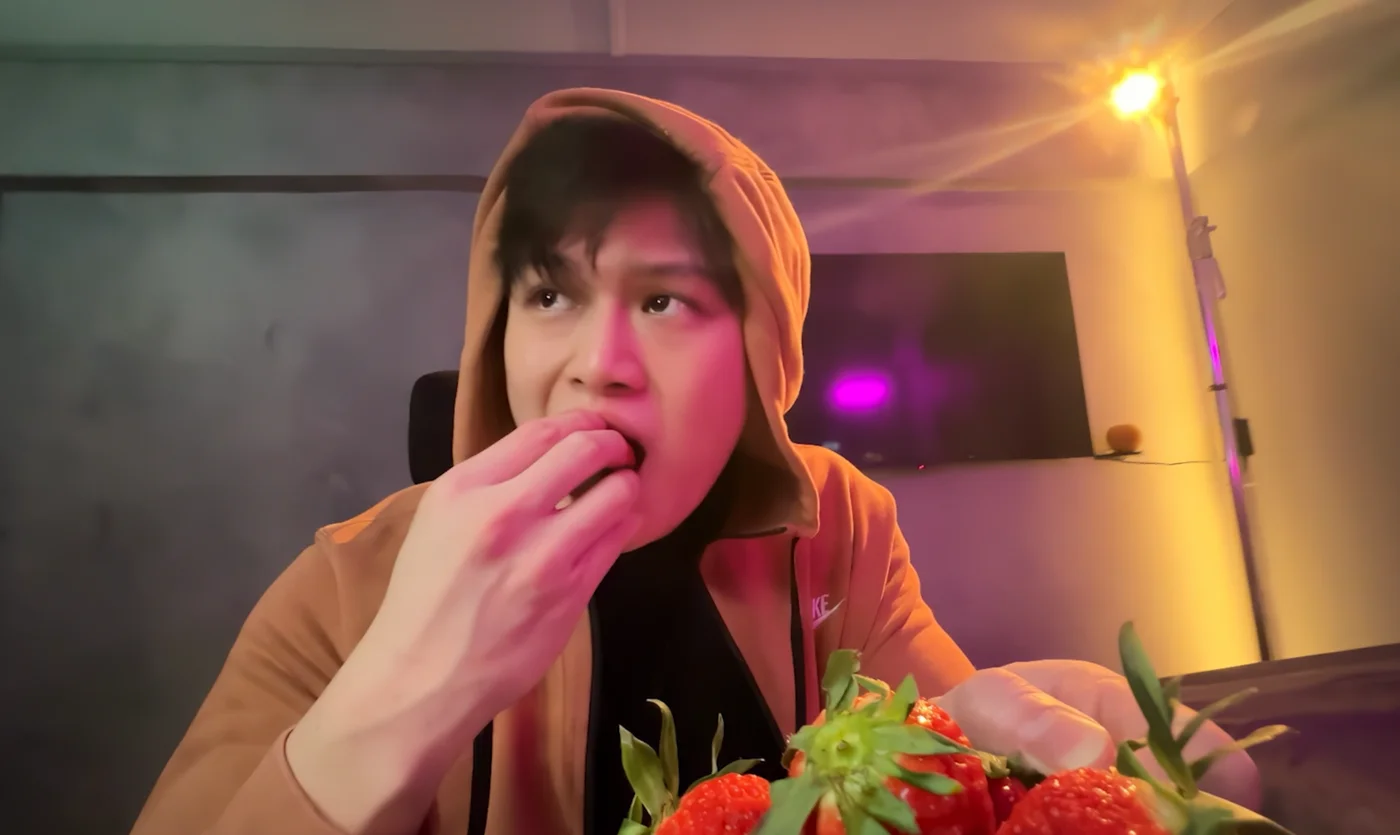
Source tutorial, page 4 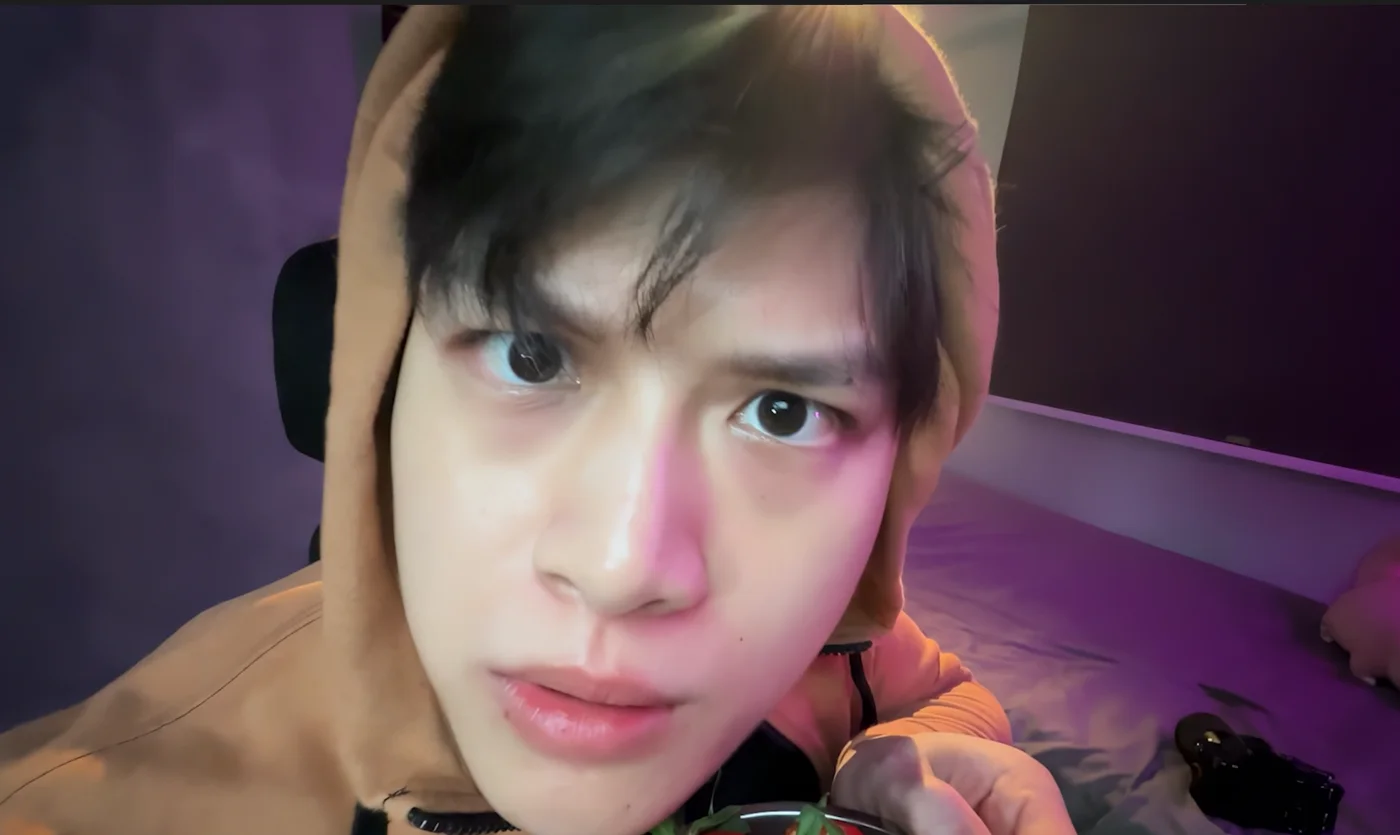
Source tutorial, page 4 - 02
Open Relight
Open Video in Higgsfield and select Relight.

Select Relight - 03
Upload your footage
Upload your clip. For more precise changes, use separate clips for the different lighting moments.
Source tutorial, page 6 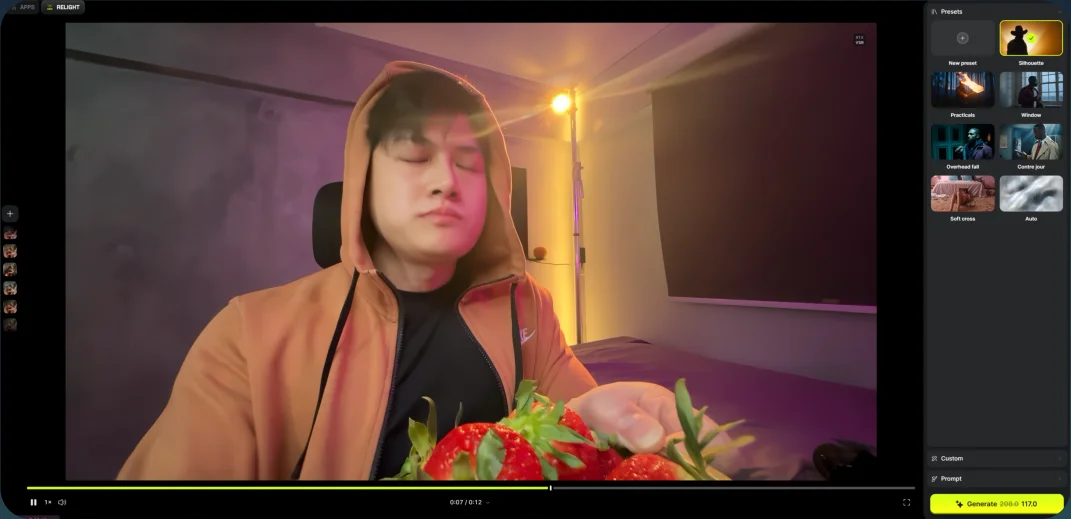
Source tutorial, page 6 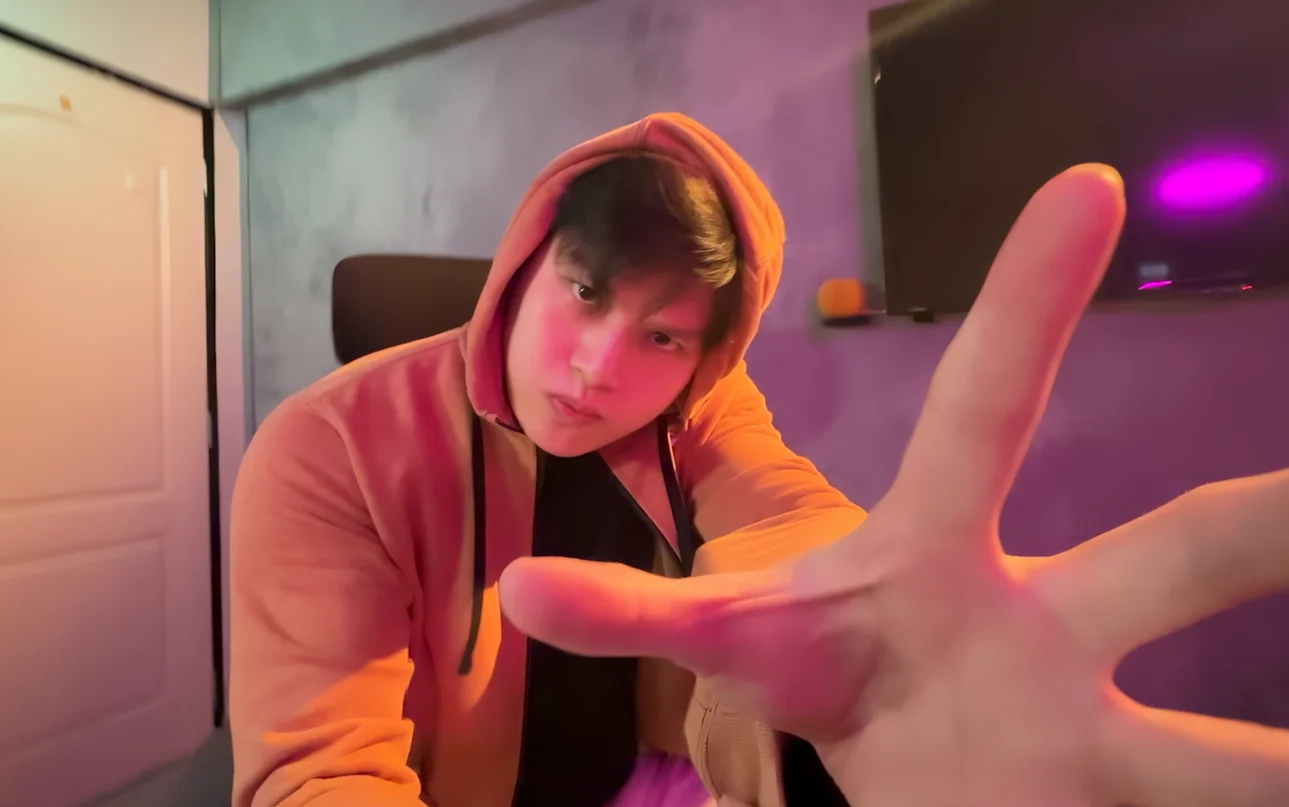
Source tutorial, page 6 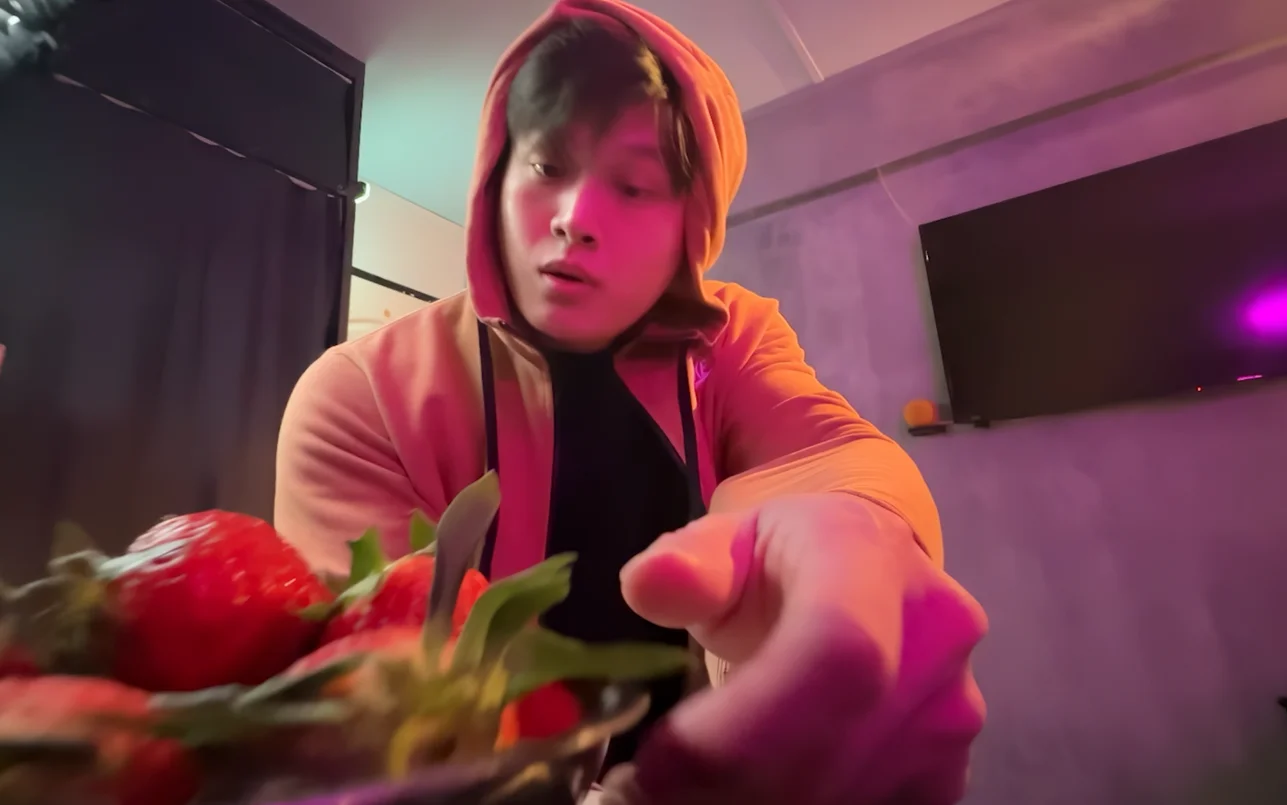
Source tutorial, page 6 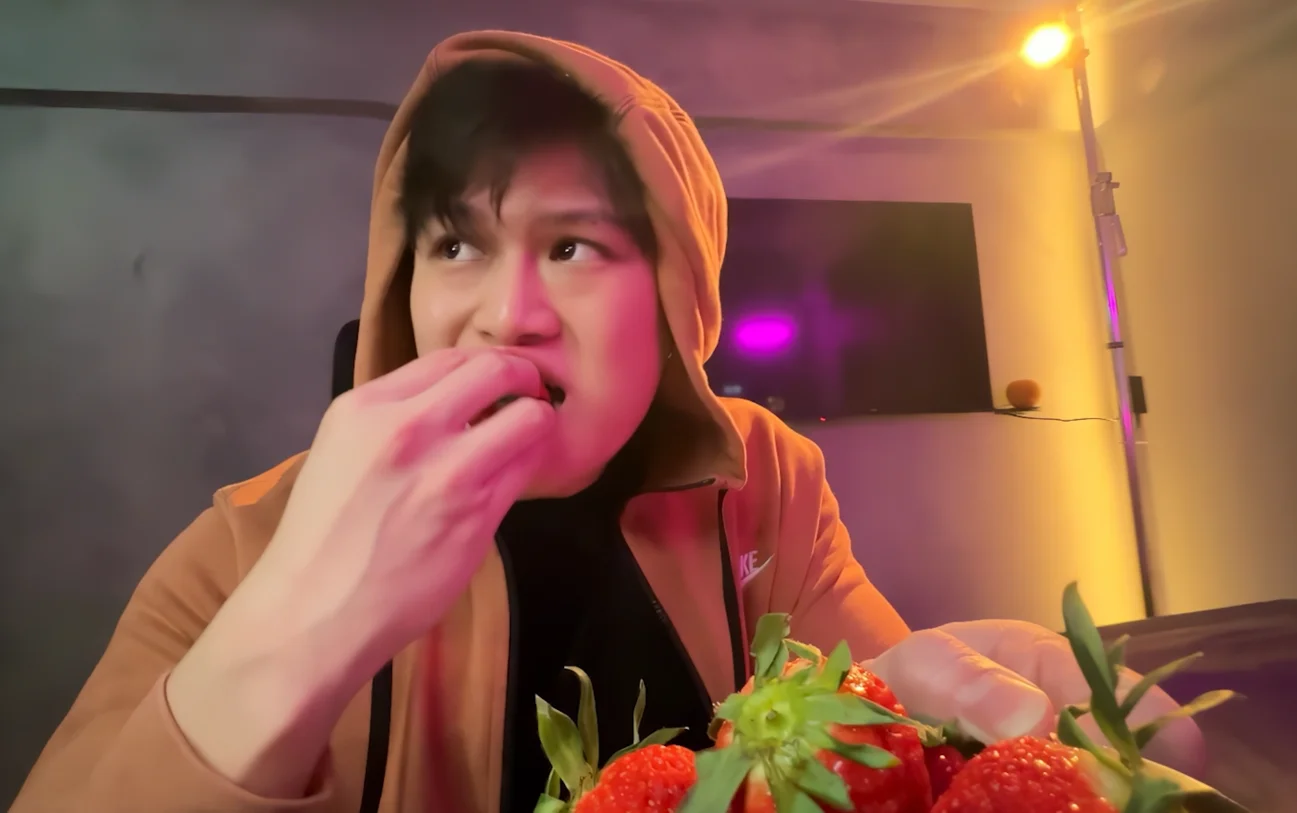
Source tutorial, page 6 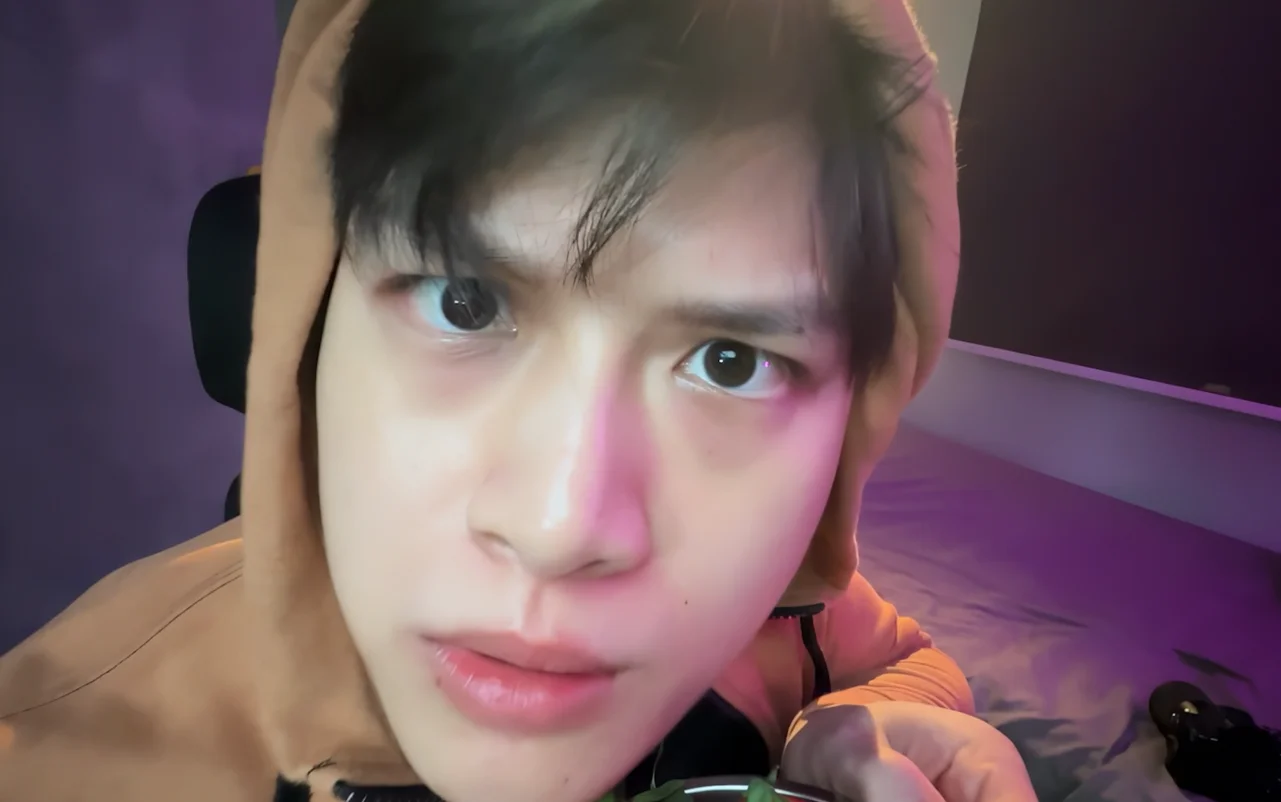
Source tutorial, page 6 - 04
Choose a lighting prompt
Choose a lighting prompt below, or use the custom lighting controls shown beside the examples.
Show copyable prompt
Lighting prompt 1 Use the uploaded split reference clip as the exact source video. CHANGE ONLY THE LIGHTING. Do not recreate, reinterpret or regenerate the scene. Keep completely unchanged: person, face, expression, body movement, hands, strawberry, plate, clothing, background, room, objects, framing, crop, zoom, camera movement, speed, timing and performance. Apply a strong CINEMATIC OVERHEAD SPOTLIGHT across the entire clip. The light must clearly originate from above and fall naturally onto the existing man's face, hands and strawberry plate. Focused overhead illumination. Clear directional shadows. Slightly reduced ambient illumination. Beautiful highlights on the strawberries. Strong but realistic cinematic contrast. Natural photographic light falloff. Do not redesign or darken the room itself. Do not add new objects. Do not modify the person's appearance. It should look like a real overhead studio light has simply been switched on above the existing footage. At the very start of the clip, add one short cinematic lighting-switch sound: electrical POWER-UP + cinematic WHOOM + subtle impact. Only relight the existing footage. SOURCE VIDEO = LOCKED. LIGHTING ONLY = VARIABLE.Lighting prompt 2 Use the uploaded split reference clip as the exact source video. CHANGE ONLY THE LIGHTING. Do not recreate, reinterpret or regenerate the scene. Keep completely unchanged: identity, face, skin texture, expression, hand movement, strawberry movement, plate, clothing, body, background, objects, framing, camera movement, zoom, speed, timing and performance. Apply dramatic RED AND BLUE DIRECTIONAL SIDE LIGHTING across the entire clip. Use a strong saturated RED physical light source from one side of the existing subject. Use a cooler BLUE rim or side light from the opposite direction. The lights must behave like real studio lights. One side of his face receives strong red illumination. The opposite side receives cooler blue edge separation. Maintain natural skin texture. Maintain realistic shadows. Maintain the original environment exactly. Do NOT apply a flat red-blue filter over the whole image. Do NOT recolor the entire background. Do NOT transform the environment. Only change the color and direction of the light falling onto the existing scene. At the very start of the clip, add one short cinematic lighting-switch sound: electrical SNAP + fast light-power WHOOSH + tight bass HIT. REFERENCE VIDEO = LOCKED. ONLY LIGHTING MAY CHANGE.Lighting prompt 3 Use the uploaded split reference clip as the exact locked source footage. CHANGE ONLY THE LIGHTING. Do not recreate, reinterpret or regenerate the scene. Keep completely unchanged: person, face, expression, mouth movement, chewing, hand movement, strawberry, clothing, body, camera movement, background, objects, timing, framing, zoom and performance. Apply a SOFT CINEMATIC BLUE LIGHTING setup across the entire clip. Use a large diffused frontal key light on the existing face. Soft natural wraparound illumination. Smooth shadow transitions. Gentle facial highlights. Natural warm skin tone. Cool blue ambient illumination around the existing environment. Subtle blue separation around the subject. Premium cinematic commercial appearance. Keep the treatment realistic and photographic. Do not beautify or regenerate his face. Do not redesign the environment. Do not change the background into a different scene. It should look like real softboxes and blue ambient lights have simply been switched on around the original footage. At the very start of the clip, add one short cinematic lighting-switch sound: soft electrical CLICK + low cinematic THUMP + brief power-up HUM. SOURCE VIDEO = LOCKED. ONLY LIGHTING CHANGES.Lighting prompt 4 Use the uploaded split reference clip exactly as the source video. CHANGE ONLY THE LIGHTING. Do not recreate, reinterpret or regenerate the scene. Keep completely unchanged: person, face, body shape, clothing, camera movement, framing, background, room, objects, speed, timing and performance. Apply a STRONG CINEMATIC BACKLIGHT setup across the entire clip. Reduce frontal illumination significantly. Apply a powerful WHITE BACKLIGHT behind the existing person. Create a clear bright rim light around the existing outline of: hair, head, shoulders, arms, body. The front of the subject should become very dark while preserving the exact original silhouette and body shape. Strong backlight. High contrast. Clear rim separation. Very subtle atmospheric haze only if required to reveal the physical light beam. Do not create a new silhouette. Do not modify the person's shape. Do not change the room. Do not create a new background. Do not alter the camera movement. It should look like the front studio lights were switched off and a powerful rear light was switched on. At the very start of the clip, add one short cinematic lighting-switch sound: heavy LIGHT POWER-OFF CLUNK + low sub-bass IMPACT. REFERENCE MOVEMENT = LOCKED. SCENE = LOCKED. ONLY LIGHTING CHANGES.Lighting prompt 5 Use the uploaded split reference clip as the exact locked source footage. CHANGE ONLY THE LIGHTING. Do not recreate, reinterpret or regenerate the scene. Preserve exactly: face, identity, facial structure, expression, skin texture, body, clothing, camera movement, framing, zoom speed, background, environment and all original motion. Apply SOFT DREAMY CINEMATIC PORTRAIT LIGHTING across the entire clip. Use a large diffused soft light on the existing face. Soft natural skin illumination. Gentle highlights. Smooth facial shadows. Subtle warm highlights. Slightly cooler surrounding shadows. Natural cinematic contrast. Add ONE warm-white directional GOD RAY coming naturally from above. Use only a very small amount of atmospheric haze so the ray becomes visible. The god ray should interact naturally with the existing face, hair and shoulders. Keep it elegant, realistic and photographic. Do not make it supernatural. Do not transform the room. Do not change his face. Do not add fantasy elements. At the very start of the clip, add one short cinematic lighting-switch sound: sharp LIGHT IGNITION + soft reverse WHOOSH + subtle cinematic IMPACT. THE VIDEO ITSELF MUST REMAIN IDENTICAL. ONLY RELIGHT THE EXISTING FOOTAGE.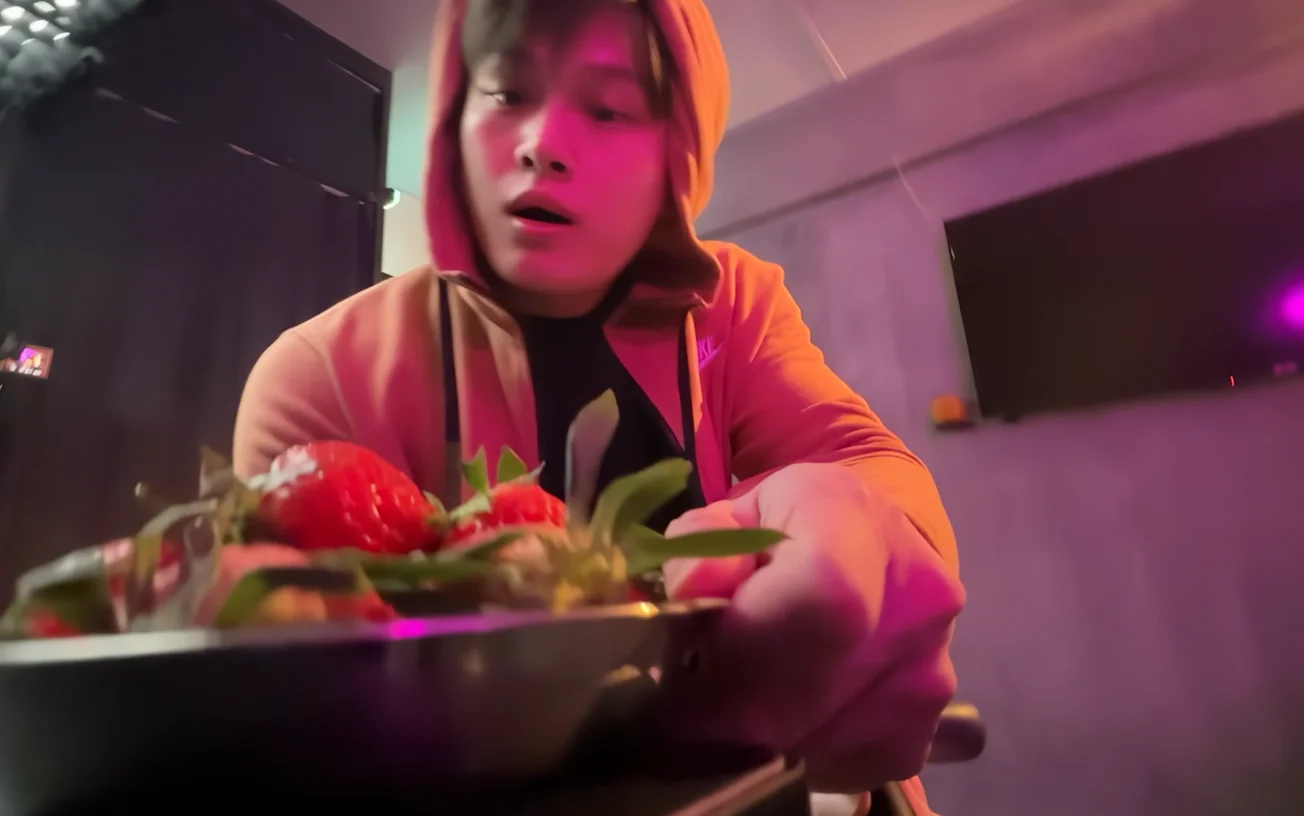
Lighting 1: original 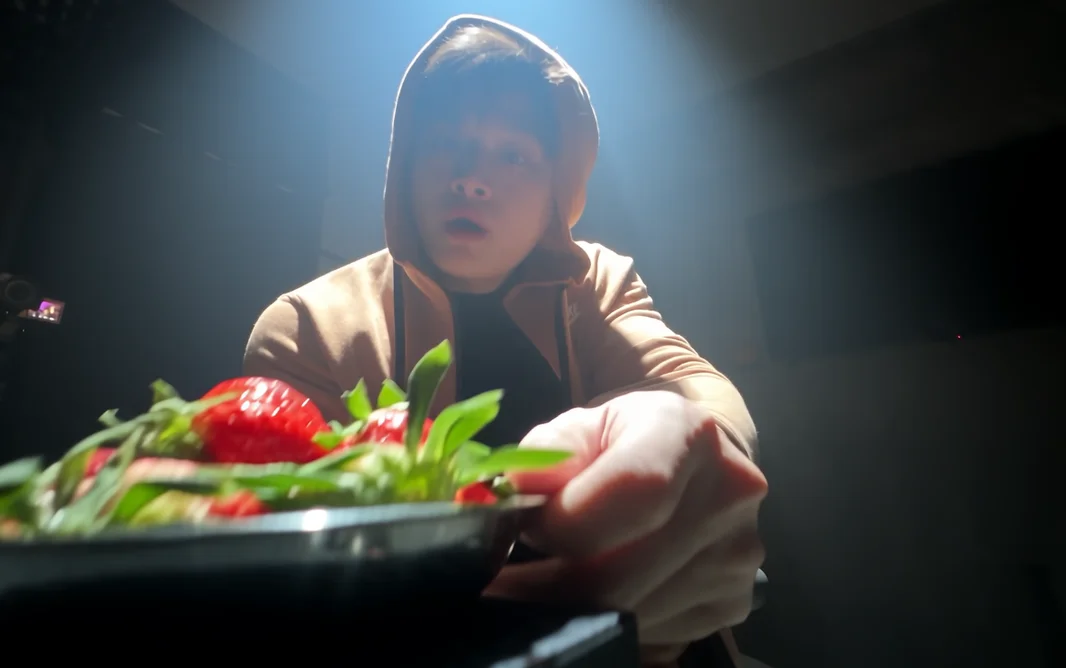
Lighting 1: result 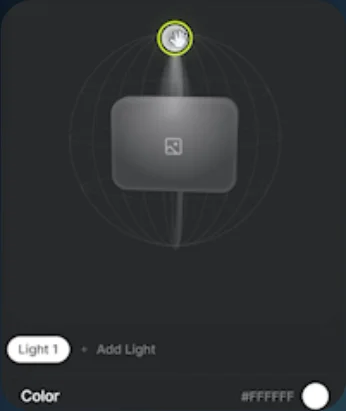
Lighting 1: controls 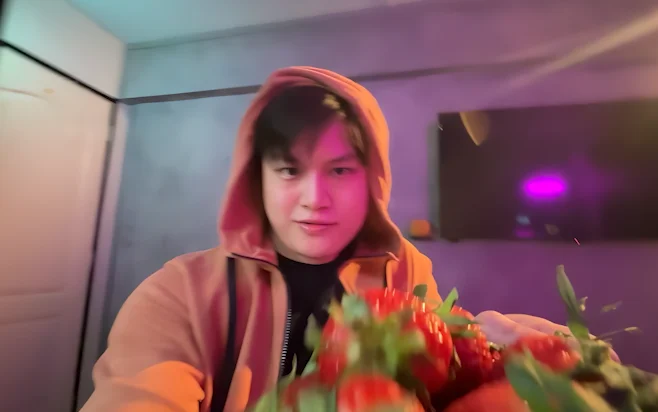
Lighting 2: original 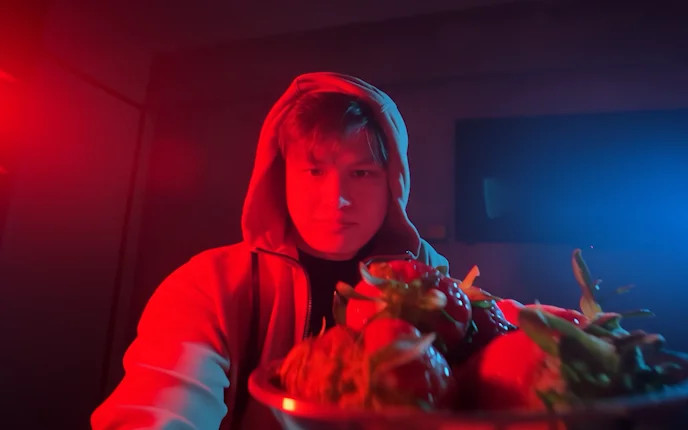
Lighting 2: result 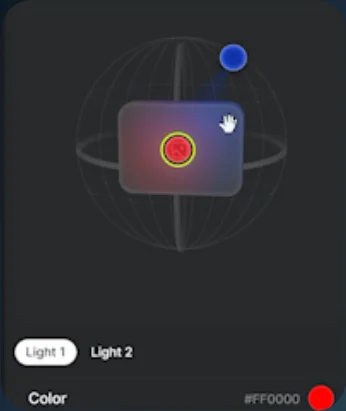
Lighting 2: controls 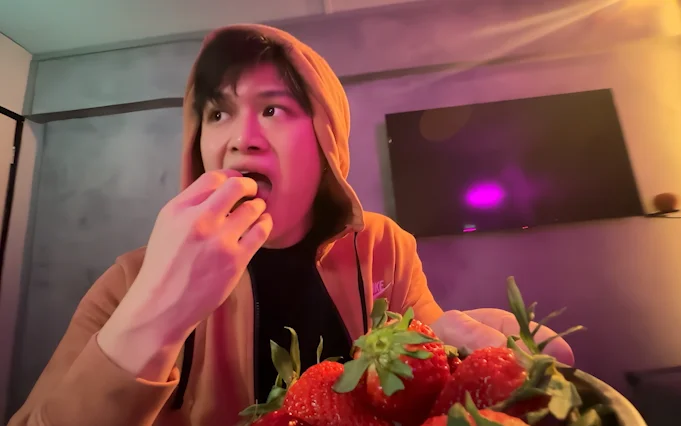
Lighting 3: original 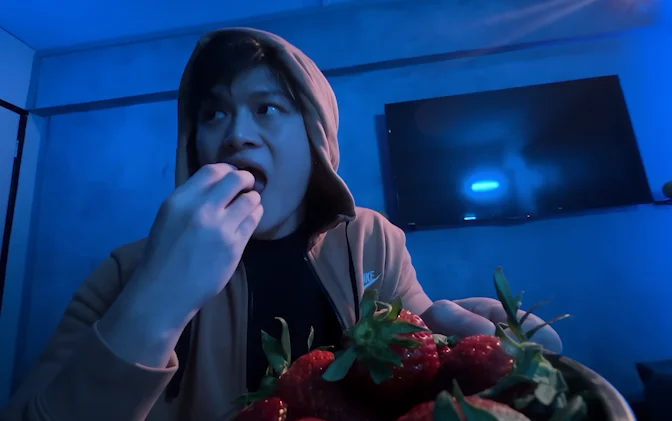
Lighting 3: result 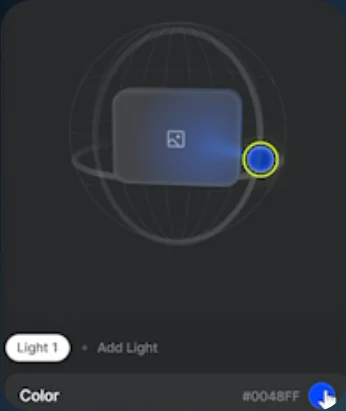
Lighting 3: controls 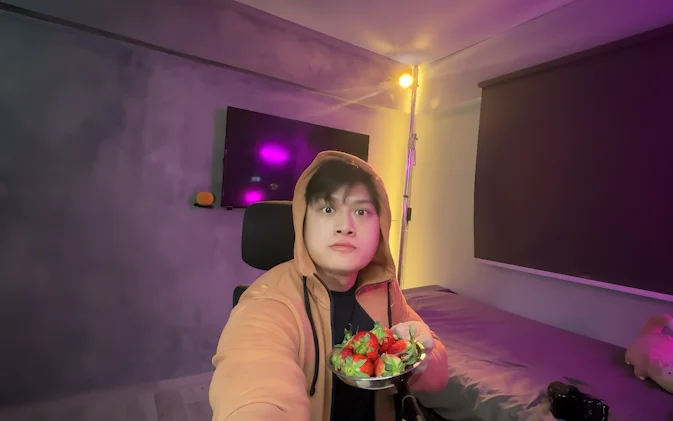
Lighting 4: original 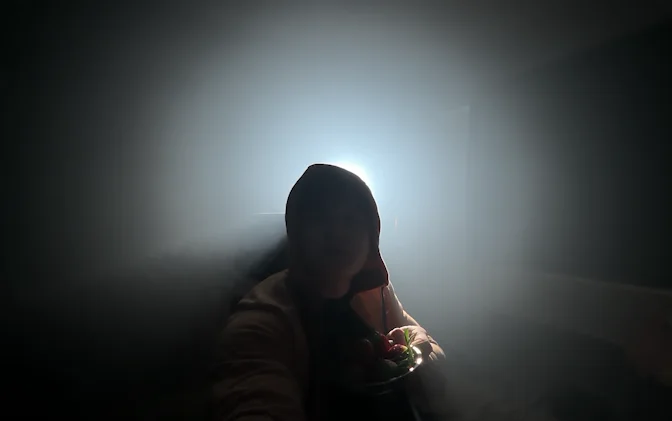
Lighting 4: result 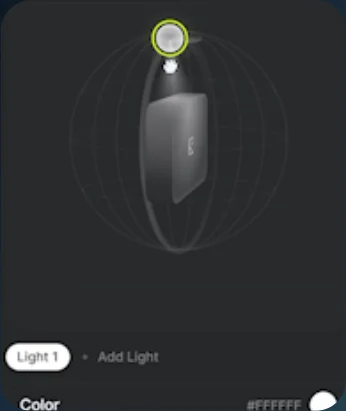
Lighting 4: controls 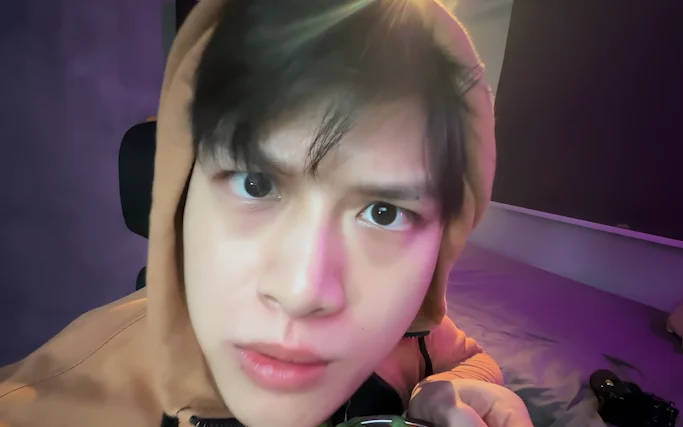
Lighting 5: original 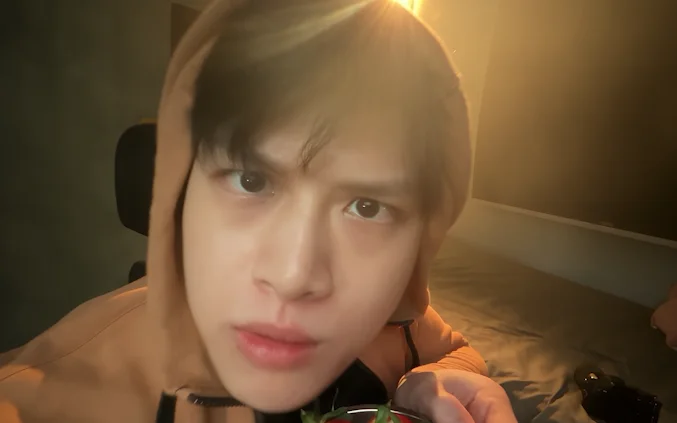
Lighting 5: result 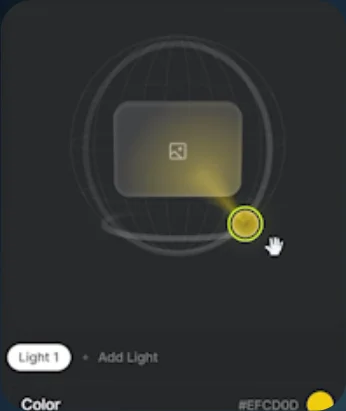
Lighting 5: controls - 05
Generate
Generate the relit clip and play the result.