
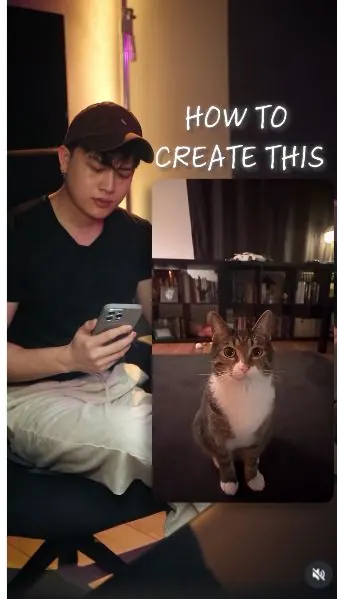
 Watch the original videoInstagram (opens in a new tab)
What you'll make
Combine cat and room photos with a motion reference to create a continuous tracking shot.
Who this is for
Creators making videos with their own reference assets.
Step by step
Run the workflow
- 01
Prepare the reference photos
Use a clear photo of your cat and photos of your room from several angles.
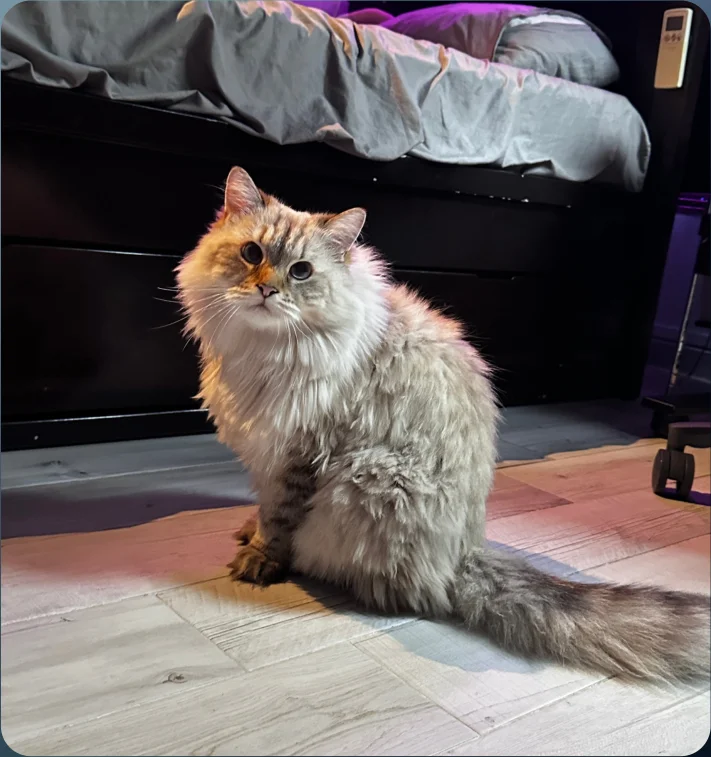
Cat reference 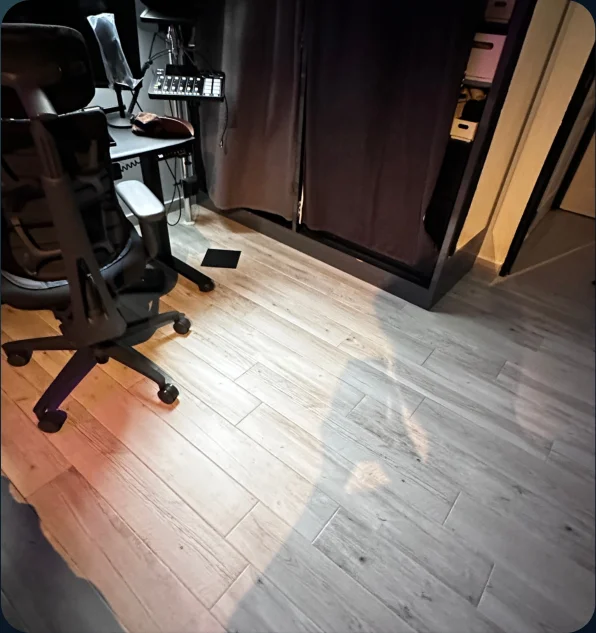
Room view 1 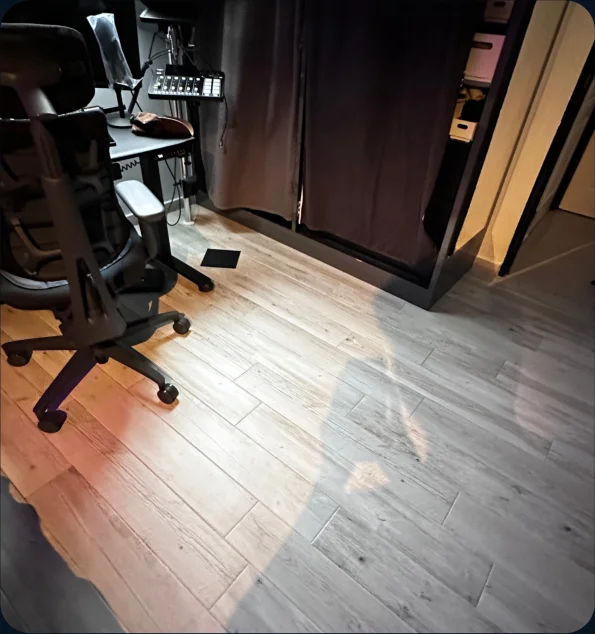
Room view 2 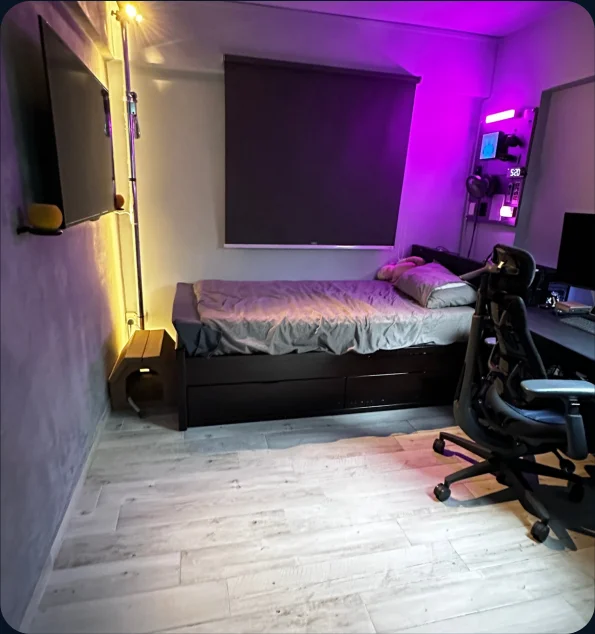
Room view 3 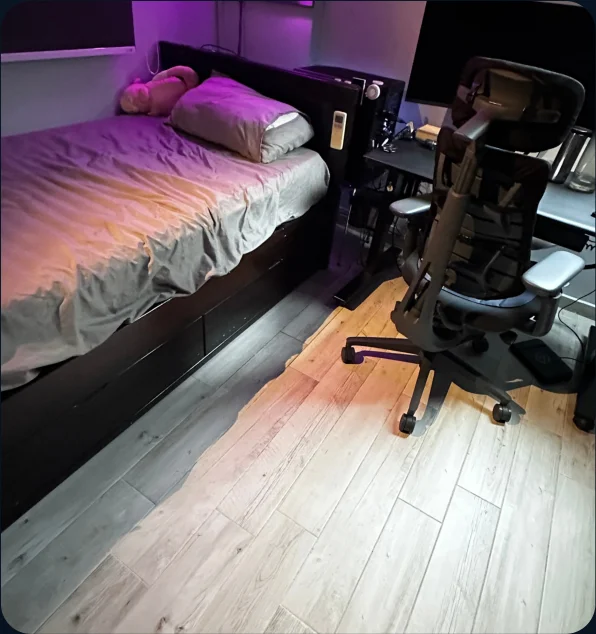
Room view 4 - 02
Get the motion reference
Download the reference video for the camera movement.
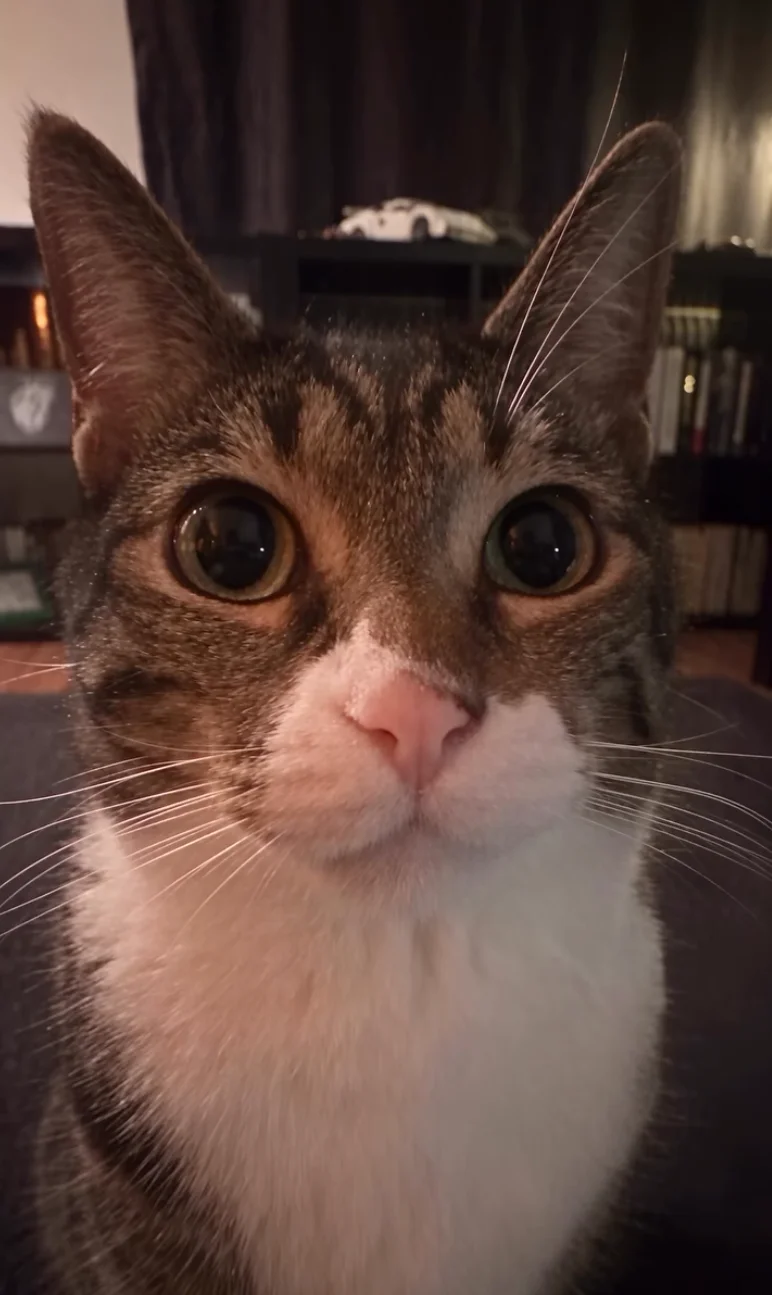
Motion-reference clip - 03
Upload the references
- Open Video in Higgsfield and select Seedance 2.5.
- Upload the cat photos, room photos, and motion-reference video.

Select Seedance 2.5 - 04
Generate the tracking shot
- Paste the prompt and tag the matching reference files.
- Set the duration, aspect ratio, and resolution, then select Generate.
Show copyable prompt
Video prompt Use @[Video 1](video_1) as the ABSOLUTE MASTER for the entire video’s camera movement, cat performance, framing, action sequence, pacing, transitions, and timing. Replace ONLY the original cat with my cat from @[Image 1](image_1), and replace the original environment with my room shown in @[Image 2](image_2), @[Image 3](image_3), @[Image 4](image_4), @[Image 5](image_5), and @[Image 6](image_6). Both replacements must be complete from the very first frame through the final frame. This is a strict recreation of the reference video with a different cat and room. Do not reinterpret or redesign the camera choreography. Match my cat’s identity precisely to @[Image 1](image_1): the same face shape, eyes, nose, ears, muzzle, whiskers, golden-grey and cream fur, individual markings, long fluffy coat, thick neck ruff, body proportions, and large bushy tail. Keep this identity consistent from every angle. Do not blend my cat’s appearance with the original cat. Use the photo for appearance only; obtain the cat’s pose, gaze, and movement from @[Video 1](video_1). Transfer the original cat’s performance onto my cat at exactly the same moments. Preserve its seated posture, body orientation, head movements, eye direction, ear movements, paw placement, and tail positioning, adapted naturally to my cat’s proportions and longer fur. The cat remains anchored to the same spot on the floor. Do not make the cat walk, slide, rotate, or spin to create the camera effect. Reproduce the camera choreography from @[Video 1](video_1) moment by moment. Preserve the opening face close-up, rapid pullbacks, changes of viewpoint, high and low camera angles, circling movements, pauses, and final push-in in exactly the original order and timing. Match camera direction, travel speed, acceleration, deceleration, height, tilt, roll, lens perspective, distance from the cat, framing, and motion blur. Preserve the cat’s position and relative size within the frame at each corresponding moment. Do not slow down fast movements, smooth away abrupt movements, extend pauses, add shots, or change transitions. Treat @[Image 2](image_2) through @[Image 6](image_6) as different views of ONE real room. Reconstruct a single coherent space using their shared layout: light grey wood-effect flooring, grey textured wall, wall-mounted television, black storage bed with grey bedding, dark window blind, desk and monitor, black ergonomic chair, dark wardrobe curtains, and visible lighting equipment. Preserve the furniture’s actual relationships and positions. Do not turn the reference photos into separate scenes. Place my cat on the clear floor area in front of the bed and reproduce the source camera movement around that fixed position. Reveal the appropriate parts of my room as the camera moves, with correct perspective, depth, parallax, and occlusion. Furniture and walls must remain stationary and consistent. Do not rotate, stretch, rearrange, or morph the room to simulate camera movement. Fully replace the original room, including its rug, bookshelves, and furniture. Match the room references’ purple-magenta accent lighting, warm side lighting, and soft neutral illumination. Integrate these light sources naturally onto my cat’s fur, with realistic directional highlights, shadowed areas, and paw contact shadows. Keep the cat’s exposure consistent with the environment, without an artificial bright outline or pasted-on appearance. Maintain photorealistic phone-video texture, realistic fur detail, and consistent anatomy throughout. No extra animals or people, duplicated limbs, floating paws, changing markings, flickering furniture, or new text. Preserve the original audio and its synchronization. Match @[Video 1](video_1)’s exact duration and vertical 9:16 composition. Every movement must begin and finish at the same moment as in @[Video 1](video_1). The result should feel like the same video filmed with my cat inside my actual room.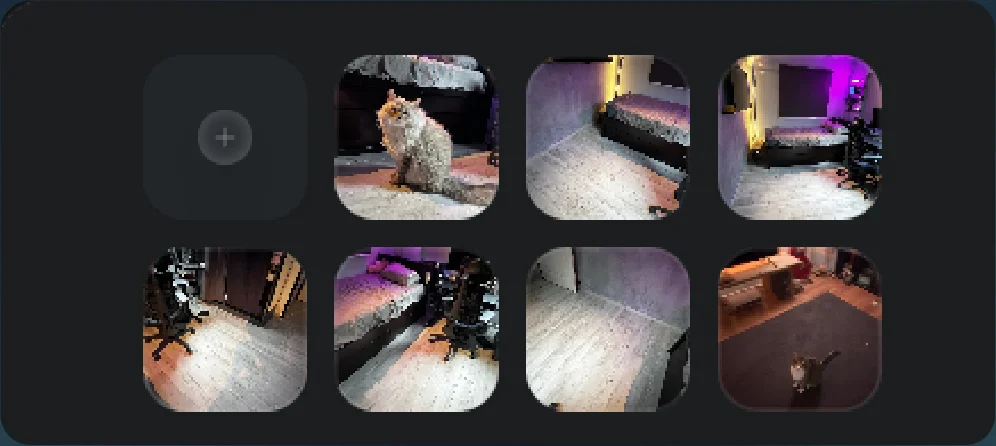
Uploaded cat, room and motion references 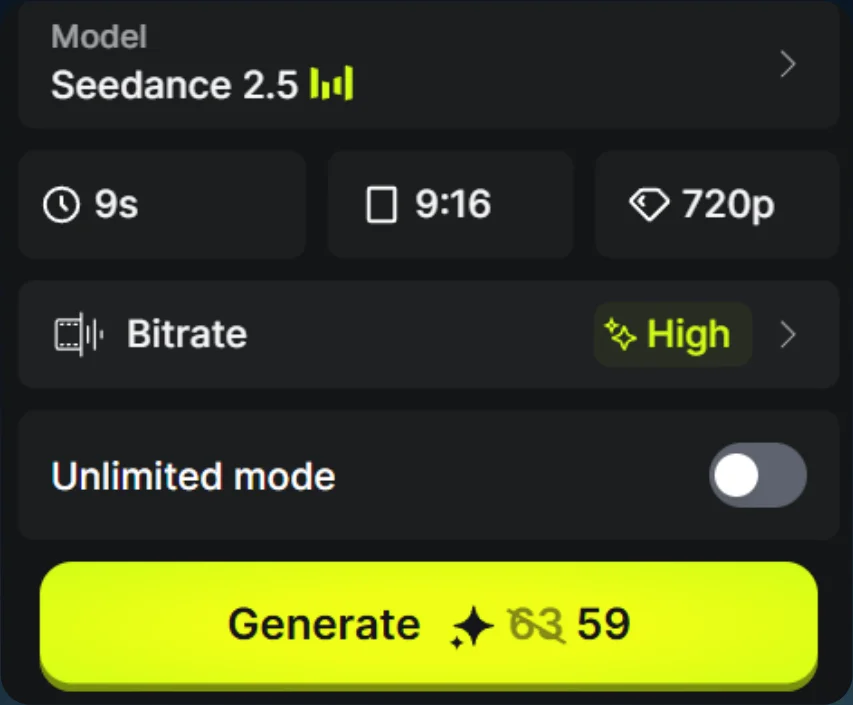
Generation settings 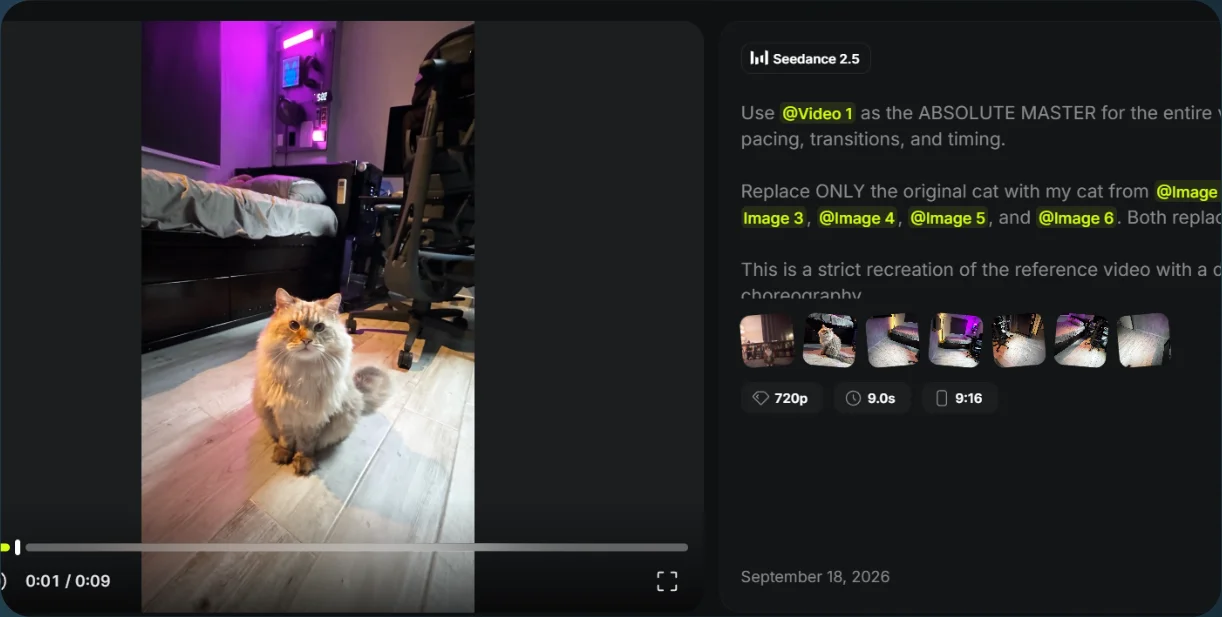
Cat-tracking result