
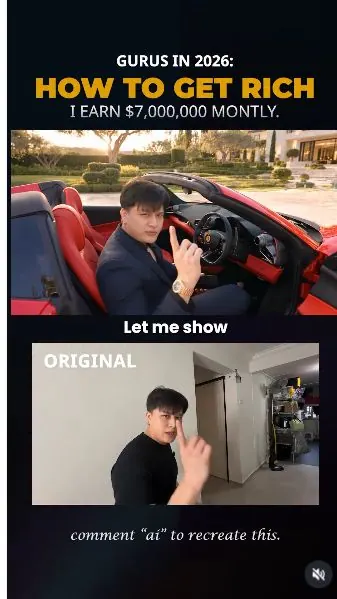
 Watch the original videoInstagram (opens in a new tab)
What you'll make
Use your talking-head clip to make an exaggerated luxury-backyard scene.
Who this is for
Creators making videos with their own reference assets.
Step by step
Run the workflow
- 01
Record the performance
Film your talking-head clip.
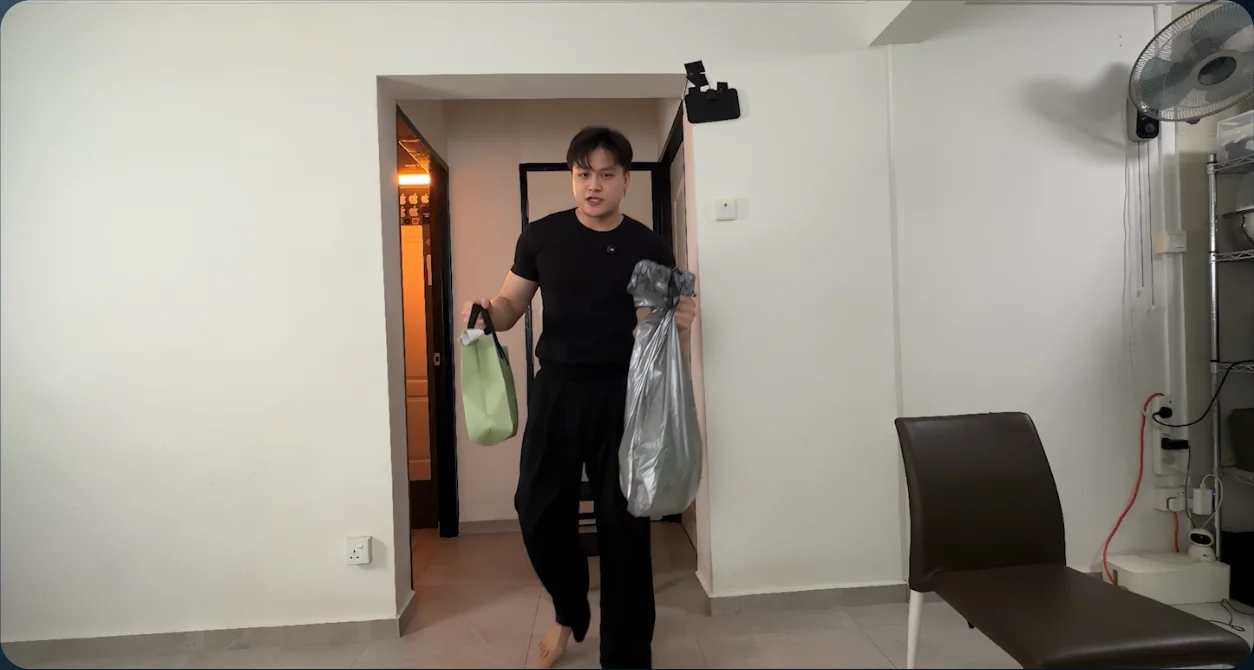
Original performance - 02
Open Genjutsu
Open Video in Higgsfield and select Genjutsu.
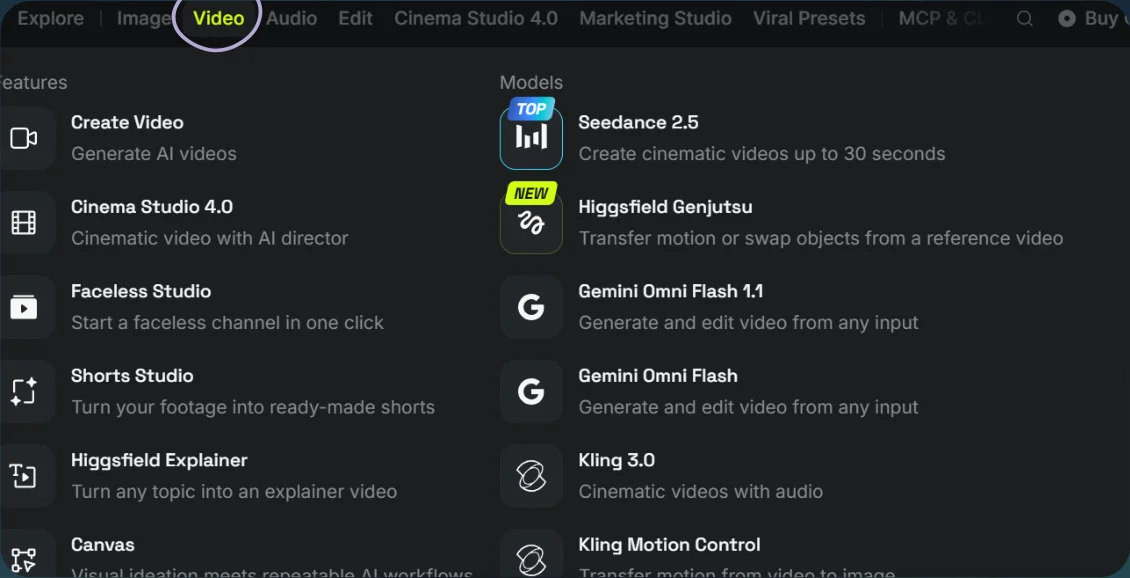
Open Video 
Select Genjutsu - 03
Generate the parody
- Choose Objects swap, upload the video, and add the scene reference image.
- Adapt the prompt to your clip and select Generate.
Show copyable prompt
Video prompt Modify the prompt and use it: Use @[Video 1](video_1) as the ABSOLUTE MASTER for the original man’s identity, face, speech, lip movements, expressions, action timing, gestures, framing, perspective, and camera movement. Create a photorealistic 30-second video-to-video edit. Preserve the original 16:9 aspect ratio and continuous shot. Use @[Image 1](image_1) only as the visual reference for the backyard, clothing, lighting, Ferrari placement, Rolex, and bodyguards’ appearance. The guards’ final formation matches the image, but they must physically RUN INTO POSITION during the video. The original video controls the man’s identity and performance. IDENTITY AND SPEECH LOCK Keep the EXACT SAME MAN from @[Video 1](video_1) in every frame. Preserve his facial structure, face width, cheeks, jawline, eyes, nose, lips, skin texture, hairstyle, hairline, age, expressions, and body proportions. Do not make his face fuller, wider, slimmer, or more muscular. No face replacement, beautification, or identity drift. Retain the original audio unchanged, including every spoken word, voice, accent, pace, pause, and delivery. Preserve his original mouth movements and precise lip sync. Do not regenerate, rewrite, translate, or add speech. Change only his clothing, environment, lighting, and specified props, and add the bodyguards’ entrance. Preserve his original movement and performance. Fit the car and environment around his existing actions. CLOTHING Replace his T-shirt and shorts with a tailored dark navy blazer, black open-collar shirt, matching navy trousers, and polished black leather loafers. Fit the clothing to his ORIGINAL body without changing his build or shoulder width. Natural fabric folds and movement. Maintain the same outfit throughout. OPENING, APPROXIMATELY 0–4 SECONDS He begins seated in the driver’s seat of a red Ferrari convertible parked in his private mansion’s backyard courtyard. The roof is down and the driver’s door is already open. Position the seat and car around his original seated pose, preserving the original camera perspective and visibility of his face and hands. The Ferrari faces toward screen RIGHT. Maintain this orientation and parking position throughout. The bodyguards are initially outside the camera’s field of view, beyond the left and right edges of the courtyard. They have not yet entered the visible background. At the exact moment he raises his phone in @[Video 1](video_1), preserve the same hand, grip, phone position, pointing gesture, distance from the lens, and timing. Replace the phone screen with a clean financial dashboard displaying this exact text: “+ $7,000,000 income” Make the text large, sharp, correctly spelled, and readable. Track it to the phone’s surface with correct perspective and realistic reflections. No floating text or additional captions. CAR EXIT AND GUARDS’ ENTRANCE, APPROXIMATELY 4–10 SECONDS As he lowers the phone, turns, rises, and moves in the original video, interpret his existing movement as stepping through the Ferrari’s open driver’s door. Match his original timing, body movement, and upper-body performance. His feet meet the courtyard paving naturally. No passing through the car, floating, jumping, pauses, or added gestures. The moment he clears the driver’s seat and steps onto the courtyard, the bodyguards begin running into the background from outside BOTH sides of the frame. Exactly 20 professional bodyguards enter physically: ten from screen LEFT and ten from screen RIGHT. Each guard crosses a visible frame edge as a fully opaque person and follows a continuous running path across the courtyard into position behind him. Their entrance overlaps naturally with his car exit. Show realistic alternating strides, arm swings, weight transfer, moving suit fabric, and shadows that travel with their bodies. They run briskly and purposefully, then visibly decelerate and stop at their assigned positions. Their paths stay behind the main man. Keep his face, phone, hands, and car exit unobstructed. They do not run across the foreground or collide with each other. CRITICAL: The guards enter through physical movement only. No fading in, dissolving, materialising, teleporting, sudden appearance in the middle of the courtyard, or emerging from the man or car. Any guard visible in a later frame must have reached that position through continuous movement from a frame edge. BACKYARD AND GUARDS’ FORMATION, APPROXIMATELY 10–18 SECONDS Replace the domestic room with an expansive luxury backyard: a modern mansion facade, manicured lawn, stone courtyard, landscaped trees, and a swimming pool. By approximately 12 seconds, all 20 guards have completed their entrance and formed two staggered rows of ten behind him, matching the reference image as closely as the ORIGINAL framing allows. They wear tailored black suits, white shirts, black ties, discreet security earpieces, and polished shoes. Give them distinct identities, realistic anatomy, and disciplined, alert posture. After stopping, they remain ready to protect him, with subtle breathing and small natural head movements. Keep the same 20 individuals consistent after their entrance. No duplication, disappearance, changing faces, or changing outfits. Guards outside the crop remain physically present beyond the frame. The Ferrari stays stationary on screen LEFT, facing RIGHT. In the wider standing composition, show only its cropped front corner, headlight, bumper, and a small portion of the bonnet near the original chair position. Most of the car extends beyond the left edge. Preserve the original framing instead of widening or moving the camera to show more of the car or guards. ROLEX REVEAL, APPROXIMATELY 18–21 SECONDS At the exact moment he extends his wrist toward the camera in @[Video 1](video_1), preserve that movement, wrist angle, distance, and timing. Add a luxurious gold Rolex to the wrist he presents. Detailed dial, gold bracelet, realistic metal reflections, and correct proportions. The watch is present on that same wrist from the beginning and remains securely attached throughout. Use his existing wrist gesture for the close-up. Do not add a cut, extra gesture, zoom, or camera movement. ENDING, APPROXIMATELY 21–30 SECONDS Continue his original speech, expressions, and gestures exactly. Maintain the backyard, stationary Ferrari, suit, and Rolex consistently. All 20 guards remain in their established formation behind him through the final frame. No further entrances, exits, fading, or repositioning. LIGHTING AND CONTINUITY Use cinematic late-afternoon sunlight, warm highlights, soft directional light on his face, and natural shadows. Preserve his original skin tone and facial geometry. Match lighting, reflections, contact shadows, and perspective across the man, car, phone, watch, and guards. Preserve the original camera path, motion, perspective, framing, duration, and action timing. One continuous shot. No added cuts, transitions, slow motion, speed changes, extra cars, extra dialogue, or music. Highest priority: unchanged face, unchanged speech, exact lip sync, original movement and framing, and bodyguards who visibly run into position rather than fade into existence.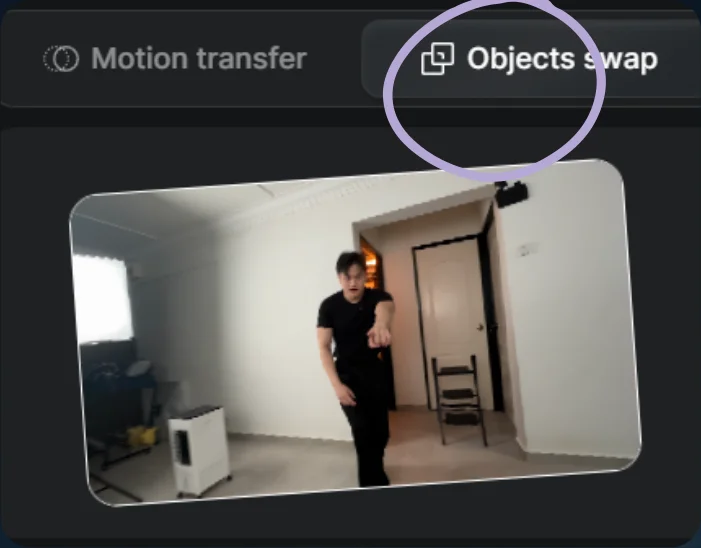
Choose Objects swap 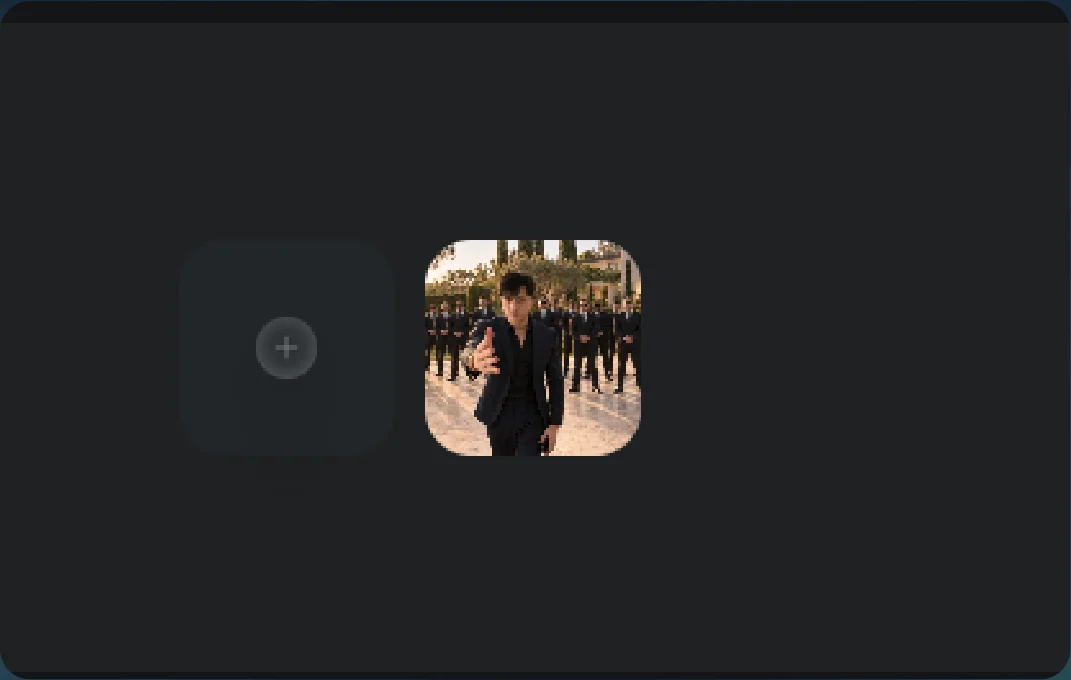
Image references - 04
See the result
Play the generated video.
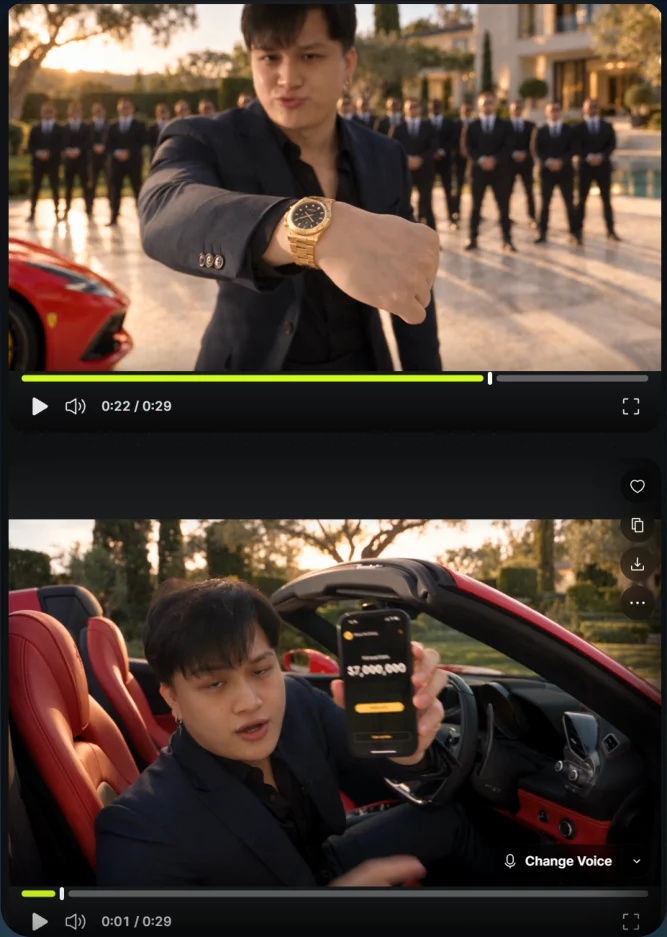
Parody result