
What you'll make
Use your portrait and a transformation reference to generate a live-action-inspired sequence.
Who this is for
Creators making videos with their own reference assets.
Step by step
Run the workflow
- 01
Get the reference clip
Download the transformation reference video.
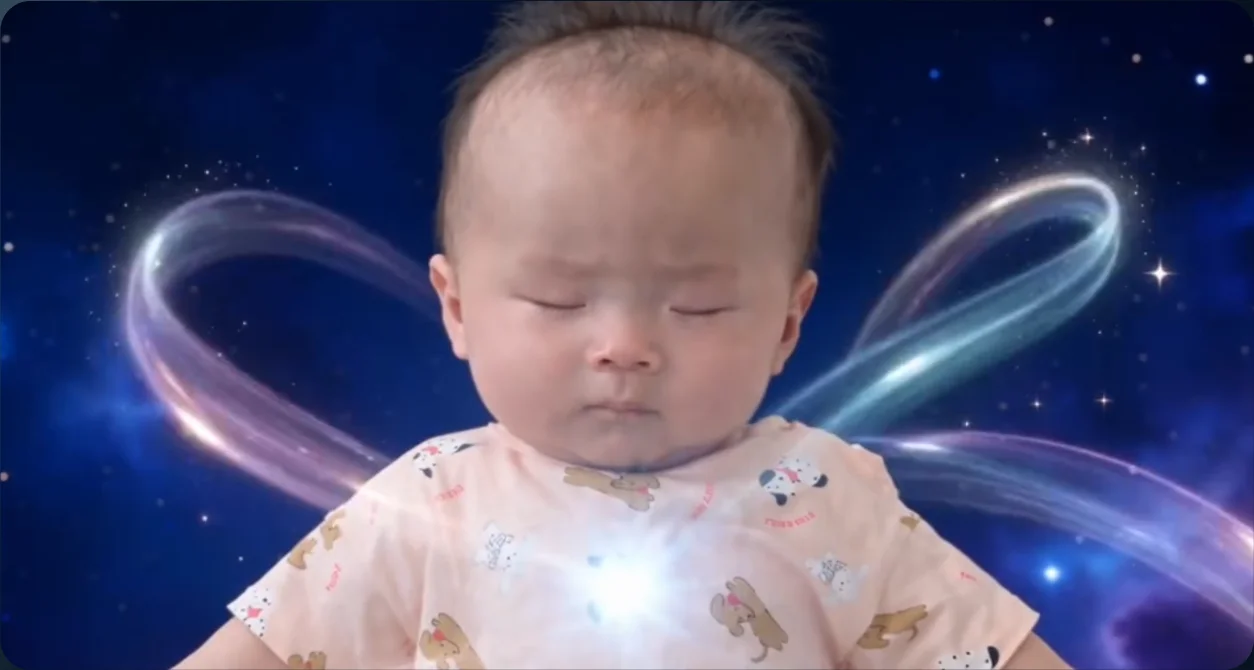
Transformation-motion reference - 02
Open Seedance 2.5
Open Video in Higgsfield and select Seedance 2.5.
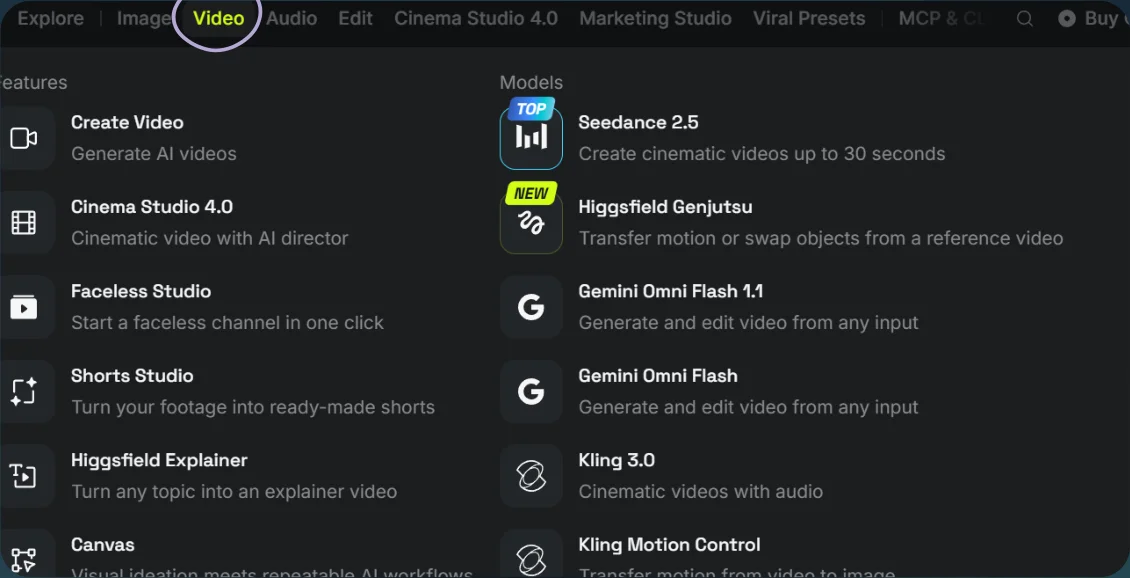
Open Video 
Select Seedance 2.5 - 03
Generate the transformation
- Upload your portrait and the reference clip.
- Paste the prompt, tag the references, and select Generate.
Show copyable prompt
Video prompt Modify the prompt and use it: Use @[Image 1](image_1) as the reference for the man’s face, hairstyle, and complete adult physique. Use @[Video 1](video_1) as the master for shot order, action timing, camera movements, cuts, and transformation effects. The scene descriptions below clarify the reference. Follow @[Video 1](video_1)’s actual timing for every action and transition. CHARACTER Show a fully grown man with natural adult proportions, long adult limbs, and a proportionate head throughout. Rebuild the entire person using @[Image 1](image_1)’s adult physique. Transfer the reference poses naturally to his frame without copying the original subject’s body proportions. Keep his identity and physique consistent in every shot. Adjust framing only where needed to accommodate his adult height. He begins wearing a plain white sleeveless sports top and opaque white athletic shorts, with bare feet. SCENE SEQUENCE 1. Opening float Full-body view of the man floating upright in deep blue cosmic space, eyes closed, arms slightly away from his sides, legs extended downward. The camera moves closer and toward a three-quarter view. A blue-white light glows at his chest. 2. Light ribbons and cape Return to a frontal upper-body view as he extends his arms outward. Pastel light ribbons loop around and behind him. A navy cape with gold edging, embroidered stars, and a decorative chest clasp forms around his shoulders. Follow the reference’s turn to reveal the back of the cape. 3. Crossed wrists and sleeves Close-up as he crosses his wrists in front of his face, palms facing outward. Glowing rings surround the wrists. White sleeves and navy-and-gold cuffs appear progressively along his arms. Preserve the exact hand pose and timing. 4. Socks and boots Cut to his lower legs and bare feet floating in space. Sparkling rings descend along the legs. Cream socks with navy-and-gold details appear, followed by navy boots with gold trim and star decorations. Keep his legs and feet naturally adult-sized. 5. Costume completion Show the waist and shorts as the cape sweeps across the foreground. His white athletic shorts transform into the navy costume shorts. Reveal the completed white top and navy-and-gold costume details. Match the original close-up framing and reveal. 6. Floating turn and spoken line Three-quarter view of the man turning in midair, bending one knee and extending his arms slightly behind him. His cape trails naturally. Follow the reference’s movement direction, speed, and body orientation using his adult proportions. During this middle portion of the transformation, he personally says: “If you want to transform too, comment A I for the prompt.” Begin the sentence at the nearest existing shot where his mouth is visible, approximately around the costume-completion and floating-turn sequence. He continues transforming and moving while speaking. The transformation does not pause for the dialogue. 7. Halo and forehead light He tilts his head backward and opens his chest upward while floating. A luminous ring appears above his face, followed by a concentrated light at his forehead. Follow the original camera movement into the close-up. 8. Forehead sparkle Extreme close-up of his forehead and closed eyes. Small points of light form a sparkling V-shaped pattern, then fade. Preserve his facial identity and the reference’s expression. 9. Final reveal Full-body view in front of the glowing crescent moon, lavender clouds, stars, and floating bubbles. He wears the completed navy, white, and gold magician outfit. Reproduce the reference’s final hand sequence: hands forward together, arms raised overhead with crossed wrists, then arms opening into the finishing pose. His cape spreads and settles. Show a clearly proportioned adult man from head to toe. SPEECH AND LIP SYNC Speak the exact sentence once: “If you want to transform too, comment A I for the prompt.” Pronounce “A I” as two separate letters, “ay eye.” Use a natural adult male voice with a slightly sheepish, self-conscious delivery, as though he feels a little embarrassed speaking while undergoing this transformation. Keep the sentence conversational, clear, and comfortably paced. The man himself is speaking. Animate his lips and jaw accurately to every word whenever his mouth is visible. This must not be detached narration or a voiceover over a closed mouth. Let his voice continue naturally across the existing cuts if needed. Preserve all original cuts and movements. Do not insert a talking-head shot, turn him toward the camera, add gestures, or change his pose to accommodate the sentence. Only mouth, jaw, and minimal facial movement should change for speech. Fit the line within the middle transformation sequence, before the final reveal. No other dialogue. CONTINUITY AND LIGHTING Each costume piece appears at the same moment as in @[Video 1](video_1) and remains present afterward. Fit all garments to his adult physique. Preserve the original cosmic setting and effect timing. Adapt glowing rings and ribbons to wrap naturally around his adult body. Match his face, skin, and clothing to the scene’s blue-violet light, shadows, exposure, and contrast. Magical effects cast believable light onto nearby skin and fabric. Keep his face naturally integrated into the scene. Preserve the original runtime, aspect ratio, shot sequence, and movement rhythm. No additional scenes, gestures, or improvised choreography. Preserve the original music and transformation sound effects, lowering their volume beneath the spoken sentence so every word is clearly audible. No subtitles or added text.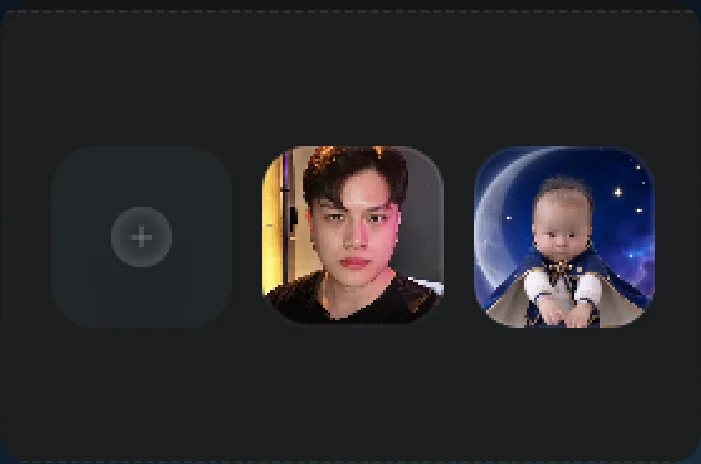
Portrait and motion references 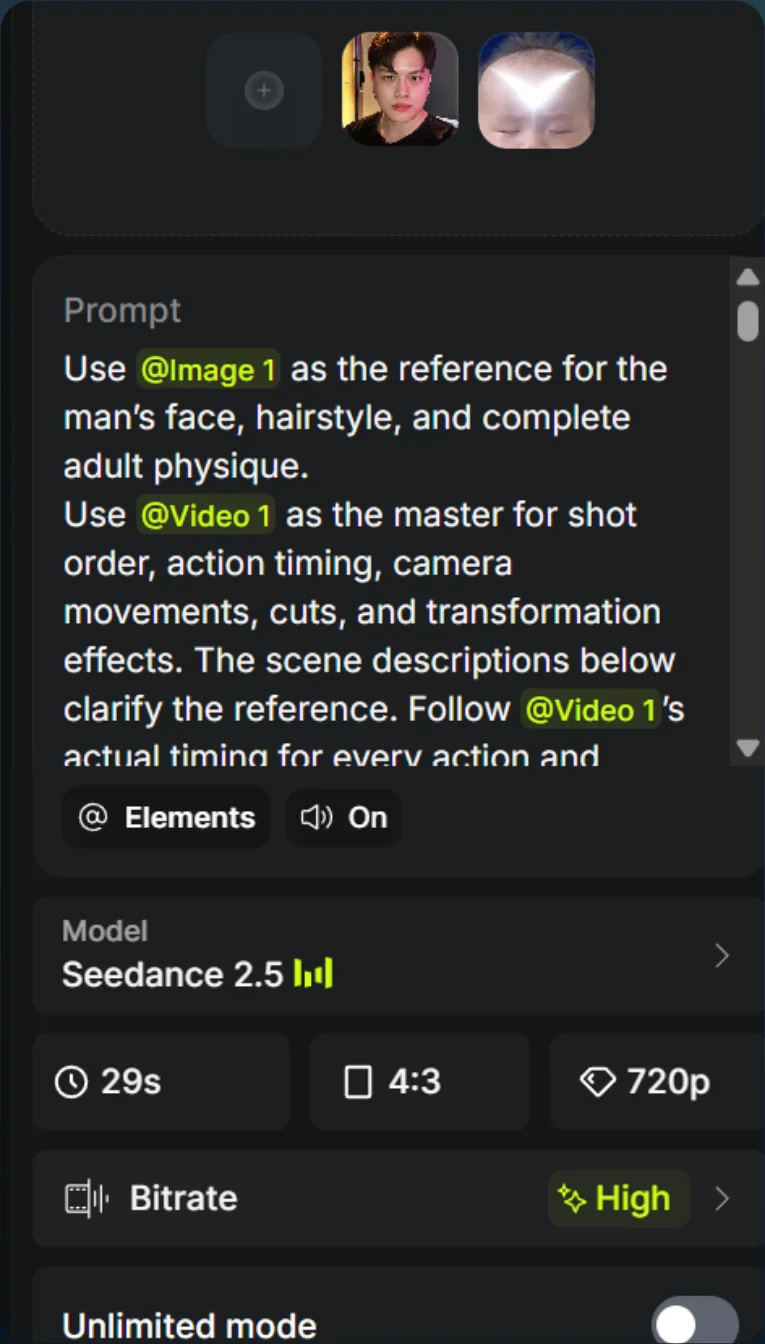
Prompt and generation settings - 04
See the result
Play the generated video.
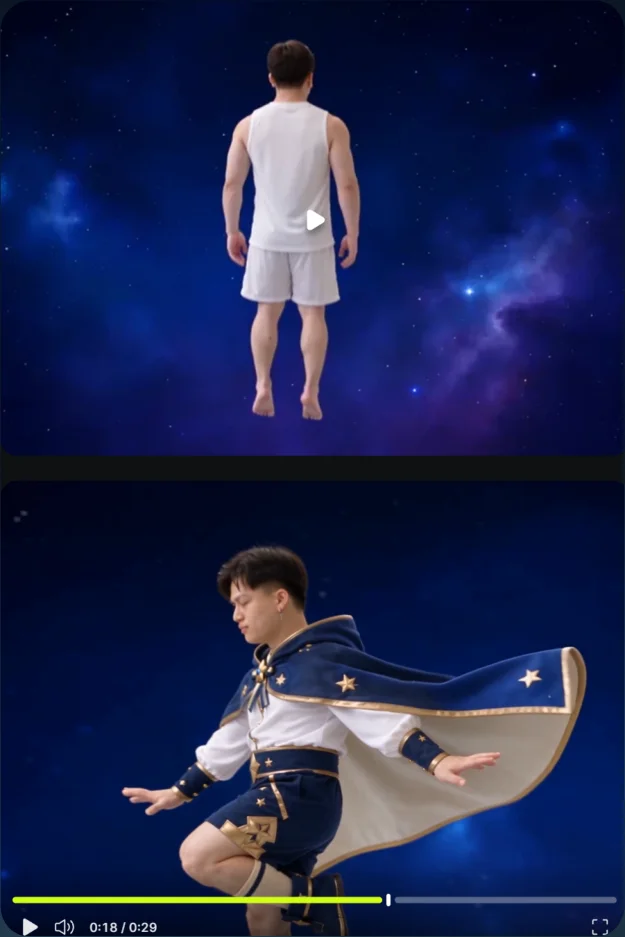
Transformation result