
 Watch the original videoInstagram (opens in a new tab)
What you'll make
Create an influencer in ChatGPT with Higgsfield, then use the image in a trend or your own clip.
Who this is for
Creators making videos with their own reference assets.
Step by step
Run the workflow
- 01
Connect Higgsfield
Open ChatGPT Plugins, connect Higgsfield, and pin it.
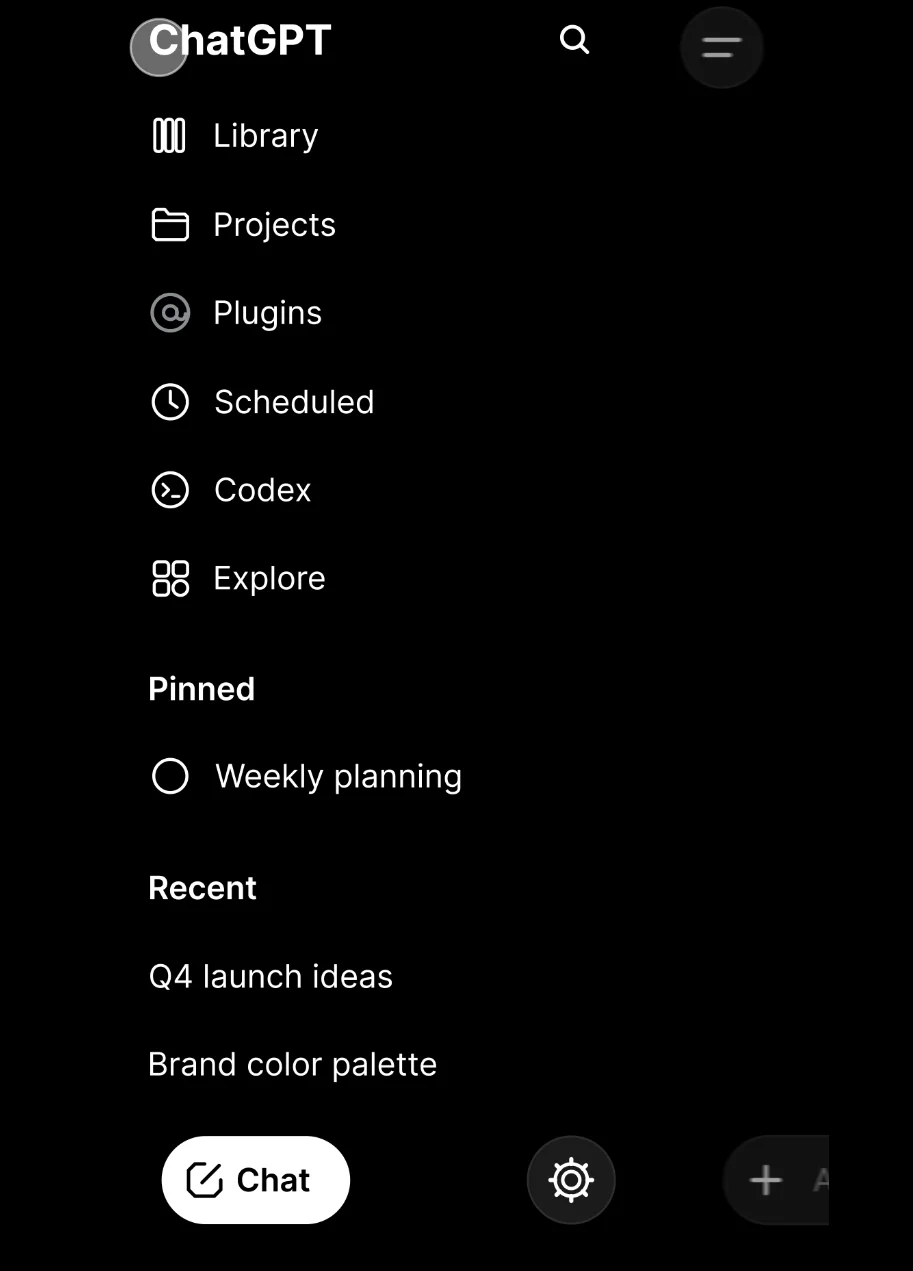
Open Plugins 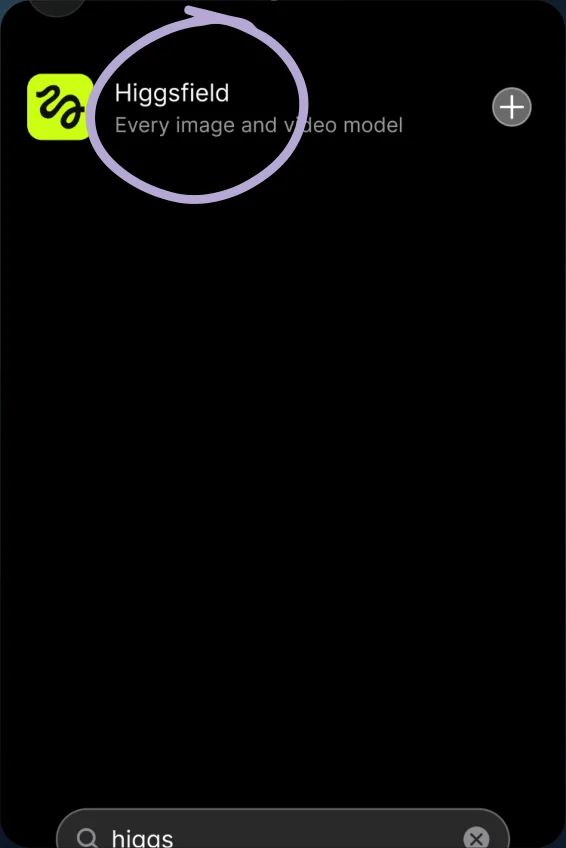
Choose Higgsfield 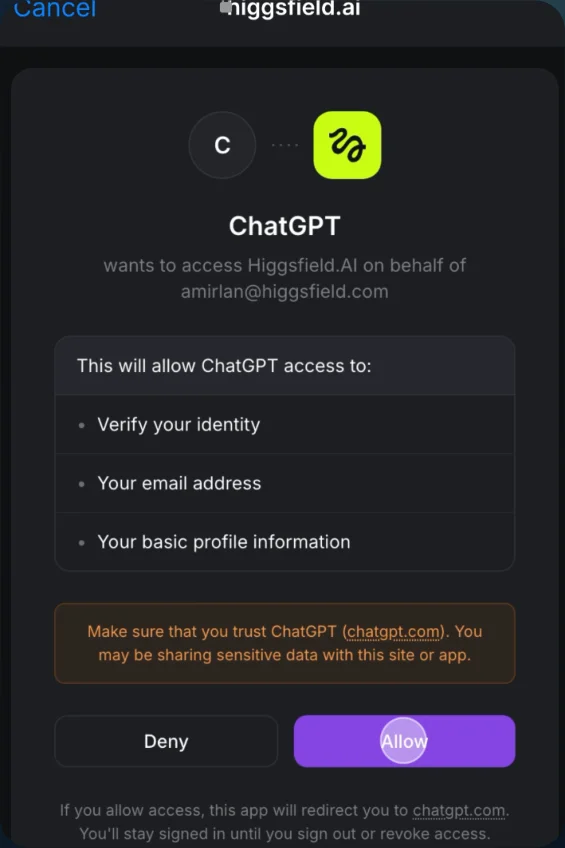
Connect your account - 02
Create the influencer
Select AI Influencer. Create a face or upload a reference image, then select Generate.
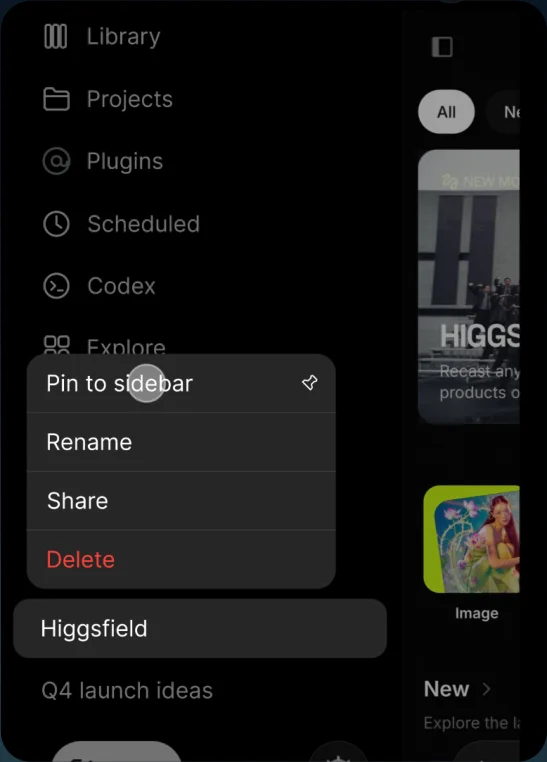
Pin Higgsfield 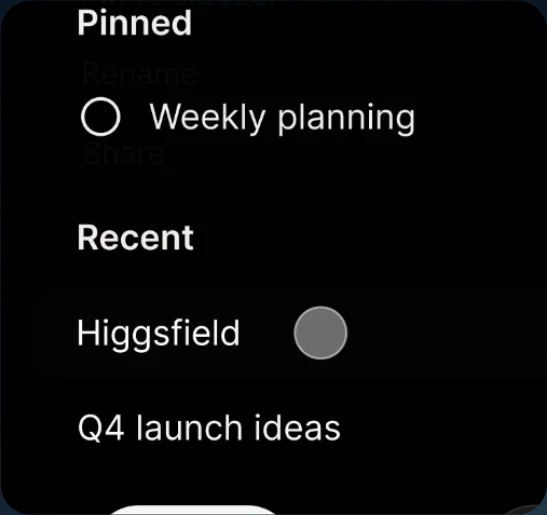
Open Higgsfield 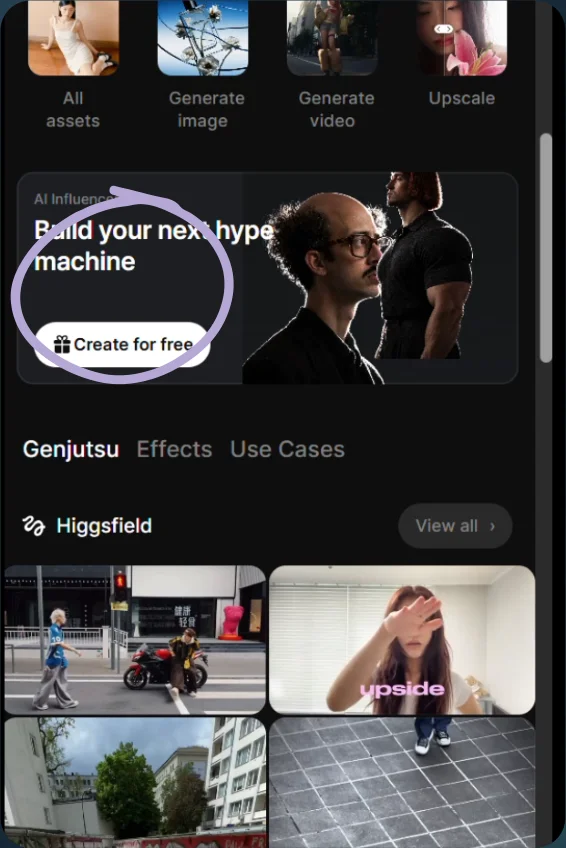
Choose AI Influencer 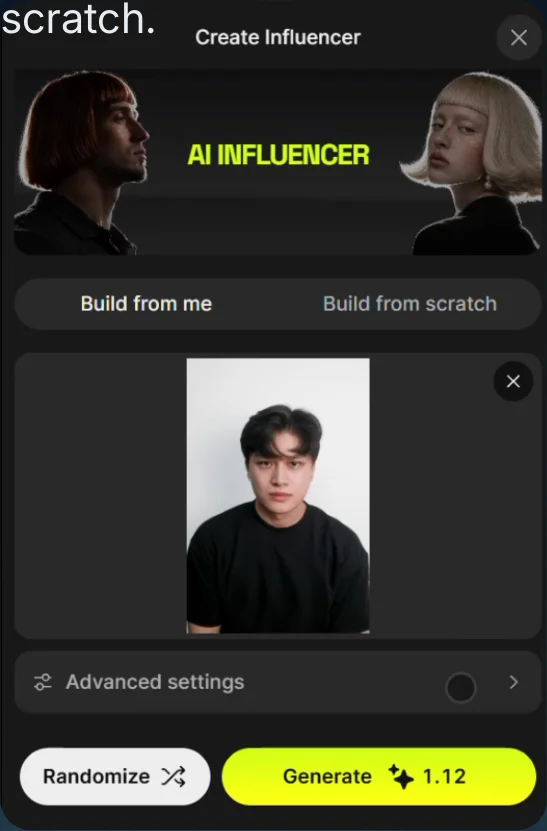
Use your photo 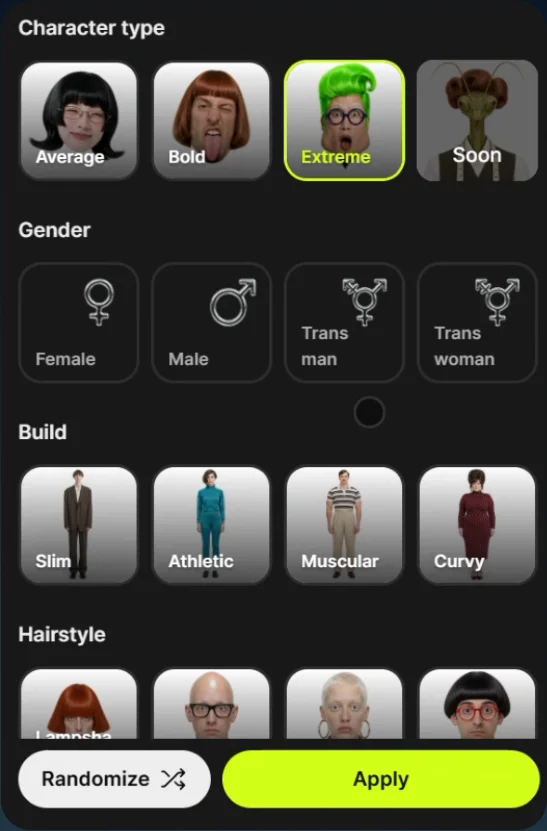
Adjust the character 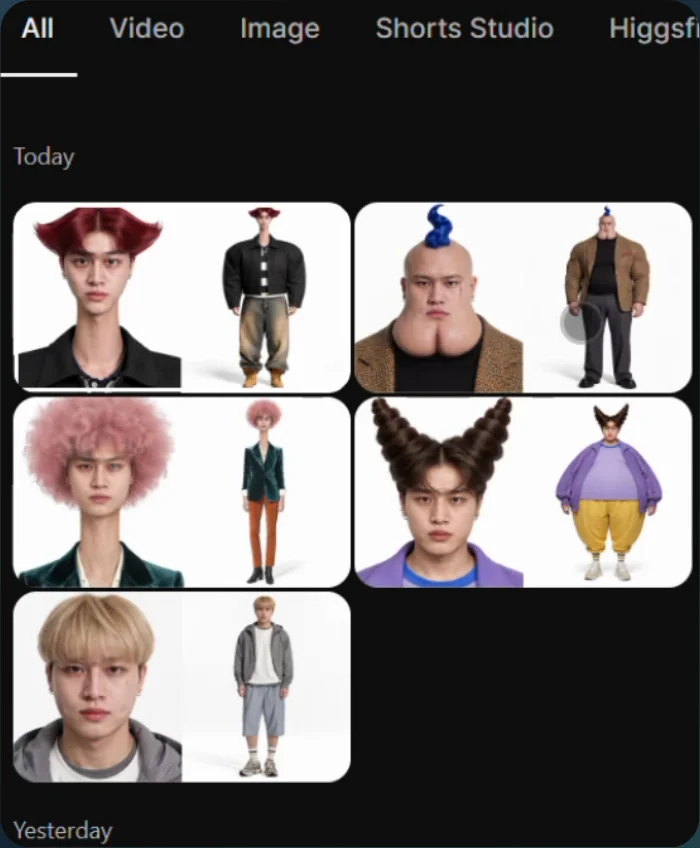
Generated influencer images - 03
Use it in a trend
- Open Genjutsu and choose a trend.
- Replace its image with your influencer image and select Generate.
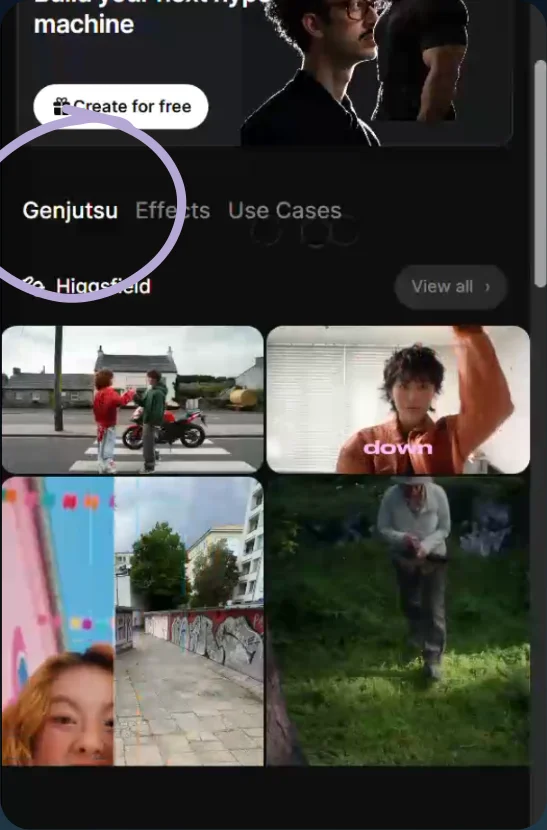
Open Genjutsu 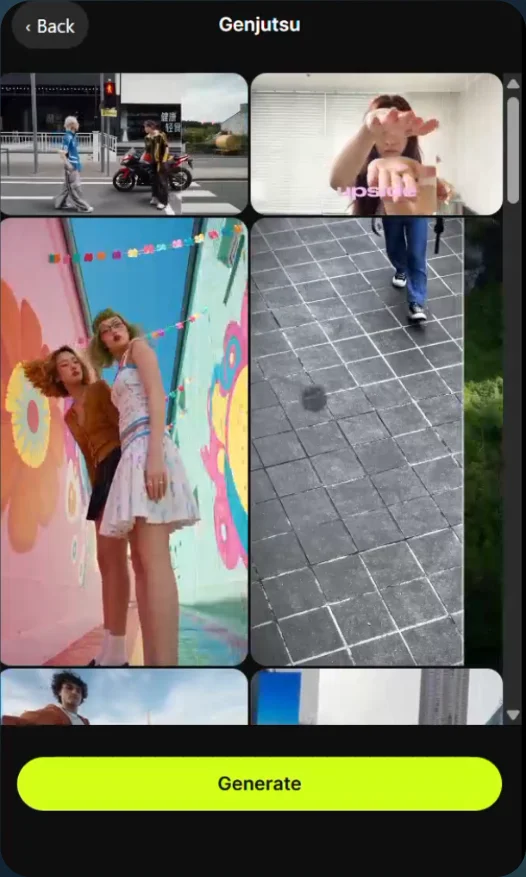
Choose a trend 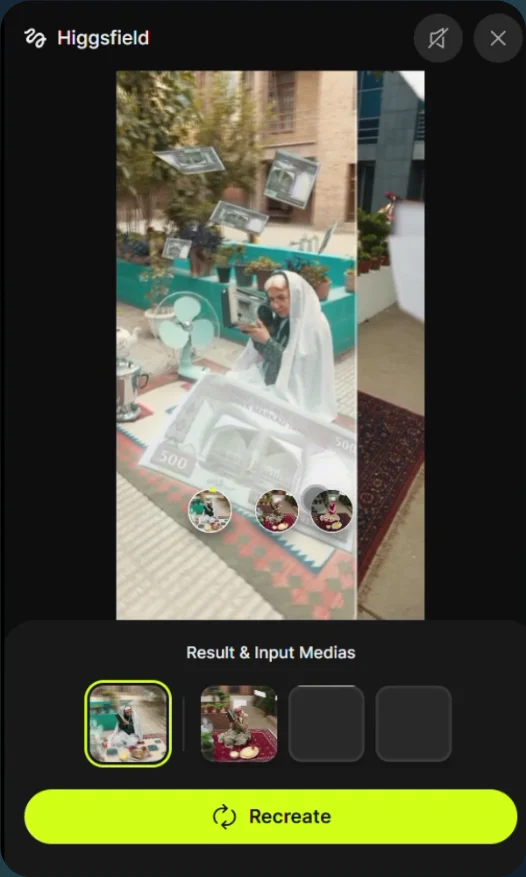
Recreate with your image - 04
Or use your own video
- Choose Objects swap, upload your video, and add the influencer image as the character reference.
- Generate the result.
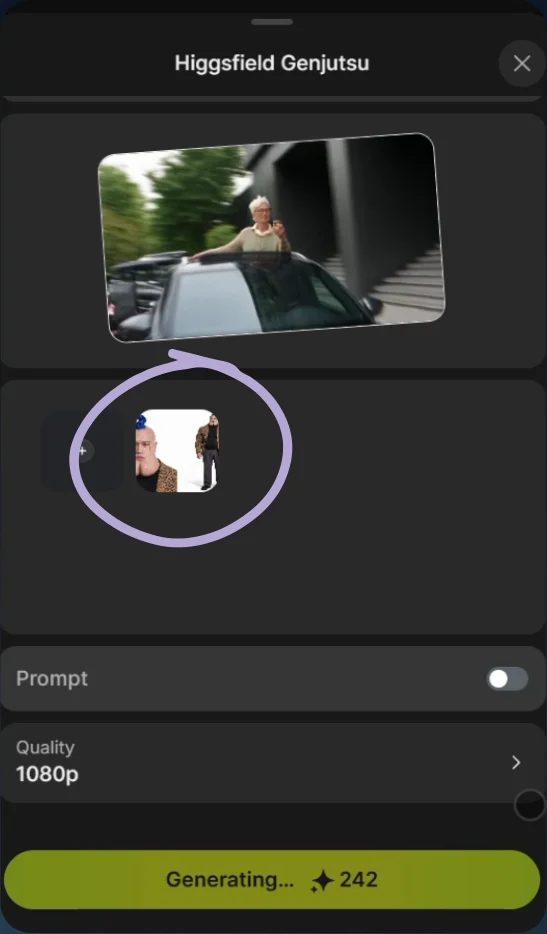
Add your character image 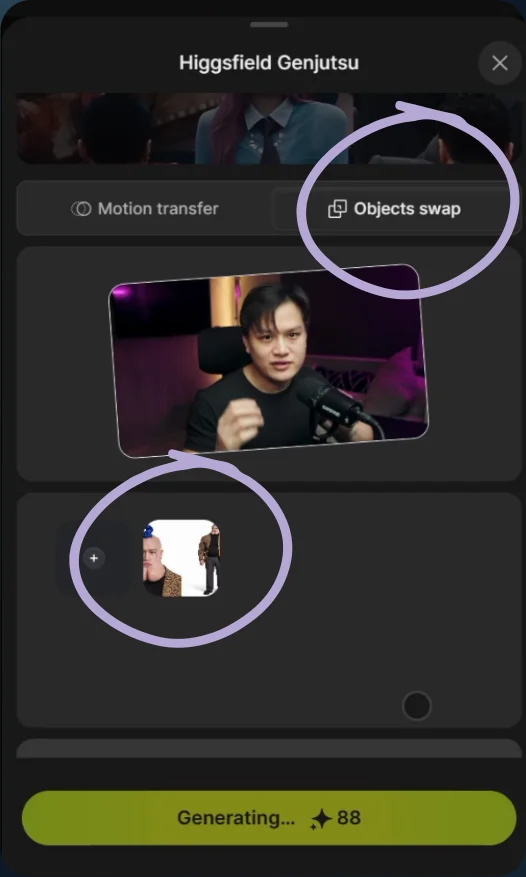
Choose Objects swap 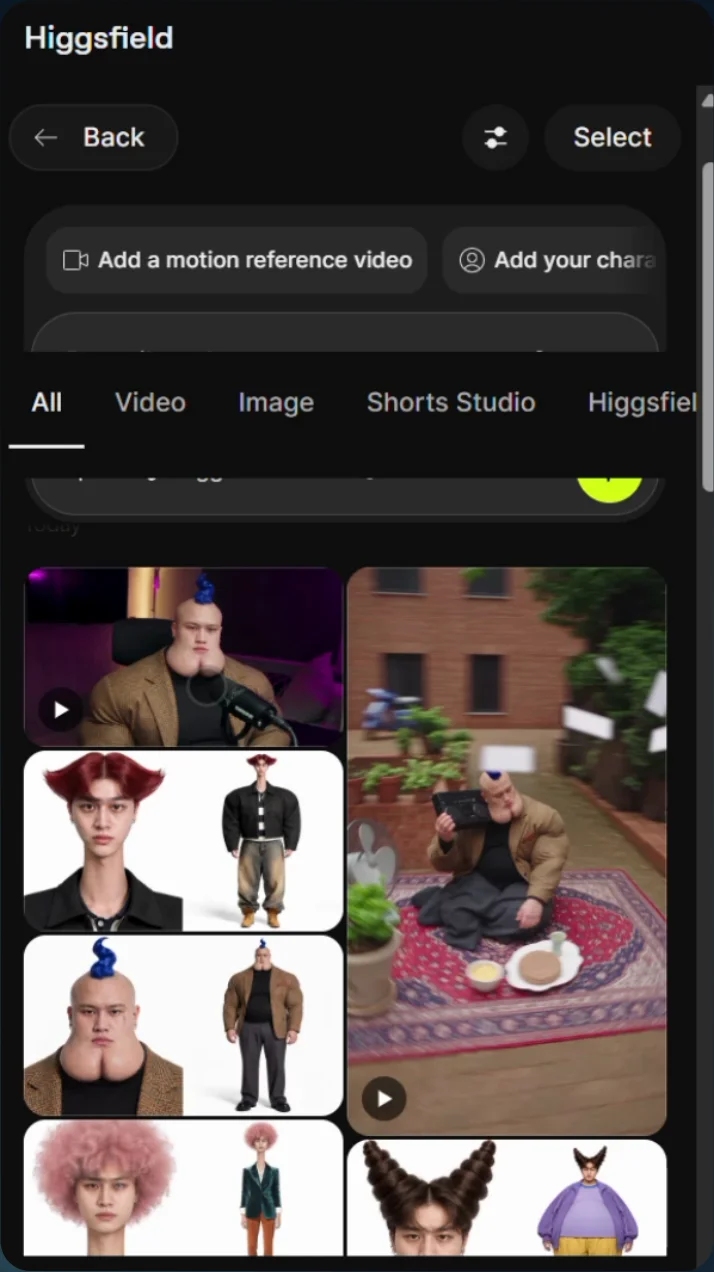
Select your uploaded video and character image