
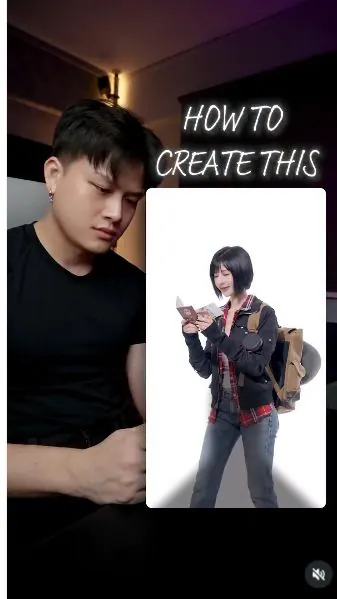
 Watch the original videoInstagram (opens in a new tab)
What you'll make
Generate five travel looks, then follow one motion reference to animate the transitions.
Who this is for
Creators making videos with their own reference assets.
Step by step
Run the workflow
- 01
Open the image generator
Open Image in Higgsfield and select Seedream 5 Pro.
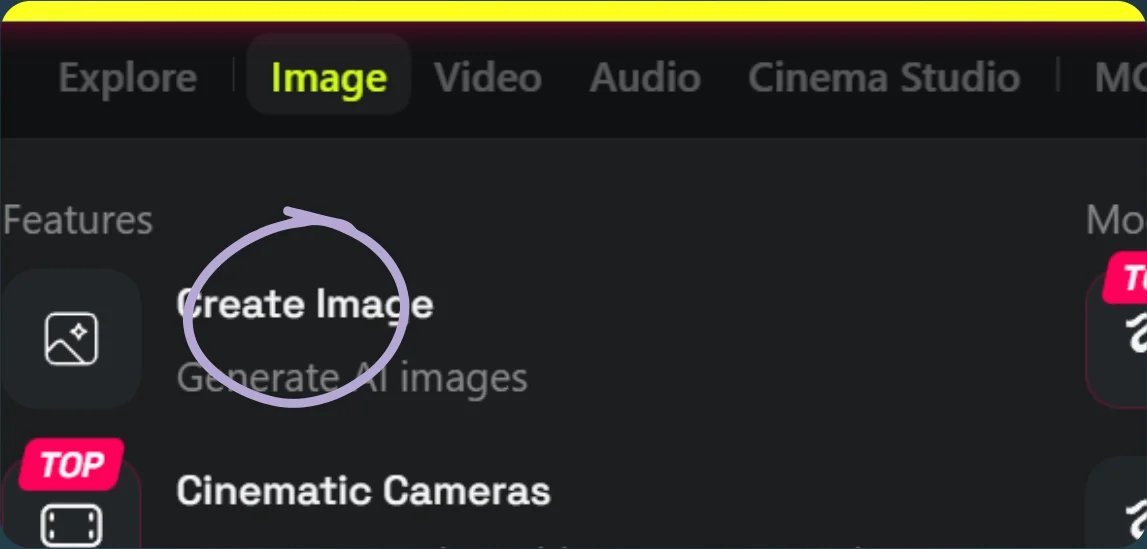
Open Create Image 
Select Seedream 5 Pro - 02
Create five travel looks
- Upload your portrait and the outfit references shown below.
- Use the five image prompts separately and save each result.
Show copyable prompt
Image 1 replace the person from @[Image 2](image_2) into the man from @[Image 1](image_1) with male outfit and body framing. Keep the expression and posture from @[Image 2](image_2) exactly the same.. keep the framing the sameImage 2 replace the person from @[Image 2](image_2) into the man from @[Image 1](image_1) with male beach outfit and body framing. lightweight pale pink or beige sleeveless summer top with matching relaxed shorts, woven straw hat, simple sandals, a small woven shoulder bag, sunglasses clipped to the bag, and minimal silver accessories. Overall: clean resort-style summer outfit, soft neutral colors, relaxed Bangkok holiday look. drinking a packet drink. Keep the expression and posture from @[Image 2](image_2) exactly the same. MAKE SURE THE PERSON IS UNDERNEATH THE TEXTS. dont look at cameraImage 3 replace the person from @[Image 2](image_2) into the man from @[Image 1](image_1) with male outfit and body framing, white baseball cap, blue long-sleeve shirt layered under a fitted white T-shirt, layered over baggy blue jeans, red crossbody bag, and red retro sneakers.. Keep the expression and posture from @[Image 2](image_2) exactly the same. MAKE SURE THE PERSON IS UNDERNEATH THE TEXTSImage 4 replace the person from @[Image 2](image_2) into the man from @[Image 1](image_1) with male outfit and body framing. light grey oversized short-sleeve top layered over a darker inner shirt, loose distressed grey cargo-style shorts with raw patchwork details, oversized tan shoulder bag, layered necklaces, dark wrist accessories, and black sneakers.. Keep the expression and posture from @[Image 2](image_2) exactly the same, DO NOT CHANGE. MAKE SURE THE PERSON IS UNDERNEATH THE TEXTSImage 5 replace the person from @[Image 2](image_2) into the man from @[Image 1](image_1) with male outfit and body framing. White short-sleeve school shirt, loose black pleated uniform shorts, white crew socks, black leather school shoes, slim black shoulder bag, and simple black-frame glasses. Overall: clean Japanese-inspired male school uniform with a slightly oversized, modern fashion silhouette.. Keep the expression and posture from @[Image 2](image_2) exactly the same. MAKE SURE THE PERSON IS UNDERNEATH THE TEXTS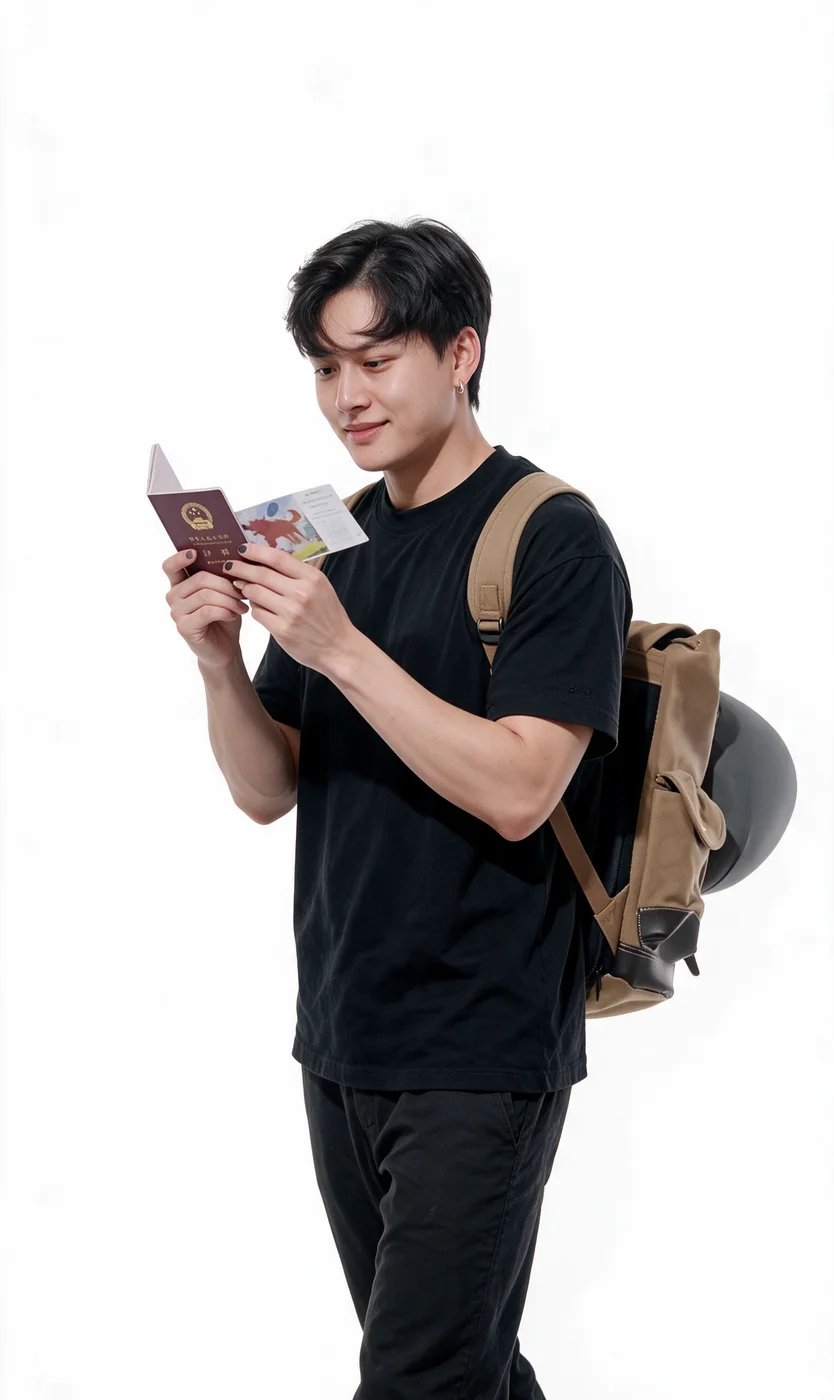
Look 1: style reference 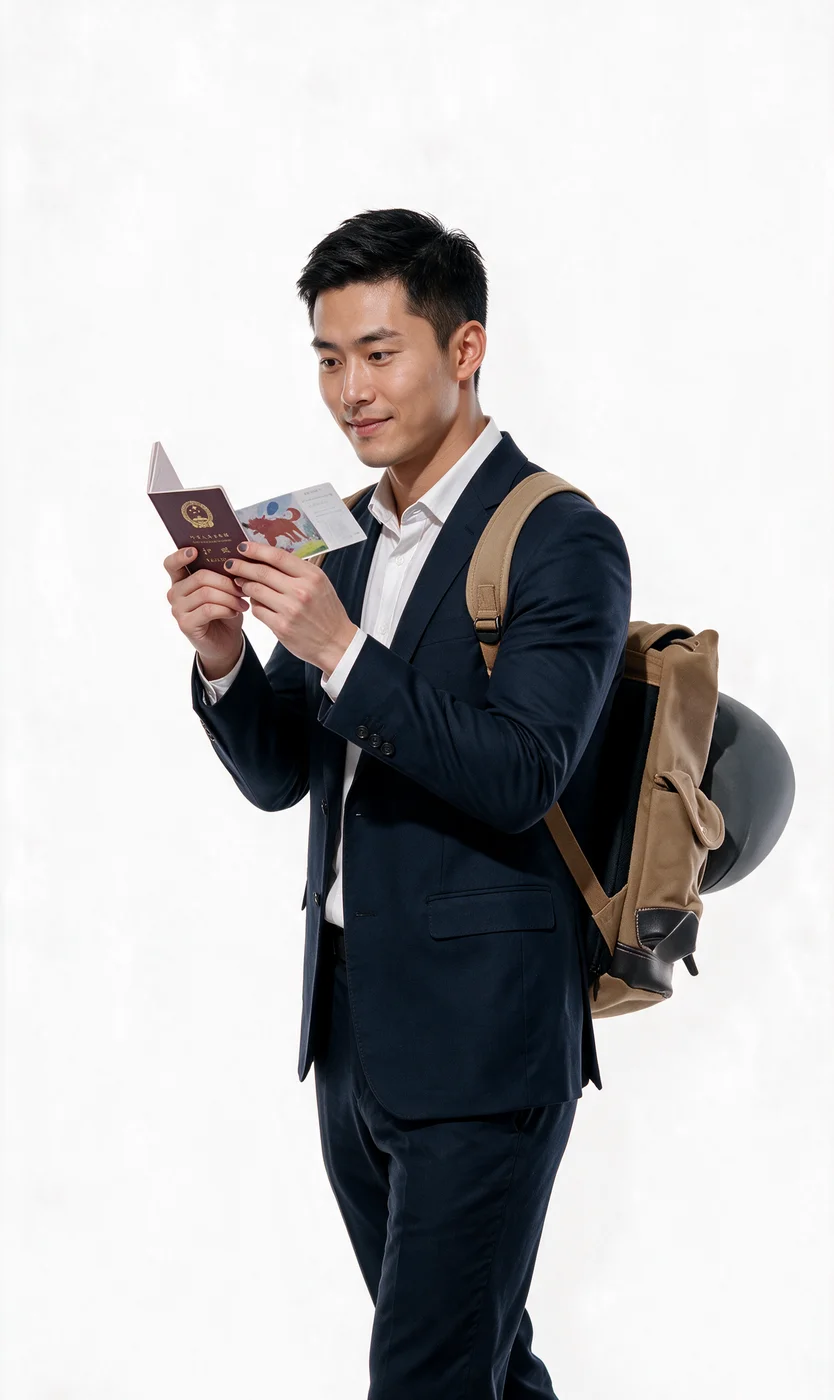
Look 1: generated image 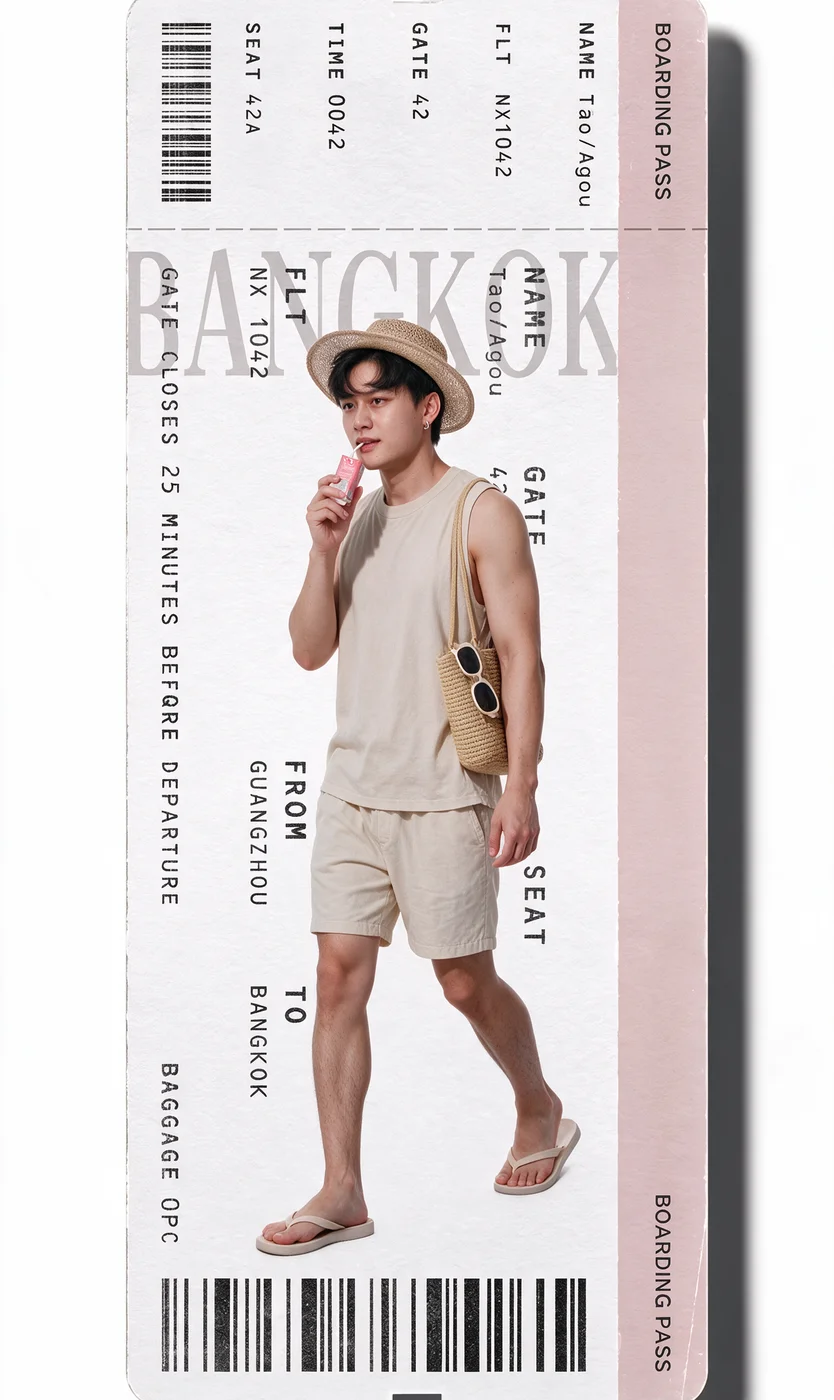
Look 2: style reference 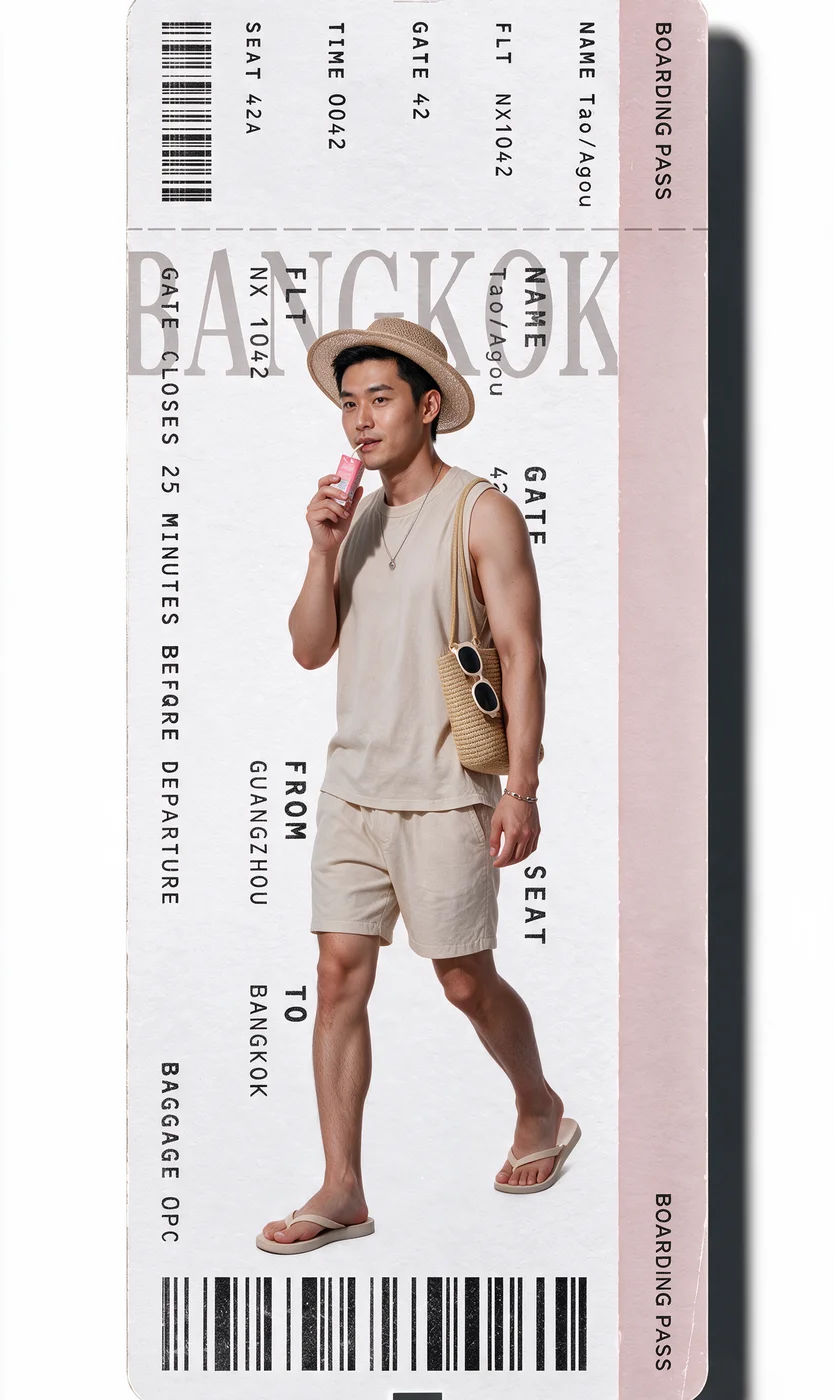
Look 2: generated image 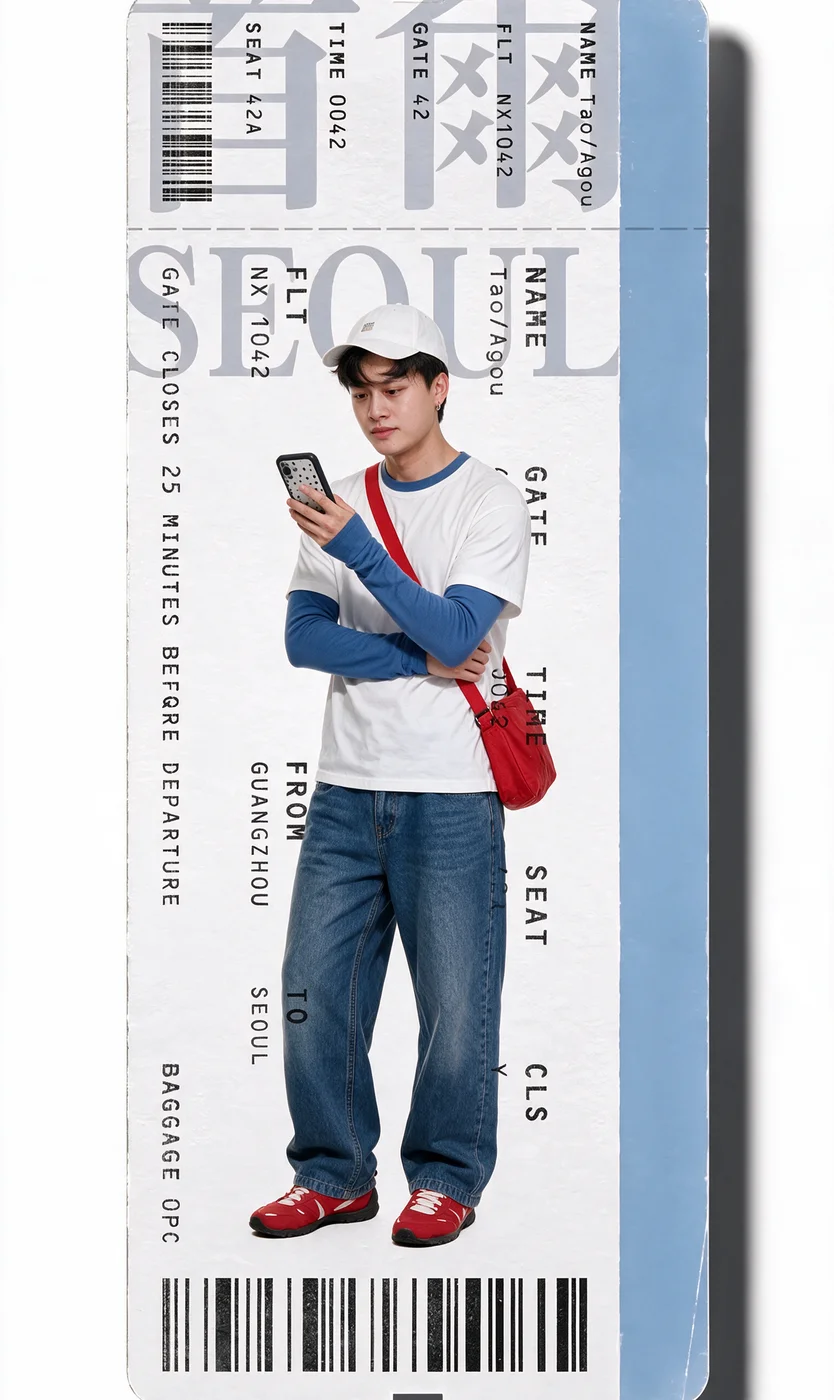
Look 3: style reference 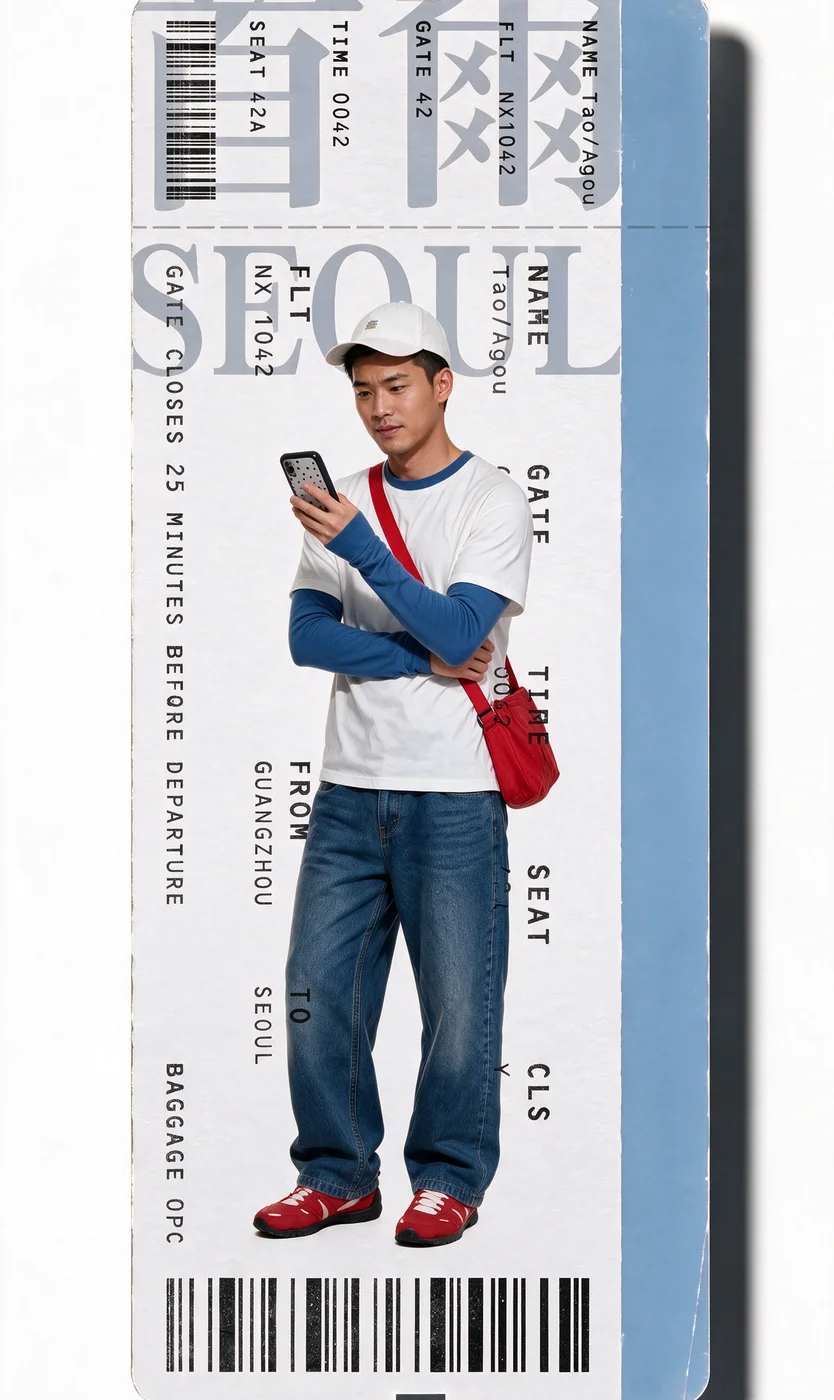
Look 3: generated image 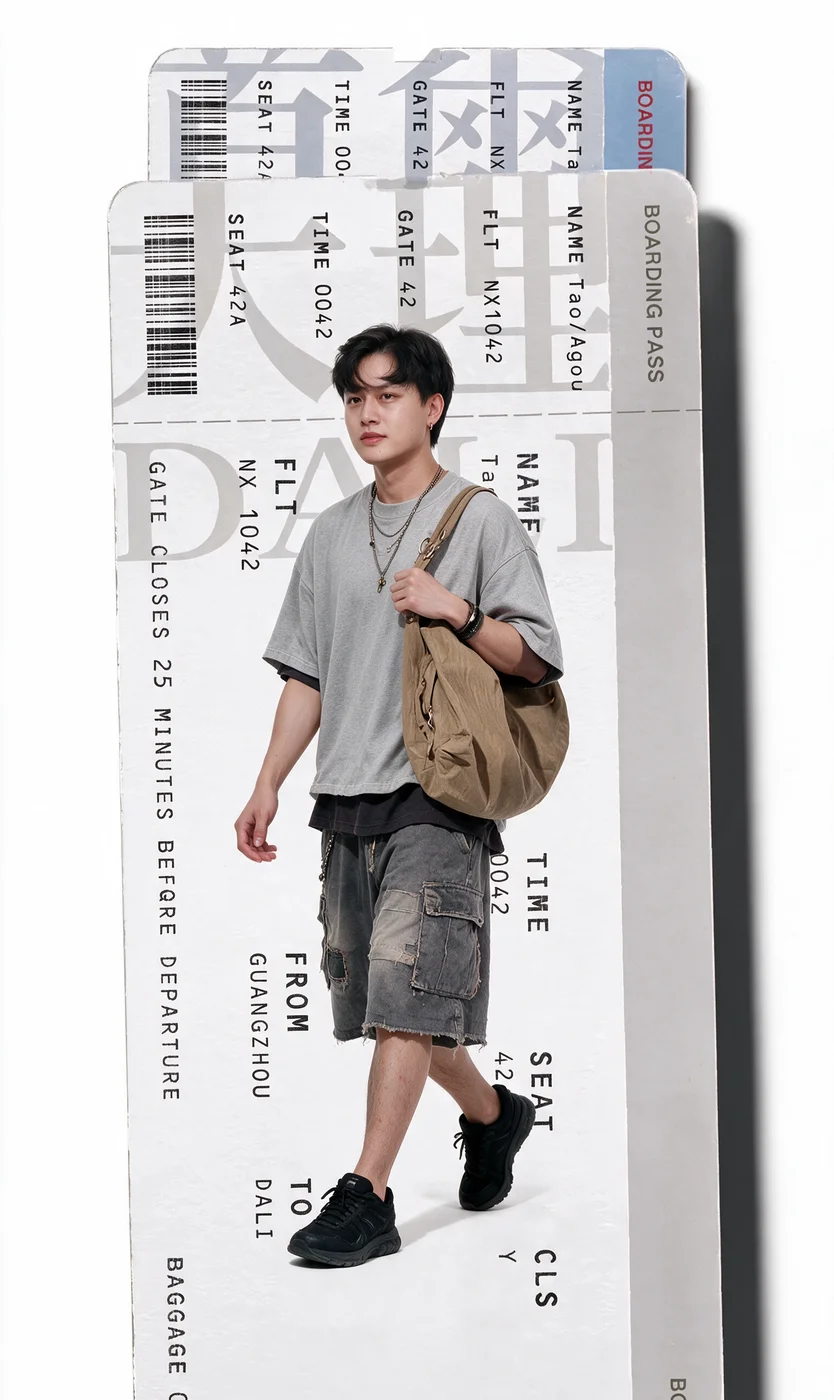
Look 4: style reference 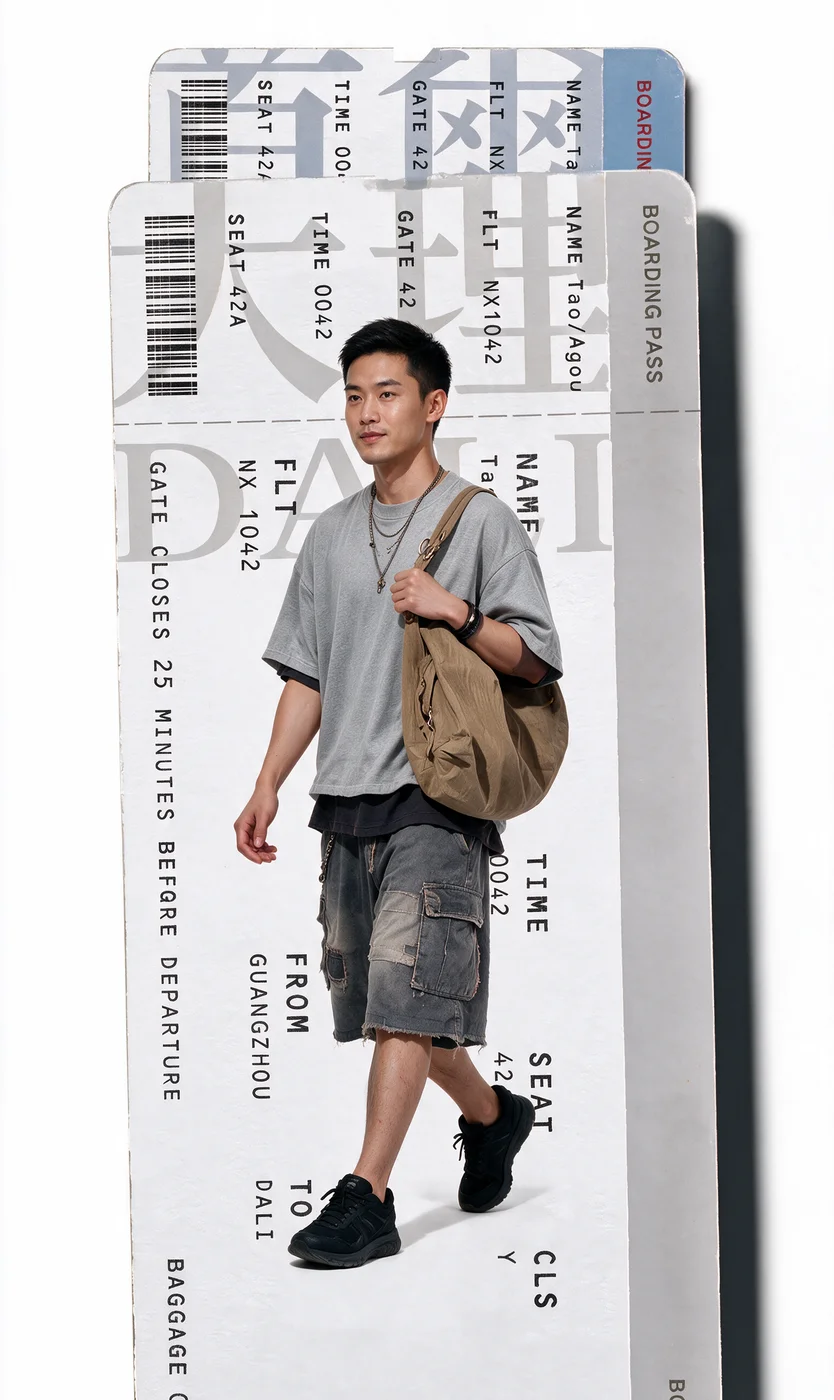
Look 4: generated image 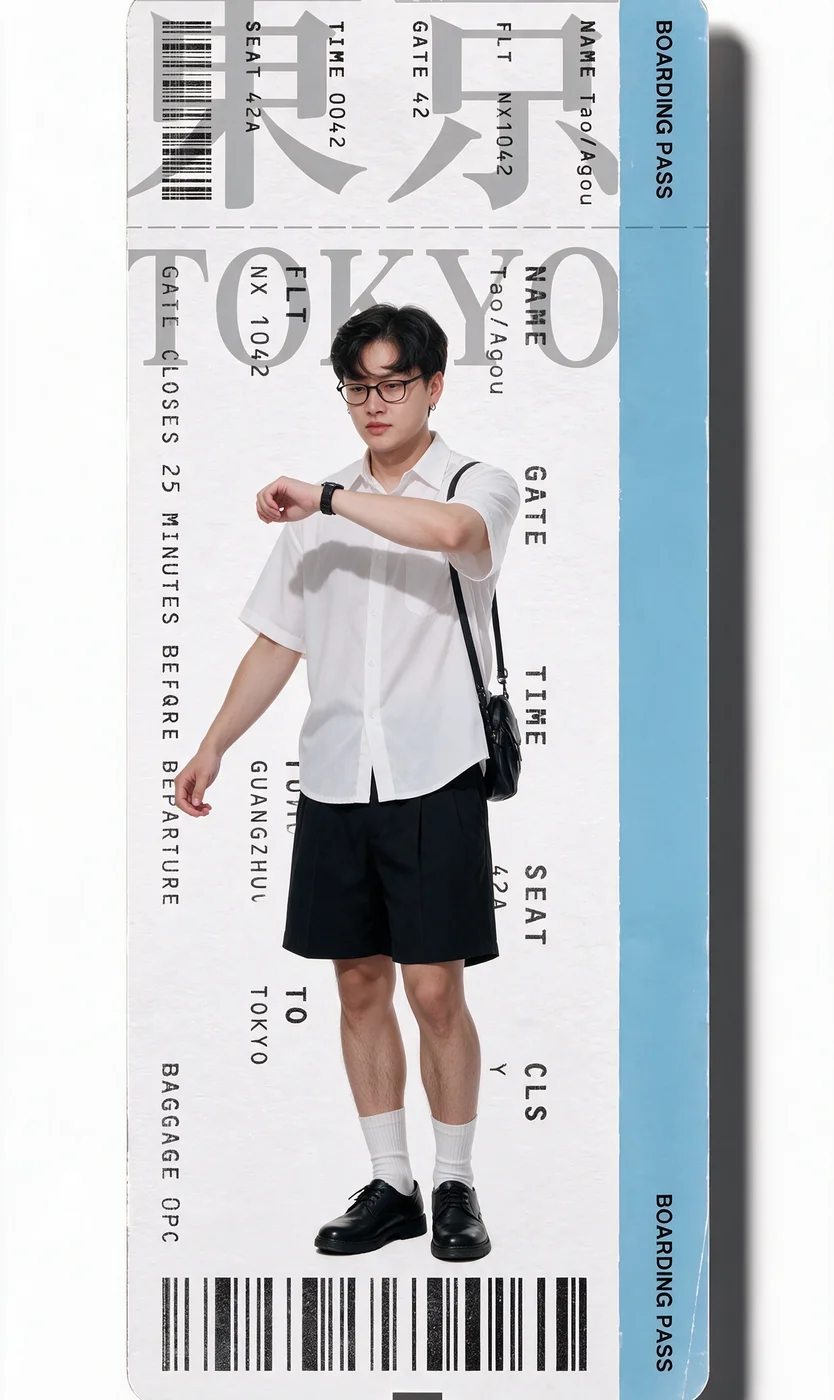
Look 5: style reference 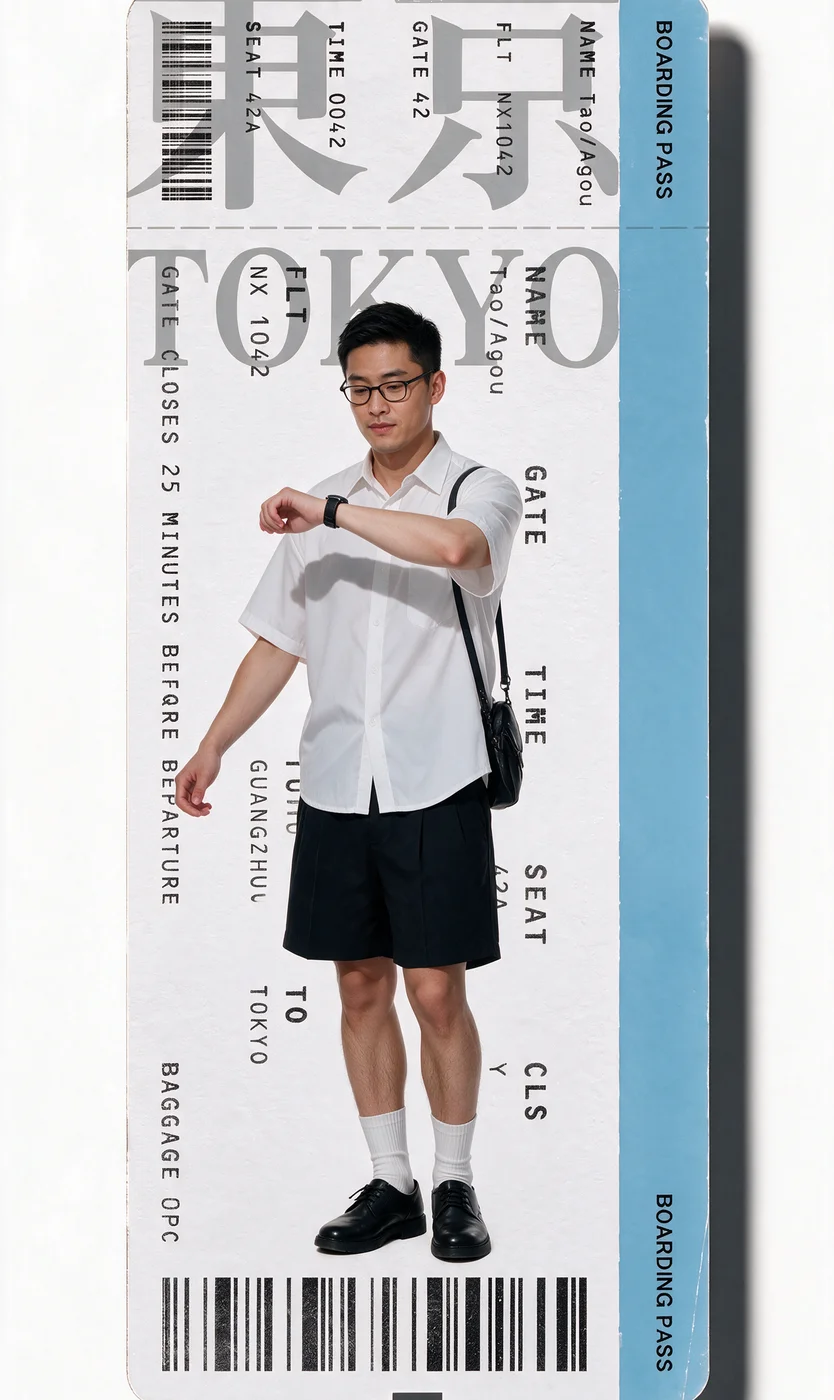
Look 5: generated image - 03
Add the motion reference
Download the motion-reference video used for this sequence.
- 04
Generate the transitions
- Open Video and select Seedance 2.5.
- Upload the five generated images and reference video. Paste the video prompt and tag the matching files.
- Set the duration, aspect ratio, and resolution, then select Generate.
Show copyable prompt
Video prompt REFERENCE ASSETS @[Video 1](video_1) = master video for ALL motion, timing, transitions, camera, framing and editing. @[Image 1](image_1) = male identity + black travel outfit. @[Image 2](image_2) = same male identity + Bangkok beige vacation outfit. @[Image 3](image_3) = same male identity + Seoul blue/white outfit. @[Image 4](image_4) = same male identity + Dali grey streetwear outfit. @[Image 5](image_5) = same male identity + Tokyo white-shirt outfit. IMPORTANT: The references above are tagged ONCE ONLY. For the rest of this prompt, “Reference Video” and “Image 1-5” refer to those assets. STRICT CHARACTER TRANSFER Use the Reference Video as the absolute master. Replace ONLY the original man in the Reference Video with the SAME MAN represented across Image 1-5. Everything else must remain identical to the Reference Video. DO NOT recreate the video from scratch. DO NOT redesign the sequence. DO NOT change the environment. DO NOT change the camera. DO NOT change the transitions. The final result should look like the original video was filmed with this man instead of the original man. REFERENCE PRIORITY 1. Reference Video: exact motion, timing, choreography, walking speed, gestures, poses, camera movement, framing, character position, character scale, boarding-pass movement, transition timing, transition speed, card stacking, background, lighting, shadows and edit rhythm. 2. Image 1-5: male identity, face, hairstyle, clothing and accessories only. The reference images DO NOT control motion. CHARACTER MOTION TRANSFER Treat the original man's performance as motion-capture data. Transfer that exact performance onto the replacement male character. At every moment preserve: * exact body trajectory * exact walking rhythm * exact foot placement * exact leg positions * exact arm positions * exact hand movements * exact head movement * exact posture * exact prop interaction * exact pauses * exact movement speed * exact position within frame * exact silhouette scale Do NOT animate the static poses shown in Image 1-5. Those images are appearance references only. The replacement man must perform the original man's movements frame-for-frame. IDENTITY LOCK The subject must remain the SAME MAN throughout the entire video. Use Image 1-5 together to understand his consistent identity. Preserve: * same facial structure * same eyes * same nose * same lips * same jawline * same skin tone * same black hairstyle * same realistic male proportions Only clothing and accessories change between destinations. Never morph back into the original man. Do not inherit: * original man's face * original man's hairstyle * original man's body identity * original man's clothing No identity blending. SCENE 1: OPENING Use the male identity and outfit from Image 1. Appearance: black T-shirt, black trousers, tan travel backpack, passport/travel documents. He performs the original man's exact opening movement. Keep the original white studio environment completely unchanged. Preserve the airplane shadow moving across the scene exactly as in the Reference Video: same timing, same direction, same speed, same size, same shadow intensity. At the exact original moment, begin the first boarding-pass transition. BANGKOK Use the male appearance and outfit from Image 2. Beige sleeveless top, beige shorts, straw hat, sandals, woven shoulder bag, sunglasses/accessories, small pink object near his mouth. The man must perform the original man's exact walking and posing animation. Do not use Image 2's static pose as the movement reference. Copy the Bangkok boarding-pass transition exactly from the Reference Video. SEOUL At the exact frame from the Reference Video, the next boarding pass enters and covers/replaces the previous card. Use the male appearance and outfit from Image 3. White cap, white short-sleeve T-shirt, blue long-sleeve layer, loose blue jeans, red shoes, red crossbody bag, smartphone. Preserve the original man's: walking rhythm, phone interaction, body position, arm movement, timing, screen position. DALI At the exact original moment, reproduce the next boarding-pass transition. Use the male appearance and outfit from Image 4. Oversized grey T-shirt, dark undershirt, distressed grey cargo shorts, black sneakers, layered necklaces, large tan shoulder bag. Again, Image 4 controls appearance only. The Reference Video controls every movement. TOKYO Reproduce the final boarding-pass transition exactly. Use the male appearance and outfit from Image 5. White short-sleeve button-up shirt, black shorts, white socks, black shoes, glasses, black shoulder bag, wristwatch. Follow the original man's exact final choreography, including the arm movement and watch-checking action. Maintain the Reference Video's exact ending timing and final composition. TRANSITION LOCK The boarding-pass transitions must be copied directly from the Reference Video. Preserve exactly: * entrance frame * exit frame * direction * speed * acceleration * deceleration * scale * perspective * card position * stacking order * overlap * shadows * transition duration * rhythm between cards NO new transitions. No dissolves. No morph transitions. No flashes. No zoom transitions. No spinning reinterpretation. No extra animation. The cards must behave exactly as they do in the Reference Video. CAMERA LOCK Keep the Reference Video camera completely unchanged. NO: * zoom in * zoom out * crop changes * reframing * orbit * pan changes * tilt changes * additional camera movement * perspective changes * character size changes Maintain the exact original vertical framing. At every frame, the replacement man should occupy approximately the same screen coordinates and scale as the original man. BACKGROUND LOCK Keep every non-human element from the Reference Video unchanged. Preserve: * white background * boarding-pass graphics * typography * ticket layout * card colors * card shadows * environmental shadows * visual spacing Do not generate airports, buildings, landscapes or additional scenery. ONLY THE HUMAN SUBJECT CHANGES. MOTION PRIORITY If there is any conflict between the reference images and the Reference Video: ALWAYS follow the Reference Video for motion. Do not make the male character behave differently because of the pose shown in an image. Image = appearance. Video = movement. STYLE Photorealistic live-action. Realistic male anatomy. Natural skin texture. Real fabric. Realistic shadows. Consistent studio lighting. No CGI appearance. No illustration. No anime. No plastic skin. No excessive sharpening. AUDIO Keep the original Reference Video audio and timing unchanged. Do not add dialogue. Do not generate additional voices. Do not change audio synchronization. ABSOLUTE FINAL RULE CHANGE ONLY THE PERSON. Reference Video controls: MOTION + CAMERA + TRANSITIONS + TIMING + FRAMING + BACKGROUND + EDITING. Image 1-5 control: IDENTITY + OUTFITS + ACCESSORIES. The output must resemble the exact same original video with the original man seamlessly replaced by this single consistent male character.
Select Seedance 2.5 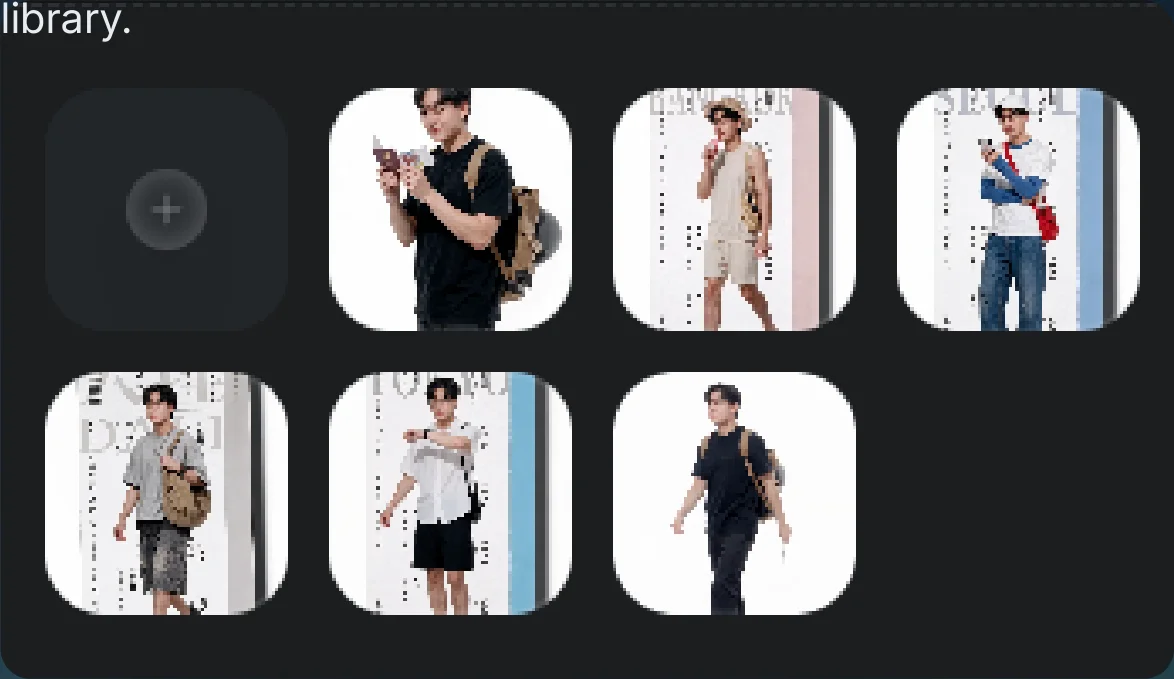
Uploaded reference images 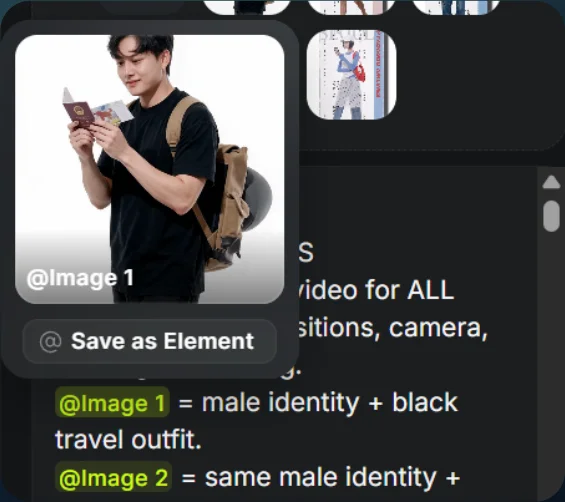
Tag each image to its look 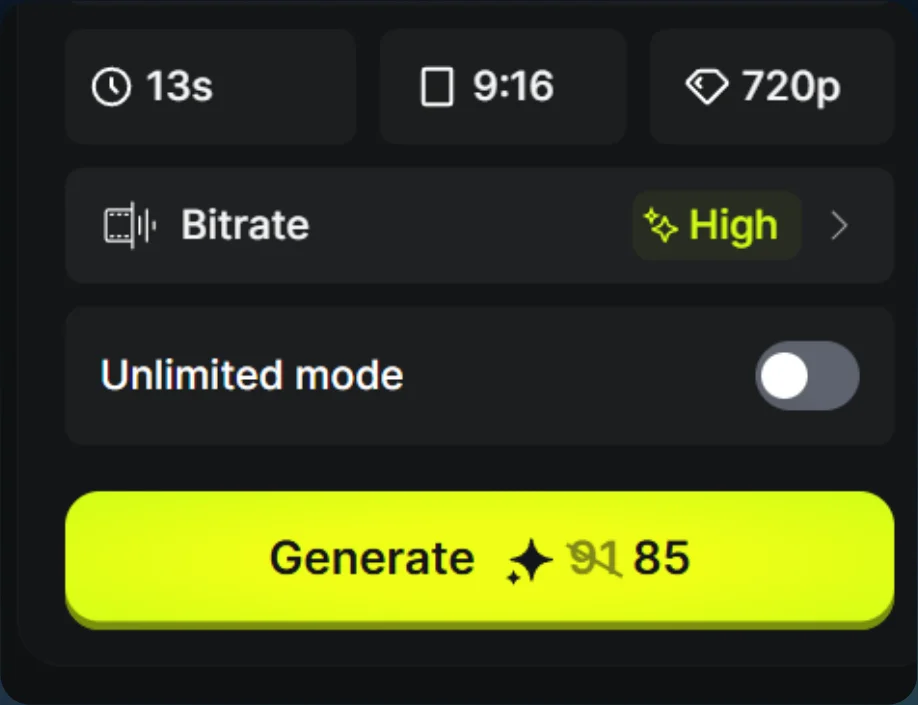
Generation settings 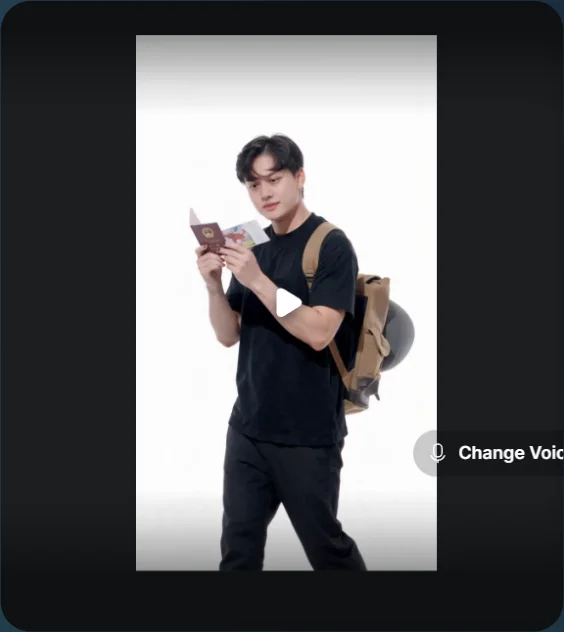
Airport-transition result