
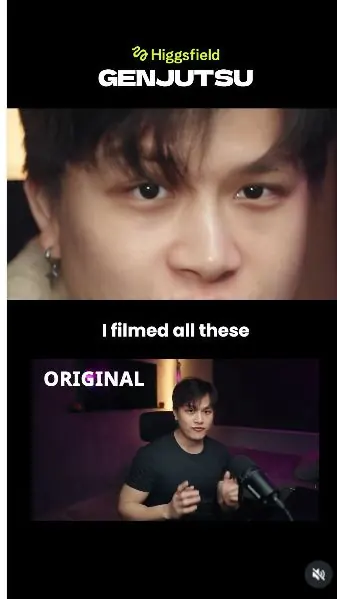
 Watch the original videoInstagram (opens in a new tab)
What you'll make
Use Genjutsu to change the camera treatment of a recorded talking-head clip.
Who this is for
Creators making videos with their own reference assets.
Step by step
Run the workflow
- 01
Record your clip
Film yourself speaking with the performance you want to keep.
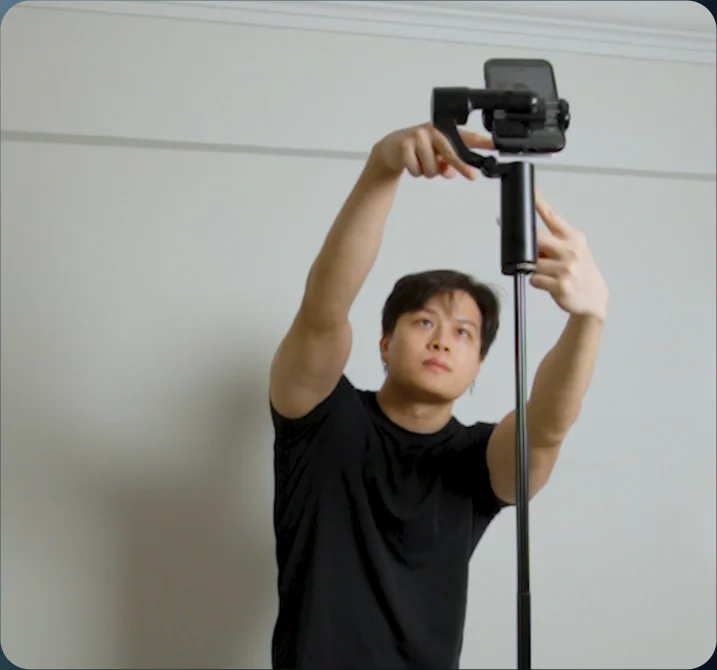
Source tutorial, page 4 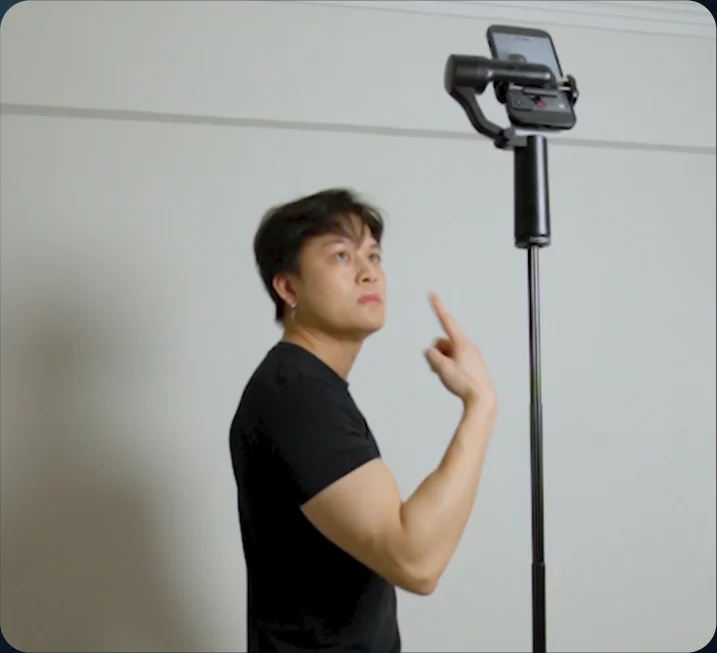
Source tutorial, page 4 - 02
Open Genjutsu
Open Video in Higgsfield and select Genjutsu.
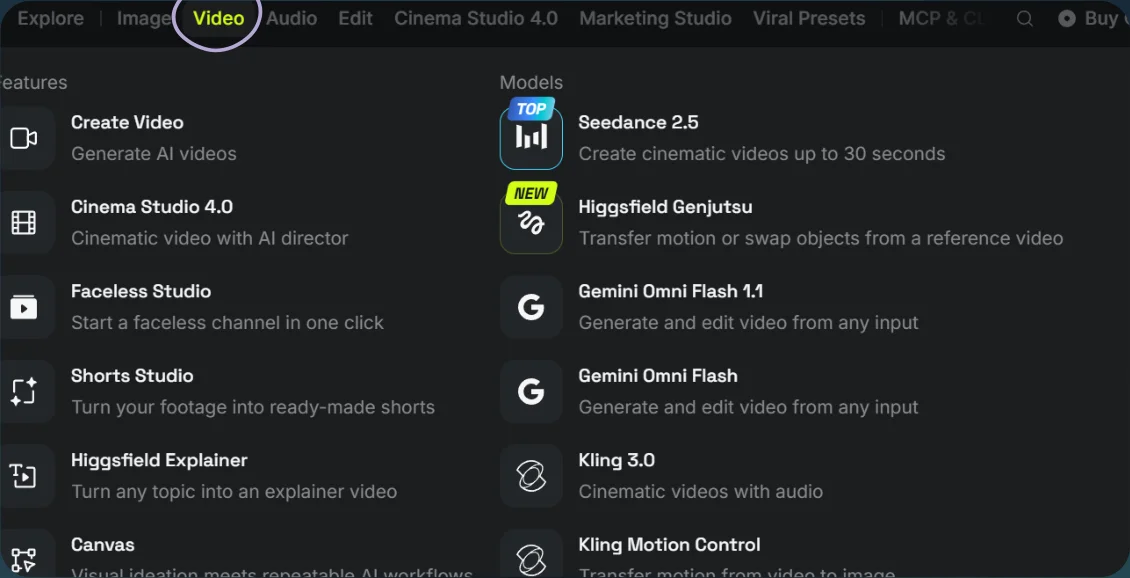
Open Video 
Select Genjutsu - 03
Upload and generate
- Choose Objects swap and upload your video. Add a clothing reference only if you want to change the outfit.
- Adapt the prompt to your script, then select Generate.
Show copyable prompt
Video prompt @[Image 1](image_1) Use the exact clothing from @[Image 1](image_1) on the person throughout the video. Use the uploaded reference video as the master reference. This is a camera cut and camera motion transformation. Keep the exact same person, same face, same location, same room, same lighting, same props and same performance from the reference video. The person must continue doing the same actions at the same timing as the original video. Keep his original: speech lip sync mouth movement facial expressions head movement body movement hand movement drink movement straw movement gestures timing He must continue speaking naturally throughout every camera cut and camera movement. Do not make him stop speaking during transitions. Do not make him drink if he does not drink in the original. Do not create new gestures or actions. Only change the camera angle, camera position, camera framing and camera movement. IMPORTANT EDITING RULE: Every transition between camera setups must be a clean HARD CUT. No morphing between camera angles. No blended transitions. No dissolves. No seamless transformation from one camera position into another. Camera movement can happen smoothly inside each individual shot, but every new camera setup begins with a hard cut. 0 to 4s Dialogue: “I filmed all of these on a tripod, the camera never moved.” Hard cut into an extreme close-up of his eyes. Slowly dolly the camera backward. Reveal: extreme eye close-up → full face → upper body → wider shot showing his full seated body and more of the room. Make the camera pullback clearly visible and continuous. This should feel like a real physical camera dolly backward, not just a digital zoom. His original speaking performance continues exactly as in the reference. 4 to 8.5s Dialogue: “but I can change the angle and movement the way I like it.” Hard cut. Use TWO cinematic B-roll camera angles while his original performance continues uninterrupted. SHOT 1: Tight close-up of his face from one side. Use a cinematic three-quarter side angle. Frame his face closely and clearly. Keep his mouth visible and preserve the exact original speaking, facial expression and head movement. Do not make him pose for the camera. Hold this shot long enough to clearly read the new angle. HARD CUT. SHOT 2: Mid shot of the person from the OPPOSITE side. Use a clearly different side angle from Shot 1. Frame his face, upper body and some of the surrounding room. This should be wider than the first shot and clearly show that the camera is now positioned on the other side of him. Keep his exact original body movement, facial expression, mouth movement and speech. The two B-roll shots should feel clearly different: first shot = close-up from one side second shot = mid shot from the opposite side Do not add any additional camera cut during this section. 8.5 to 11s Dialogue: “I can pull the camera back.” Hard cut to a frontal camera angle. Then perform a BIG, OBVIOUS physical dolly backward. The camera must travel far away from him. Start relatively close to the person. Then physically pull the camera several metres backward through the room. End in a significantly wider shot where much more of the room is visible and the person becomes noticeably smaller in frame. Create obvious changing perspective and strong parallax between the microphone, person, chair and background. The camera movement must be clearly visible. Do not make this subtle. Do not use only a small zoom-out. The camera itself must clearly travel backward through the room. 11 to 13s Dialogue: “I can make it go around me.” HARD CUT BACK TO THE ORIGINAL CENTER FRAMING. Begin directly in front of him, closely matching the original reference camera position and composition. Then immediately perform ONE CONTINUOUS FULL 360-DEGREE CAMERA ORBIT around him. THIS MUST BE A TRUE FULL-CIRCLE CAMERA ORBIT. The camera itself physically travels all the way around the seated person. The camera follows this path: front view → one side → rear three-quarter view → opposite side → back to the original front view. Keep the camera lens continuously aimed toward him during the entire orbit. The perspective of the room must constantly change. Create strong visible parallax between the person, microphone, chair, furniture and background. The person remains seated in exactly the same location. The person does not rotate. The chair does not rotate. Do not fake the orbit with a pan. Do not fake the orbit by spinning the image. Do not make the background simply rotate. Do not perform only a small arc. The CAMERA MUST PHYSICALLY COMPLETE A FULL CIRCLE AROUND HIM. At the end of the 360 orbit, the camera must arrive back at the SAME ORIGINAL FRONTAL FRAMING where the shot started. Start front. Orbit completely around him. Finish front again. His original speech and human movement continue unchanged during the entire orbit. 13 to 15s Dialogue: “I can put it over my head.” Hard cut to a high top-down three-quarter camera angle. Place the camera clearly above him and aim downward. Show his head, upper body, chair and surrounding room from above while still keeping his face visible. The camera should feel clearly higher than the previous shot. Do not make him look upward or react to the camera. Keep his original speaking and movement. 15 to 18.5s Dialogue: “or make it look like I shot it with a drone.” Hard cut to a HIGH, WIDE AERIAL-STYLE VIEW of the same room. Place the camera high near ceiling level and far away from the person. Look diagonally downward toward him. Reveal a large portion of the room. The person should appear smaller in frame because the camera is much higher and farther away. Slowly glide the elevated camera laterally across the room while keeping him visible below. Maintain the high-angle aerial perspective throughout the shot. The shot should feel like a smooth floating aerial view of the room. Do not generate an actual drone. Do not show a drone. Do not show a camera. Do not show a phone. Do not show a camera operator. Do not make this a selfie shot. The person remains seated and continues his exact original speaking performance. 18.5 to 22s Dialogue: “one take, one angle and I got all the shot I need.” Hard cut to a cinematic B-roll slider shot. Use a medium three-quarter framing. Physically slide the camera sideways across him. Use the existing microphone or foreground room elements to create strong foreground parallax. The foreground should move across the frame faster than the person and background, clearly showing lateral camera movement. Keep the person clearly visible and preserve his exact original actions and speech. 22 to 24s Dialogue: “if you want to learn this, comment AI” Hard cut to a low-angle three-quarter camera shot. Place the camera slightly below his normal eye level. Use the existing microphone prominently in the foreground. Perform a smooth lateral camera slide past the microphone while keeping his face visible behind it. Create strong foreground parallax. Keep his original CTA gesture, facial expression and speech unchanged. 24 to 26s Dialogue: “and I will send you the workflow.” Hard cut to a dynamic three-quarter camera position slightly off to one side. Perform a smooth curved ARC PUSH-IN toward him. The camera moves physically forward while gently arcing from the side toward a more frontal position. Start from a medium-wide composition. Move progressively closer. Finish on a strong cinematic close-up of his face and upper body. Do not change his original final gesture, expression or mouth movement. GENERAL RULE: This is the SAME original human performance viewed through different cameras. The person never stops speaking because of a camera cut or movement. Every camera cut continues the same performance at the same point in time. Do not restart the action after a cut. Do not invent new human movement. Do not change his drink or straw interaction. Do not make him pose differently for the new camera angles. Do not make him react differently to the moving camera. Keep the original speech, lip sync, facial movement, body movement, hand movement and timing intact. Only the camera changes. Every new camera setup starts with a HARD CUT. The final video should feel like several real cinematic cameras were filming the exact same continuous performance simultaneously, and the edit simply hard-cuts between different camera angles and camera movements.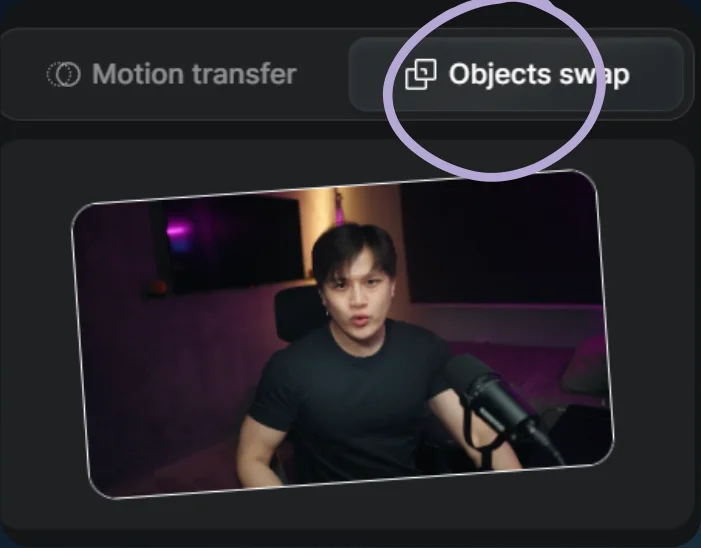
Choose Objects swap 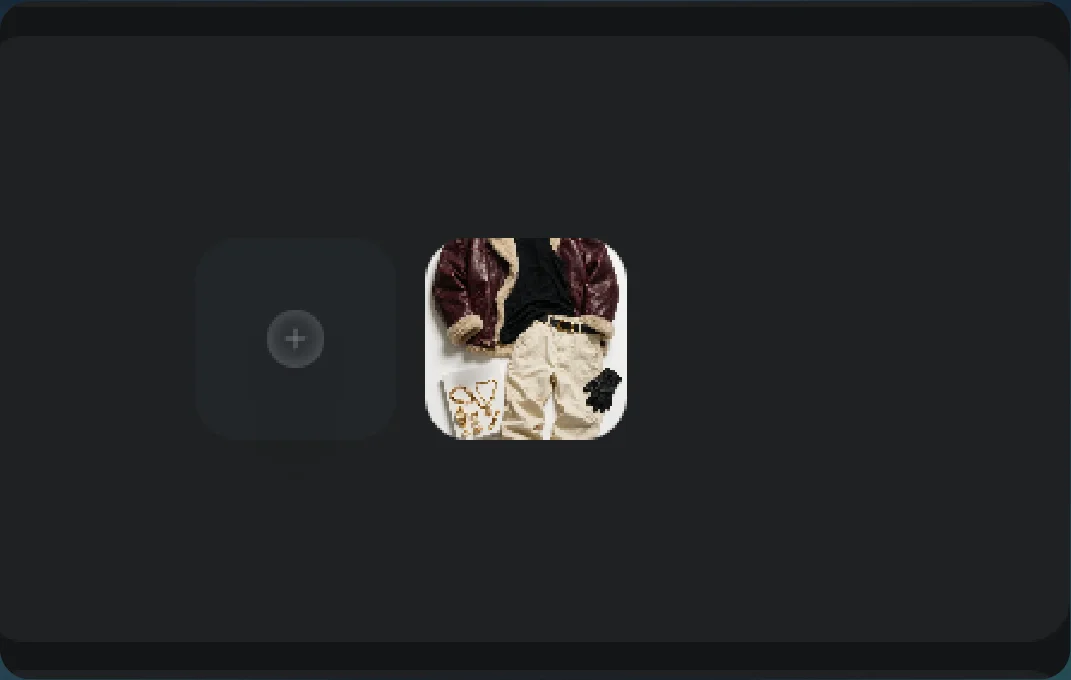
Image references 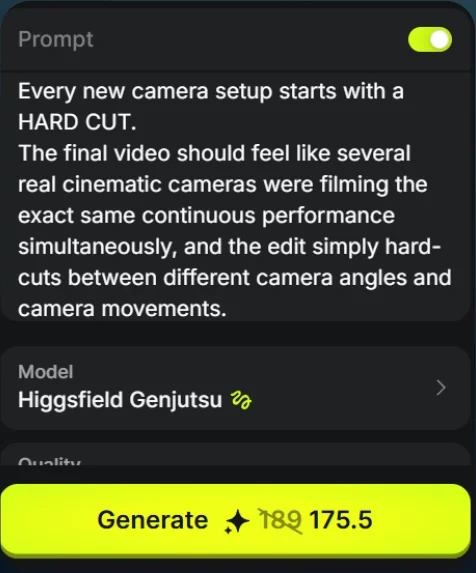
Prompt and Generate - 04
See the result
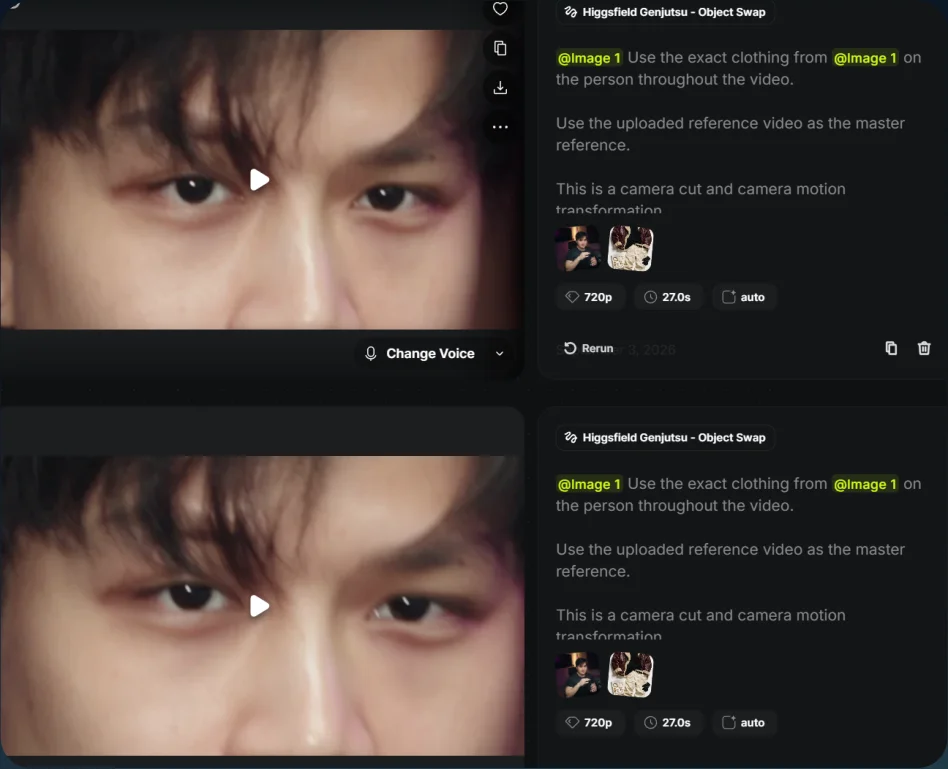
Play the generated video.
Generated result