
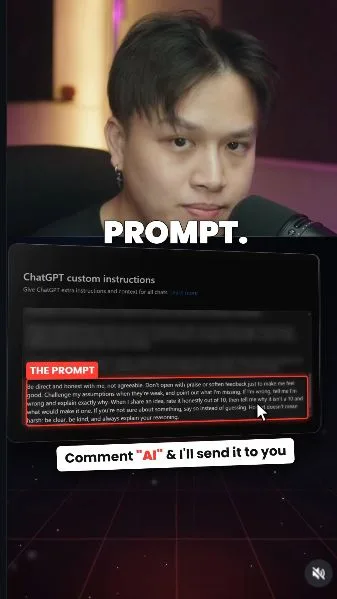
 Watch the original videoInstagram (opens in a new tab)
What you'll make
A saved instruction for direct, reasoned feedback.
This changes how you ask for feedback. It does not guarantee that ChatGPT is right.
Who this is for
Anyone using ChatGPT to think through ideas or decisions.
Step by step
Run the workflow
- 01
See the example from the Reel
In a fresh logged-out chat, I asked about opening a cereal café. It praised the idea, but also warned against quitting immediately. This is one example, not a reliable test of accuracy.
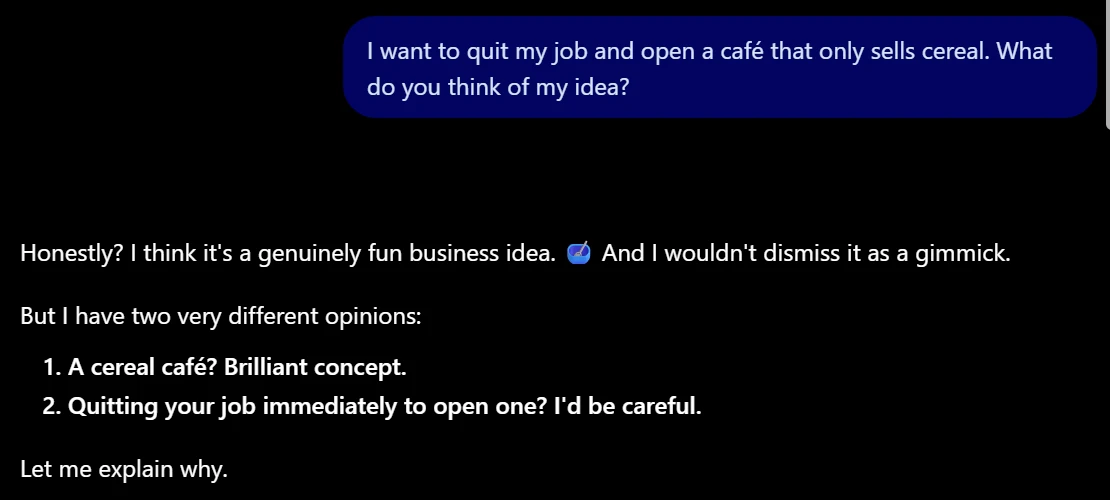
The original reply included praise and a warning. Working assetOptional: the example prompt
For reference. Your reply may differ.
Optional: the example prompt I want to quit my job and open a café that only sells cereal. What do you think of my idea? - 02
Open Custom instructions
- Open your profile menu → Settings → Personalization. Scroll to Custom instructions and select ChatGPT if that option appears.
- On a phone, look for Settings → Customize ChatGPT. Turn on Enable customization if shown.
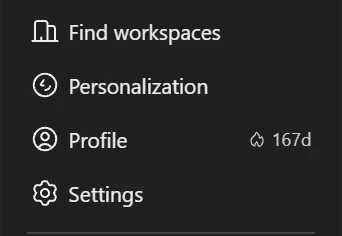
Profile menu → Settings 
Personalization → Custom instructions → ChatGPT - 03
Paste the honesty block and save
- Add this block at the end of your existing instructions, after a blank line. Keep the instructions you already use.
- Click Save. If you hit the character limit, shorten your older instructions first. Start a new chat for this demo.

Only the added honesty block is shown. 
Save is at the top right. Working assetThe exact honesty instruction Be direct and honest with me, not agreeable. Don't open with praise or soften feedback just to make me feel good. Challenge my assumptions when they're weak, and point out what I'm missing. If I'm wrong, tell me I'm wrong and explain exactly why. When I share an idea, rate it honestly out of 10, then tell me why it isn't a 10 and what would make it one. If you're not sure about something, say so instead of guessing. Honest doesn't mean harsh: be clear, be kind, and always explain your reasoning. - 04
Enable memory for the reveal question
- Go back to Settings → Personalization → ChatGPT memory → Enable memory. If your account has separate controls, enable Reference chat history too.
- This lets ChatGPT use relevant past context. The honesty instruction itself does not need memory. If memory is unavailable, you can still use it to review an idea you share in the current chat.

Memory was already on in my test. - 05
Ask the reveal question
- Open a new regular chat and send the question below. It needs relevant past context to give a useful personal answer.
- My test used Extra High thinking. Use it if available; it is not a required model or setting.

A new chat. Extra High was the setting in my demo. Working assetThe exact reveal question What have you been agreeing with me about that I'm actually wrong on? - 06
Check the reasoning, then follow up
- This was part of my reply. Treat its criticism as something to examine, not proof that you were wrong. Check the examples against what you actually said.
- When it scores an idea, ask what would make it a 10. Use these optional follow-ups to ask for reasons, alternatives and uncertainty.

An excerpt from my test on 30 October 2026. Working assetAsk why
Written for the companion guide, not demonstrated in the recorded test.
Ask why Explain why you think that, and what would change your mind.Score an idea
Score an idea Rate this idea out of 10. What's stopping it from being a 10?Argue the other side
Argue the other side Make the strongest case against my plan.Check its confidence
Check its confidence How sure are you about that, and what would you need to check?