
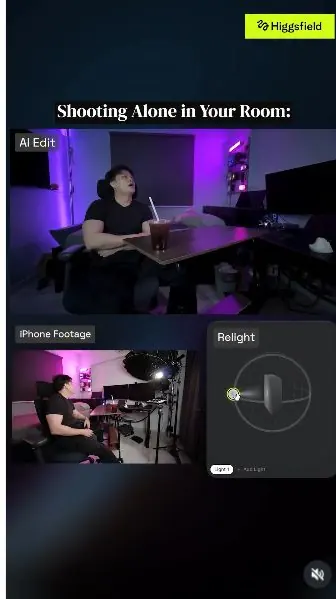
 Watch the original videoInstagram (opens in a new tab)
What you'll make
Use six scene-specific prompts to change the lighting while keeping your original performance.
Who this is for
Creators making videos with their own reference assets.
Step by step
Run the workflow
- 01
Film the coffee sequence
Record the coffee actions and camera moves.
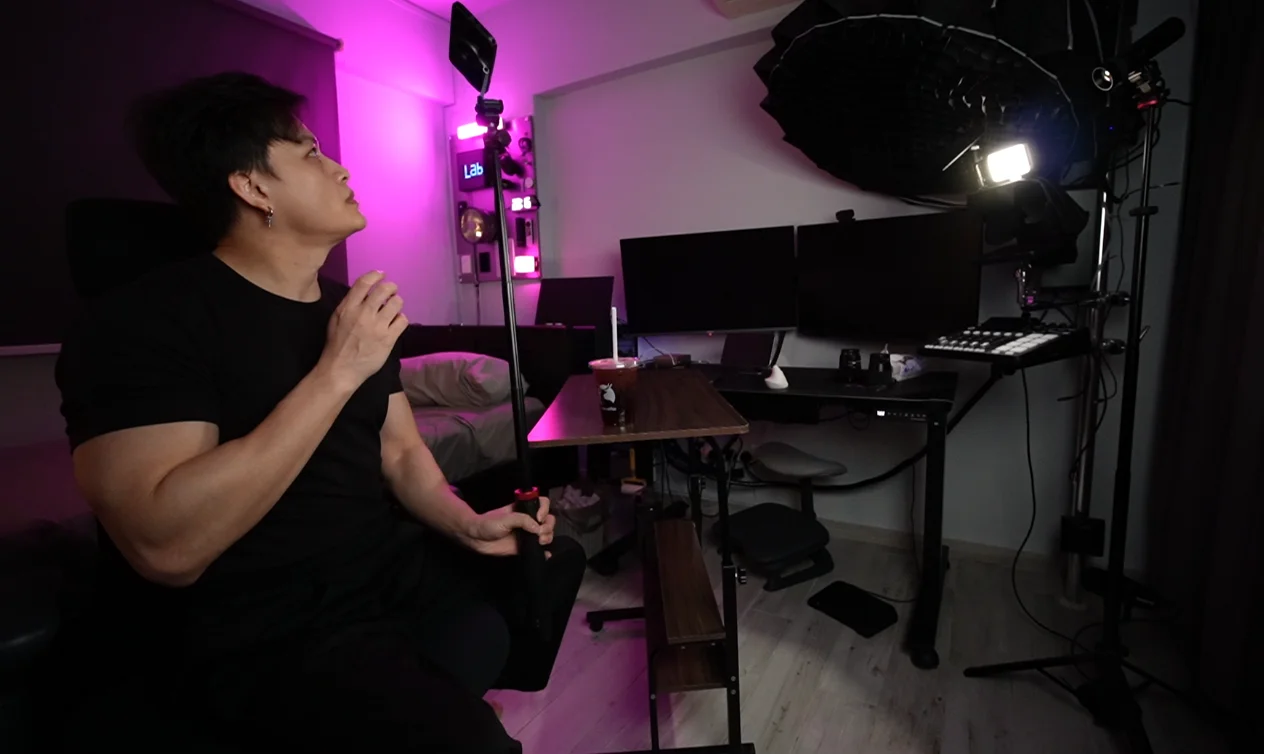
Source tutorial, page 4 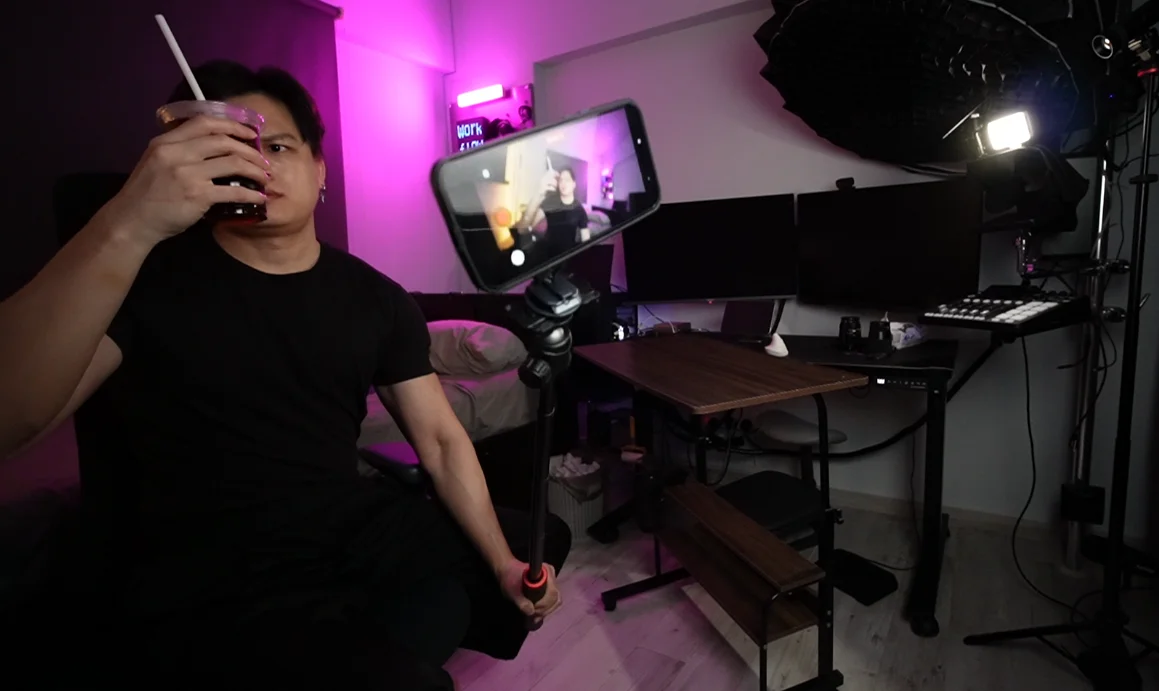
Source tutorial, page 4 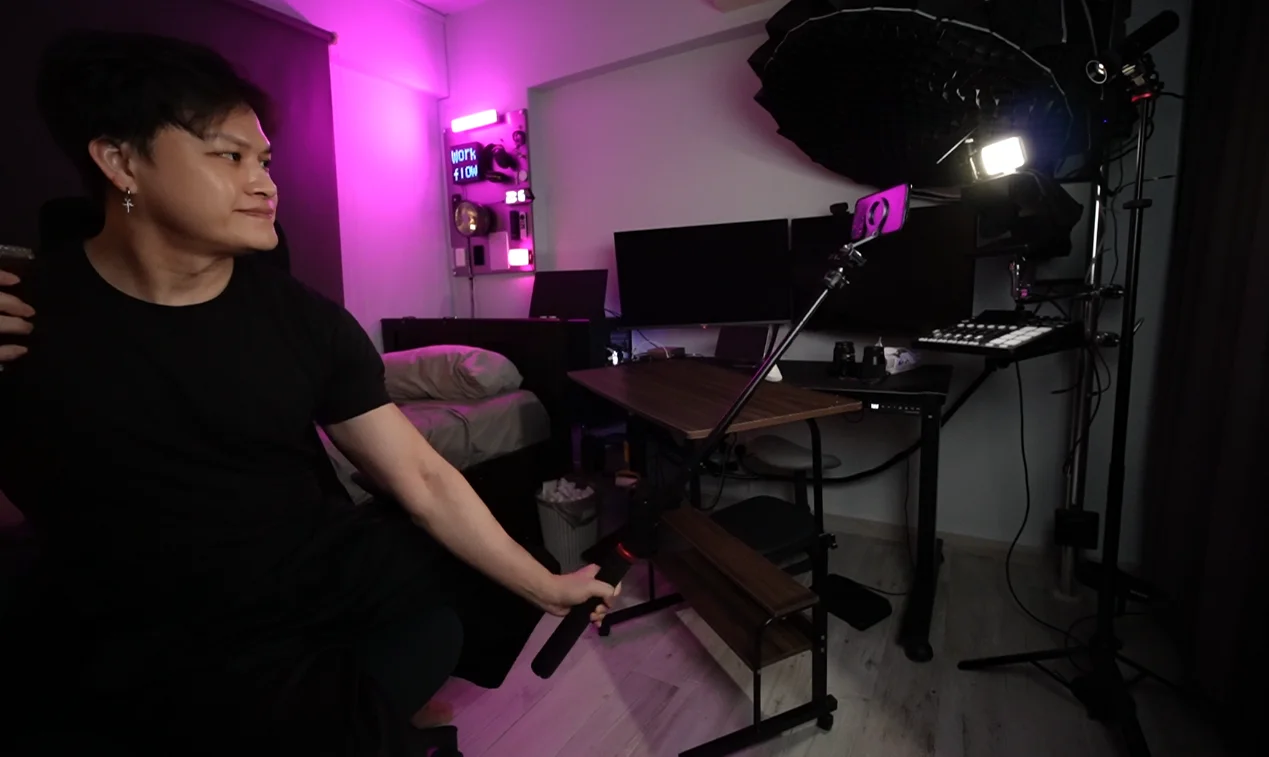
Source tutorial, page 4 - 02
Open Relight
Open Video in Higgsfield and select Relight.

Select Relight - 03
Upload the clips
Upload the clips for the different lighting moments.
Source tutorial, page 6 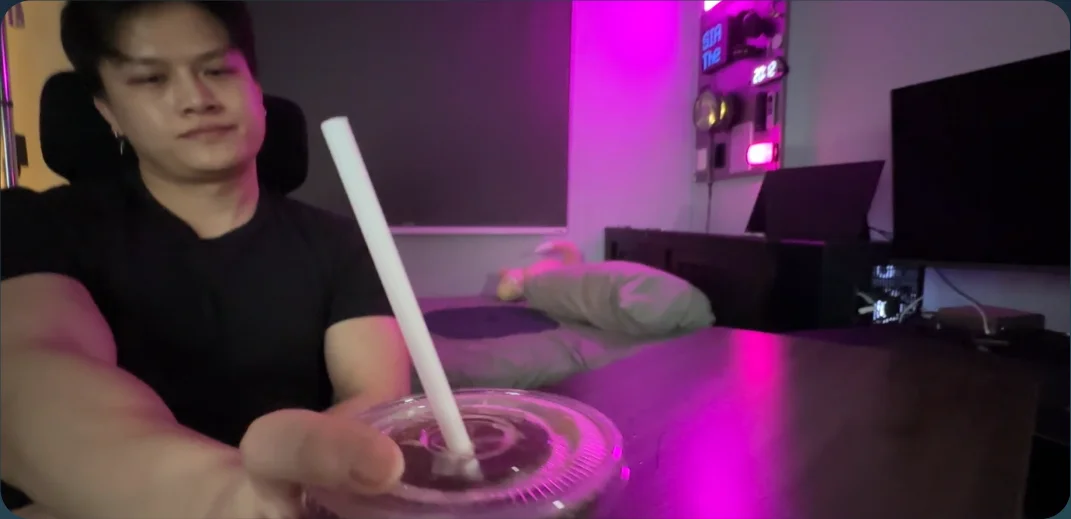
Source tutorial, page 6 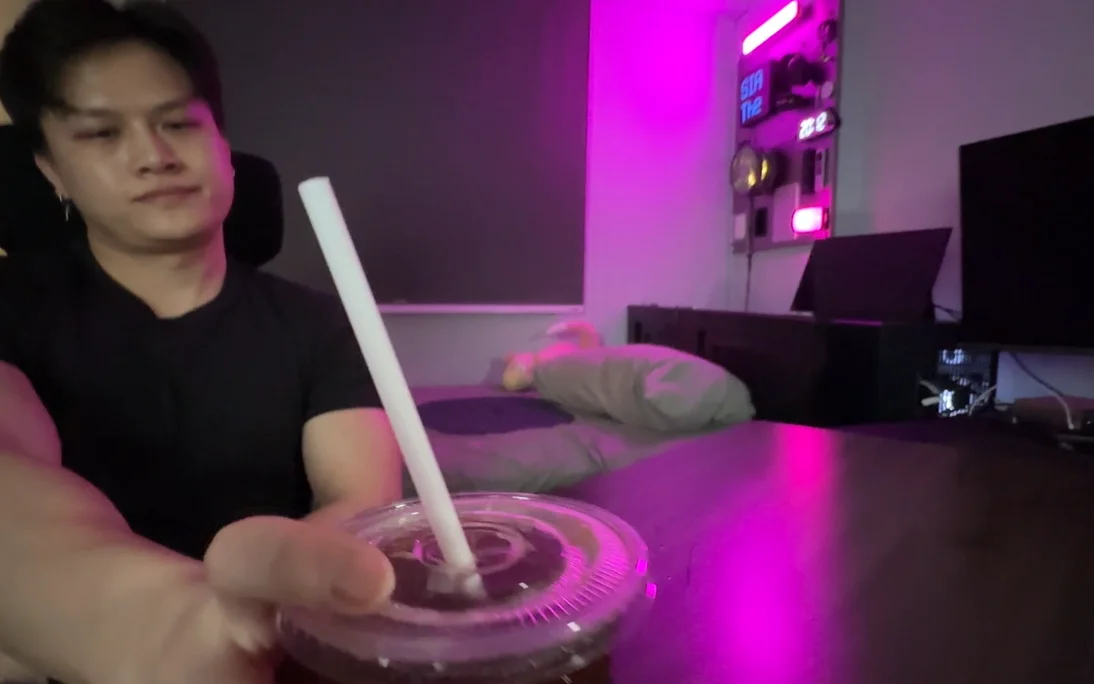
Source tutorial, page 6 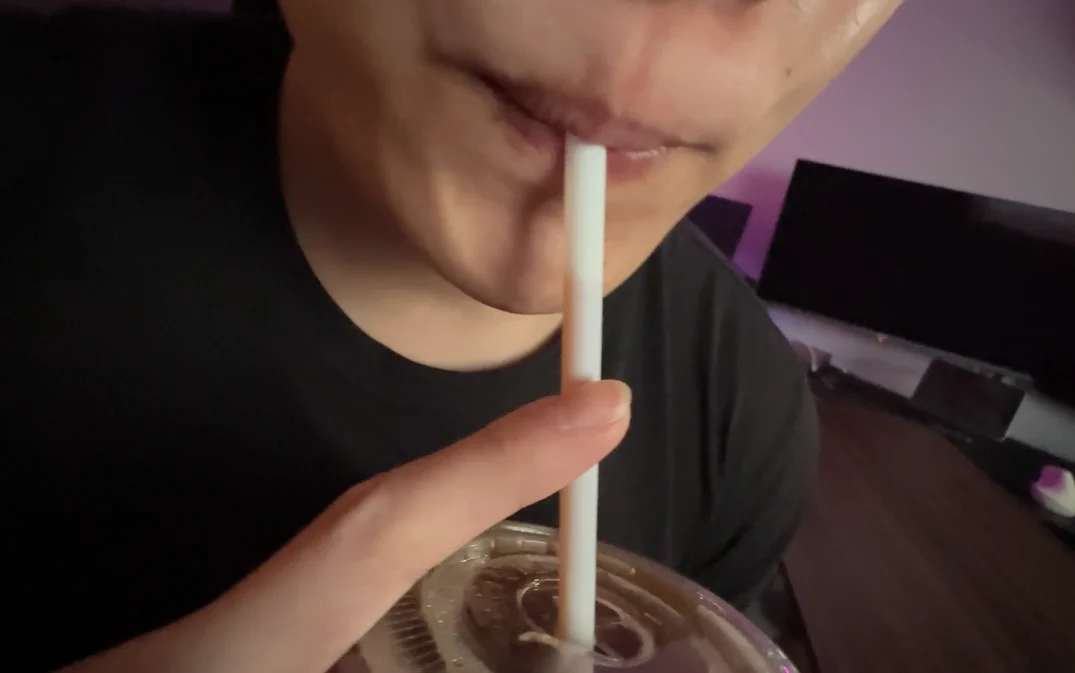
Source tutorial, page 6 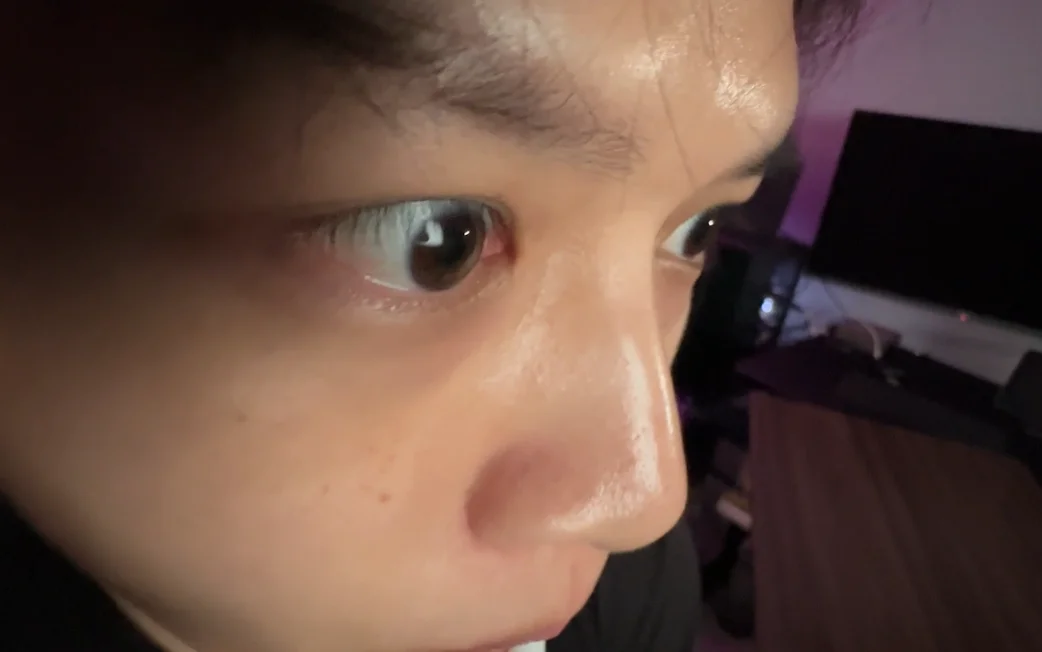
Source tutorial, page 6 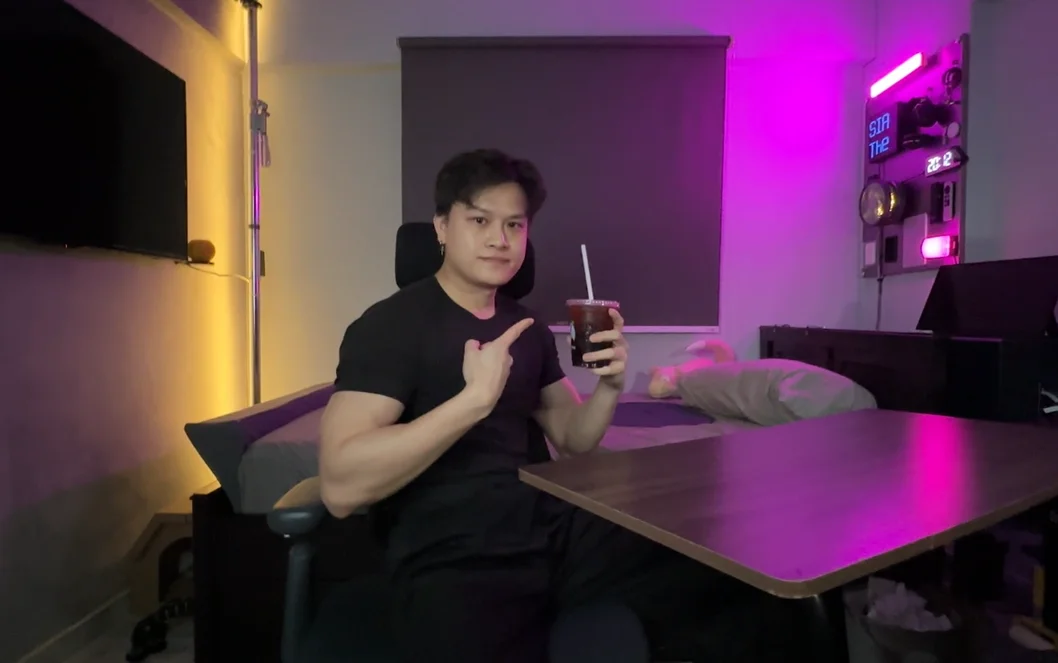
Source tutorial, page 6 - 04
Apply the six lighting prompts
Choose a lighting prompt below, or use the custom lighting controls shown beside the examples.
Show copyable prompt
Lighting prompt 1 Use the uploaded reference clip as the ABSOLUTE MASTER. RELIGHTING ONLY. Follow the reference exactly frame by frame. Preserve the same actor, face, expression, movement, coffee, room, objects, camera motion, wobble, framing, perspective, speed and timing. Do not recreate, stabilize or reinterpret anything. Apply DARK MOODY CINEMATIC LIGHTING only: low ambient light deep controlled shadows cool-blue directional side light minimal frontal fill subtle cool rim high cinematic contrast Keep his face readable but clearly darker and moodier. Do not tint the whole frame blue. The blue must behave like real physical light. Do not change the room, actor or camera. REFERENCE VIDEO = LOCKED. ONLY LIGHTING MAY CHANGE.Lighting prompt 2 Use the uploaded reference clip as the ABSOLUTE MASTER. RELIGHTING ONLY. Preserve the exact actor, face, movement, coffee, room, camera motion, wobble, framing and timing. Start with the existing DARK MOODY COOL LIGHT. At the exact moment he GRABS THE COFFEE: INSTANT LIGHTING SWITCH. OLD LIGHT OFF → HARD WHITE TOP-DOWN SPOTLIGHT ON. Use: strong concentrated white light directly from above bright highlights on hair, hand, coffee lid and straw clear downward facial shadows very low frontal fill high cinematic contrast The light direction must clearly come from ABOVE. Add synchronized SFX: heavy studio-light CLACK + electrical POWER-UP + deep THUMP. No gradual transition. No camera change. No scene change. No face or object change. REFERENCE = LOCKED. ONLY LIGHTING CHANGES.Lighting prompt 3 Use the uploaded reference clip as the ABSOLUTE MASTER. RELIGHTING ONLY. Preserve the exact face, sip, hands, coffee, room, camera, framing, motion and timing. Start with the existing HARD TOP-DOWN SPOTLIGHT. The exact moment the STRAW TOUCHES HIS LIPS: INSTANT LIGHTING SWITCH. TOP LIGHT OFF → EXTREME HARD FRONTAL WHITE LIGHT ON. Use: powerful direct frontal white key very hard light minimal fill strong facial highlights hard-edged shadows high contrast strong highlights on coffee and straw The lighting direction must obviously change from ABOVE to FRONT. Add synchronized SFX: sharp ELECTRICAL SNAP + hard LIGHT CLICK + bass IMPACT. Do not change his face, sip, coffee, camera or background. REFERENCE = LOCKED. ONLY LIGHTING CHANGES.Lighting prompt 4 Use the uploaded reference clip as the ABSOLUTE MASTER. RELIGHTING ONLY. Preserve the exact face, eyes, expression, camera movement, framing, background and timing. Start with the existing HARSH FRONTAL WHITE LIGHT. As the camera MOVES UP INTO HIS EYES: INSTANT LIGHTING SWITCH. HARSH LIGHT OFF → SOFT BLUE BEAUTY LIGHT ON. Use: large diffused frontal beauty key very soft facial shadows natural skin tone cool-blue ambient illumination soft blue rim bright natural eye catchlights smooth cinematic highlight rolloff The difference must be dramatic: hard and aggressive → soft, luminous and polished. Add synchronized SFX: soft POWER-DOWN + reverse WHOOSH + clean LIGHT IGNITION. Do not reshape, beautify or alter his face or eyes. REFERENCE = LOCKED. ONLY LIGHTING CHANGES.Lighting prompt 5 Use the uploaded reference clip as the ABSOLUTE MASTER. RELIGHTING ONLY. Preserve the exact actor, coffee, room, camera rotation, framing, motion and timing. Start with the existing SOFT BLUE BEAUTY LIGHT. As the camera PANS / ROTATES OUT and reveals him looking at the coffee: INSTANT LIGHTING SWITCH. BLUE BEAUTY LIGHT OFF → WARM AMBER SIDE KEY + COOL CYAN RIM ON. Use: strong amber directional key from one side warm highlights on face, hands and coffee deeper opposite-side shadows strong cyan-blue rim from the other side clear cyan edge around hair and shoulders strong cinematic warm/cool separation The new key must clearly come from the SIDE. Do not apply a flat orange-blue filter. Add synchronized SFX: ELECTRICAL SNAP + side-sweep WHOOSH + low HIT. Keep the original camera rotation exactly unchanged. REFERENCE = LOCKED. ONLY LIGHTING CHANGES.Lighting prompt 6 Use the uploaded reference clip as the ABSOLUTE MASTER. RELIGHTING ONLY. Preserve the exact actor, face, pose, coffee, room, camera, framing, motion and timing. Start with the existing WARM AMBER KEY + COOL CYAN RIM. As he reaches the FINAL POSE: INSTANT LIGHTING SWITCH. AMBER/CYAN LIGHTS OFF → DEEP BLUE GOD-RAY HERO LIGHT ON. Use: deep sapphire-blue ambient illumination soft neutral-white key on face strong blue rim around hair and shoulders high cinematic contrast strong directional top light from above The top light should naturally strike his existing hair, face, shoulder and coffee to create a cinematic GOD-RAY feeling. Do not change the room. Do not add particles, clouds, objects or fantasy effects. Avoid visible haze if it causes reference drift. Add synchronized SFX: rising ELECTRICAL WHOOSH + powerful LIGHT IGNITION + deep cinematic IMPACT. REFERENCE = LOCKED. ONLY LIGHTING CHANGES.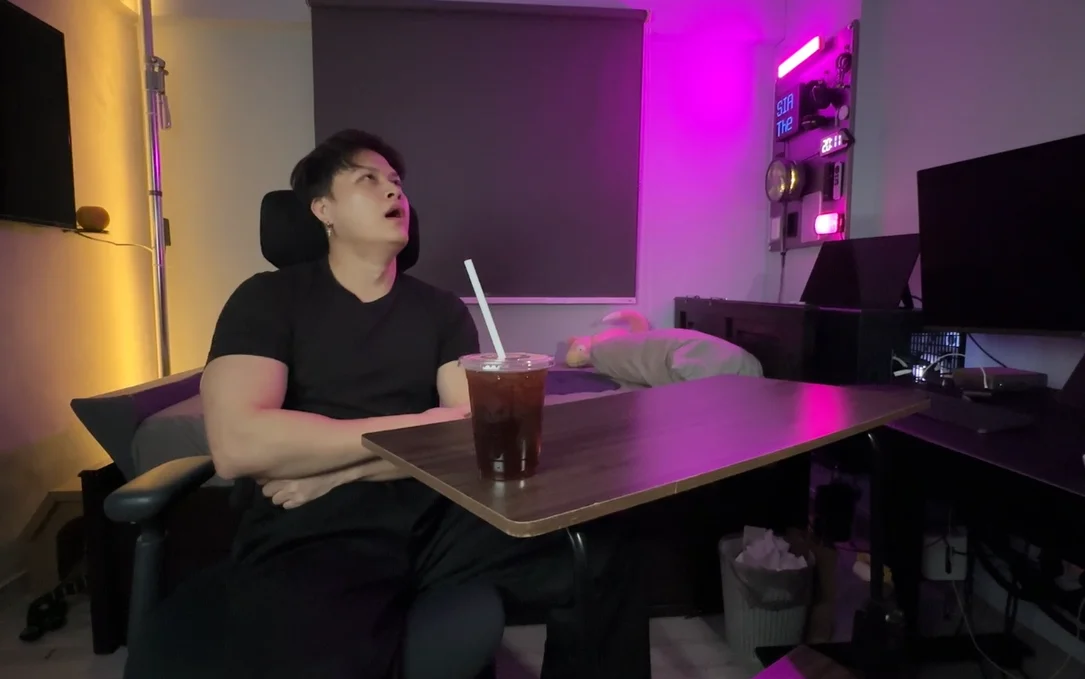
Lighting 1: original 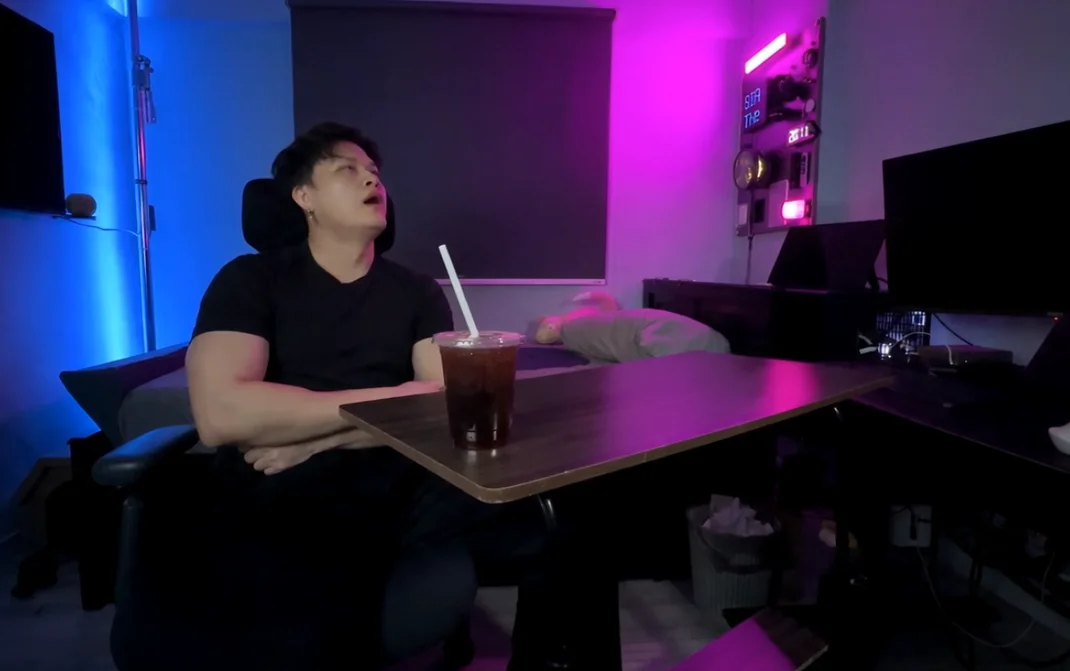
Lighting 1: result 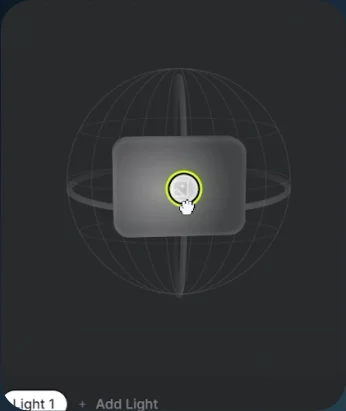
Lighting 1: controls 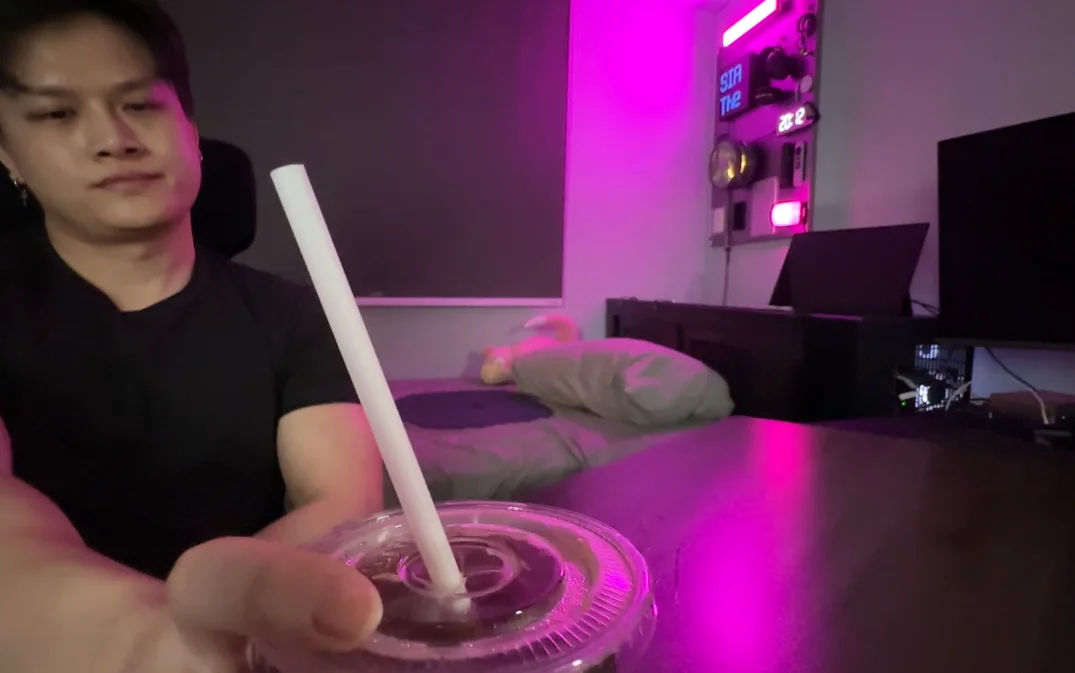
Lighting 2: original 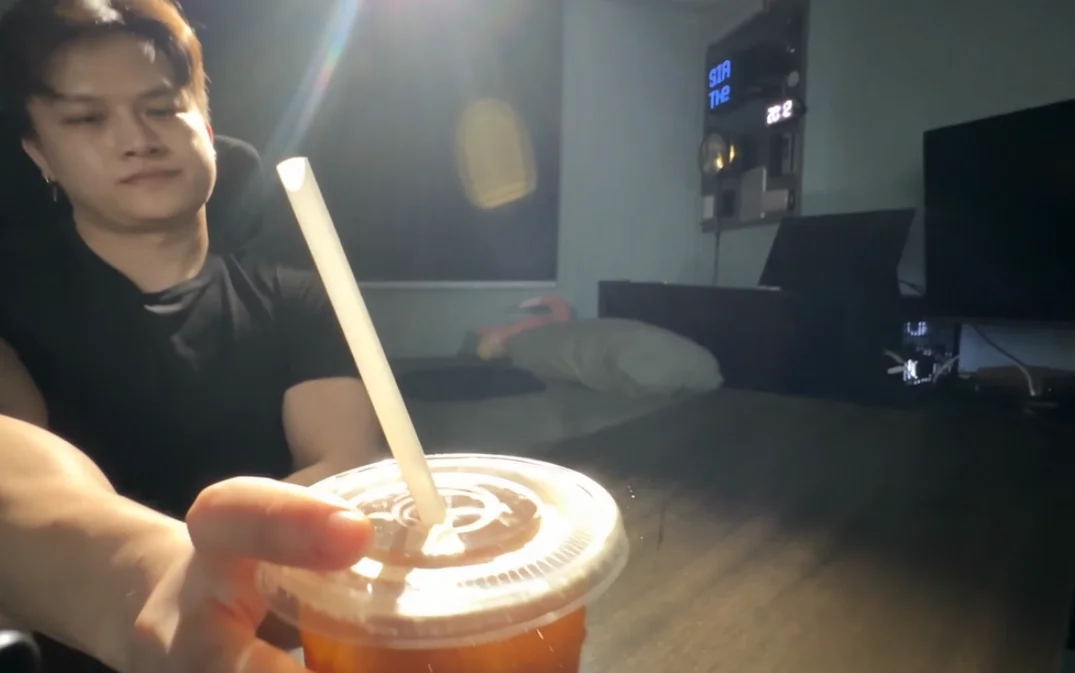
Lighting 2: result 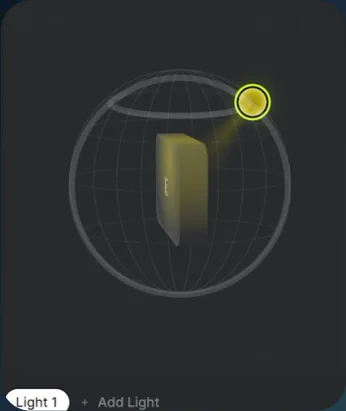
Lighting 2: controls 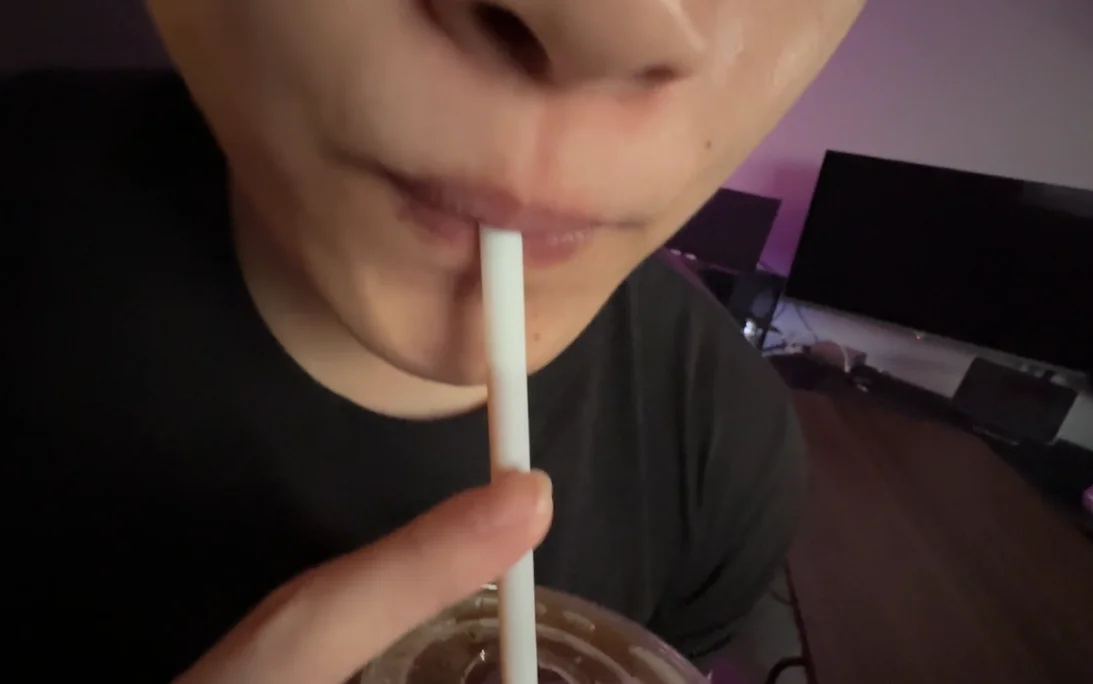
Lighting 3: original 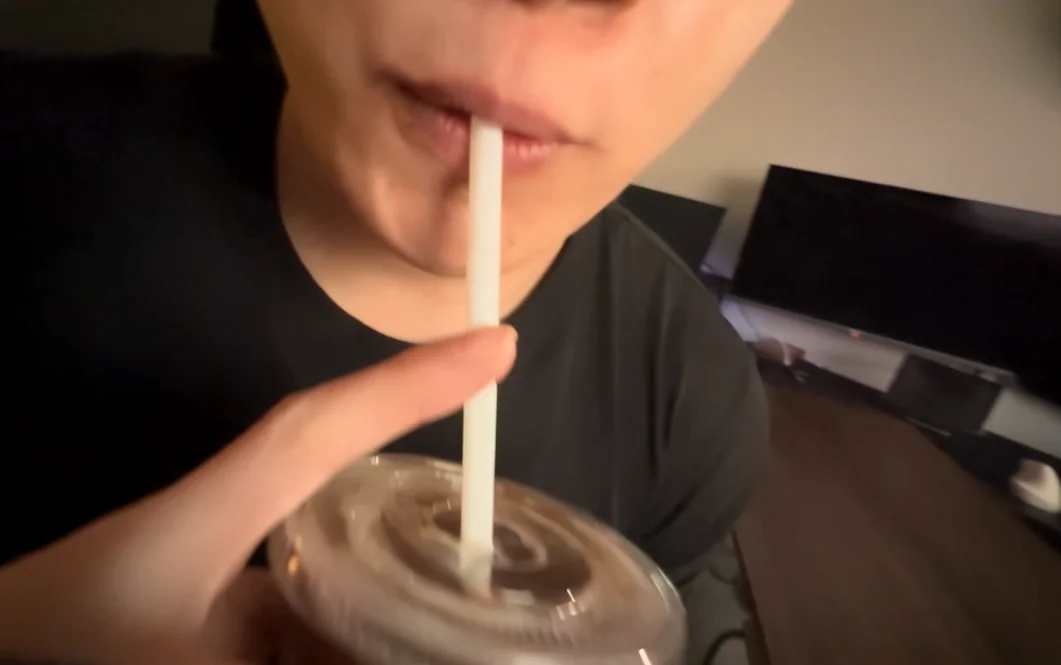
Lighting 3: result 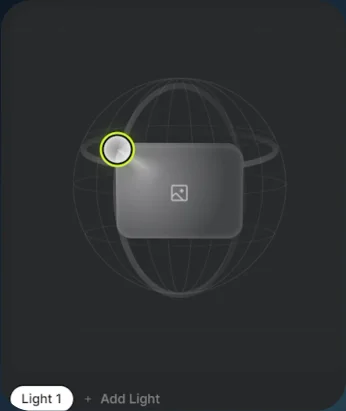
Lighting 3: controls 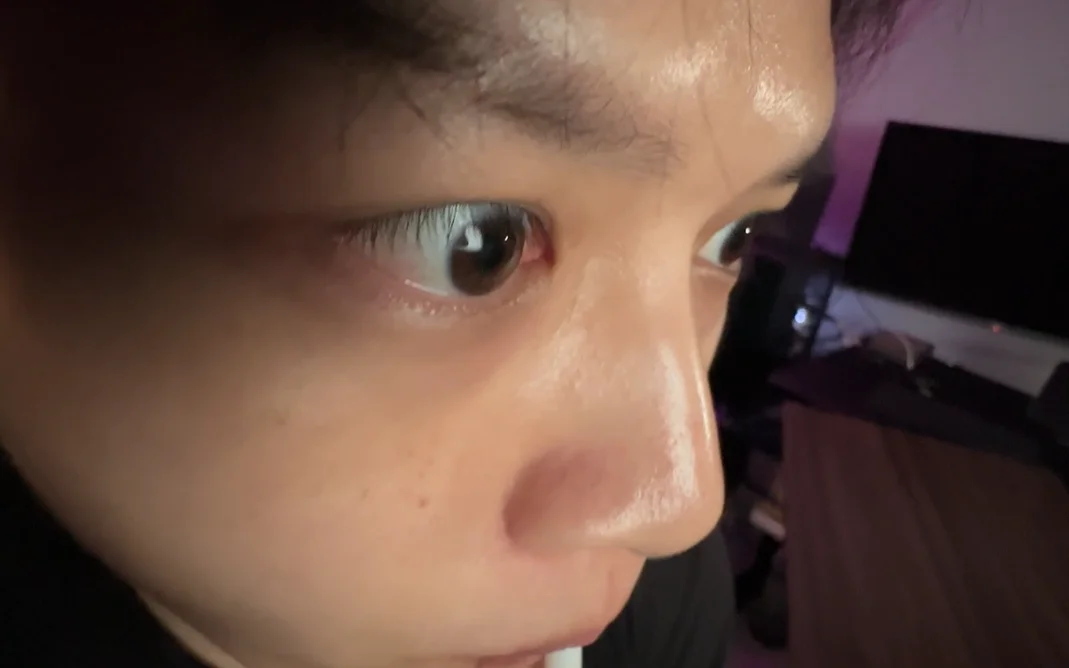
Lighting 4: original 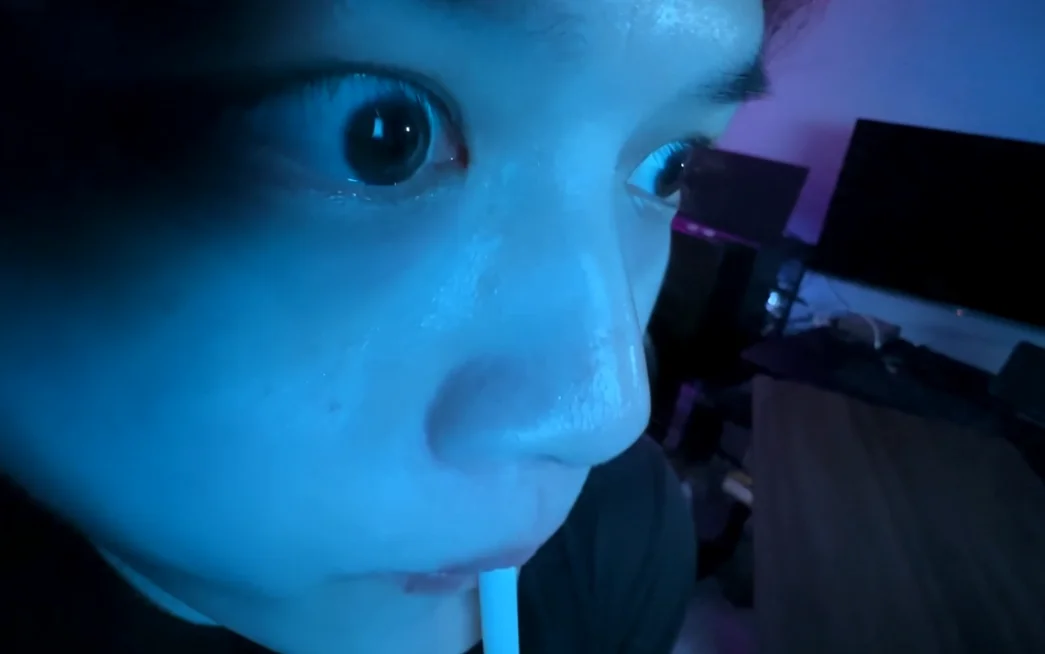
Lighting 4: result 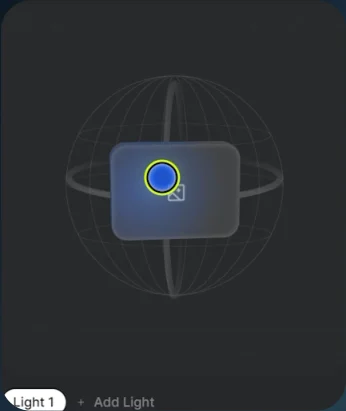
Lighting 4: controls 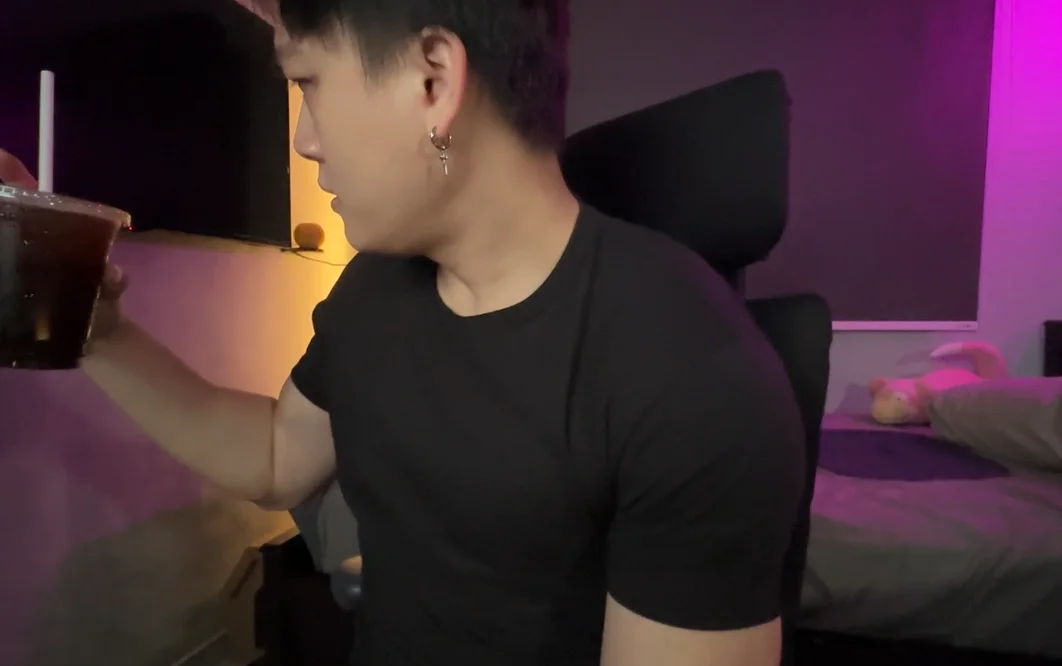
Lighting 5: original 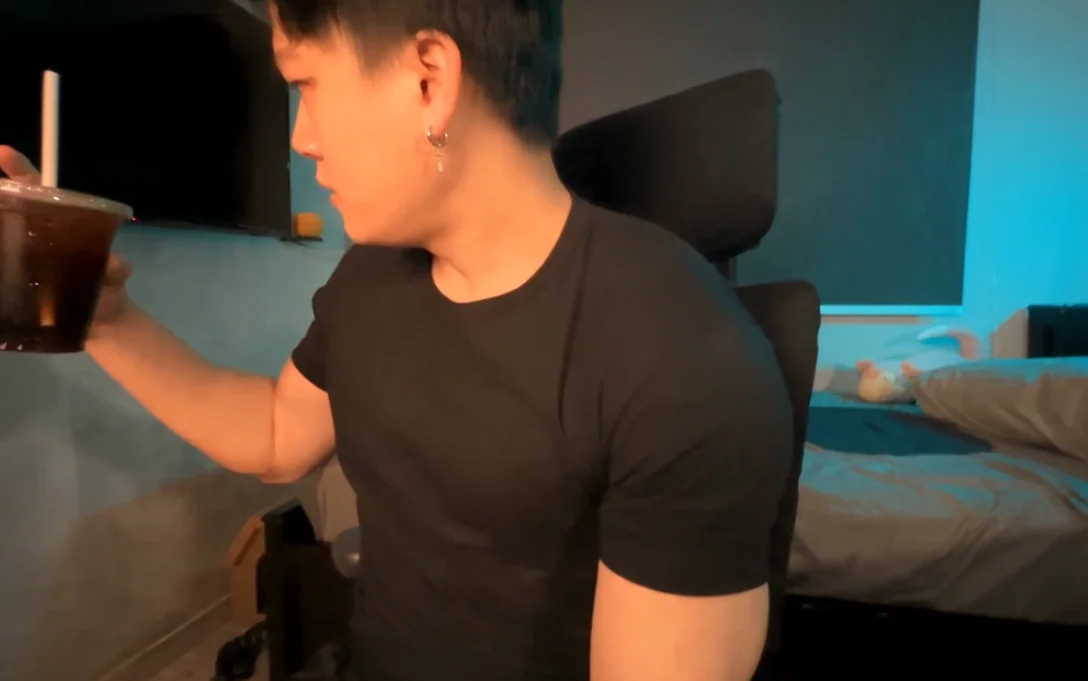
Lighting 5: result 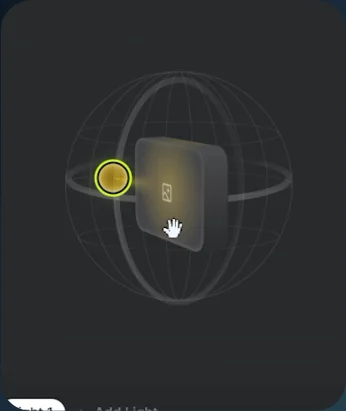
Lighting 5: controls 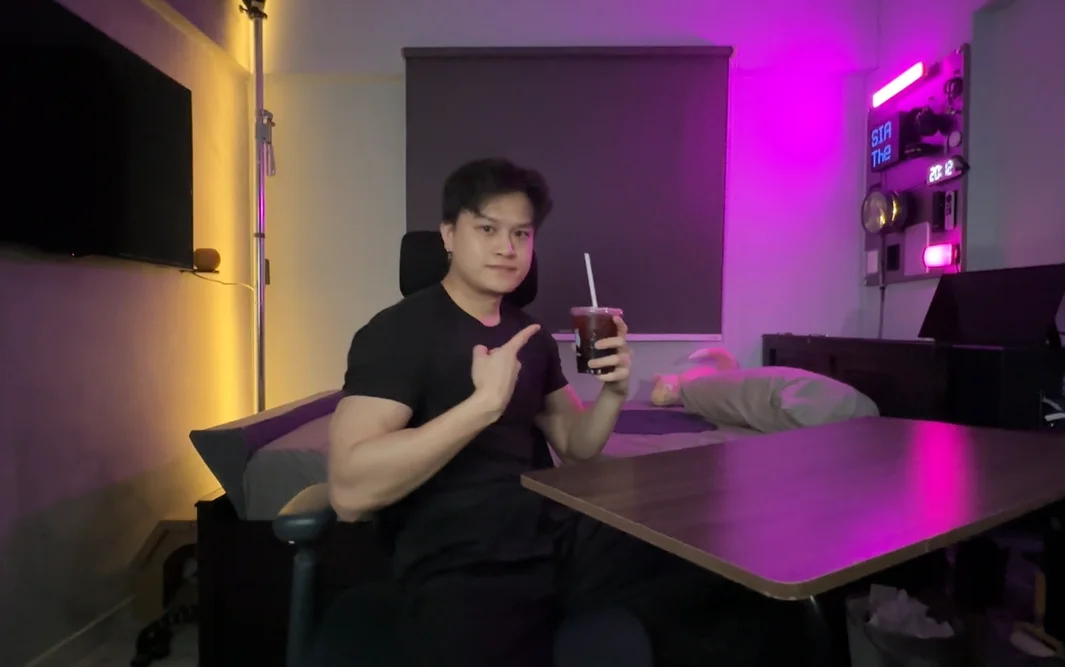
Lighting 6: original 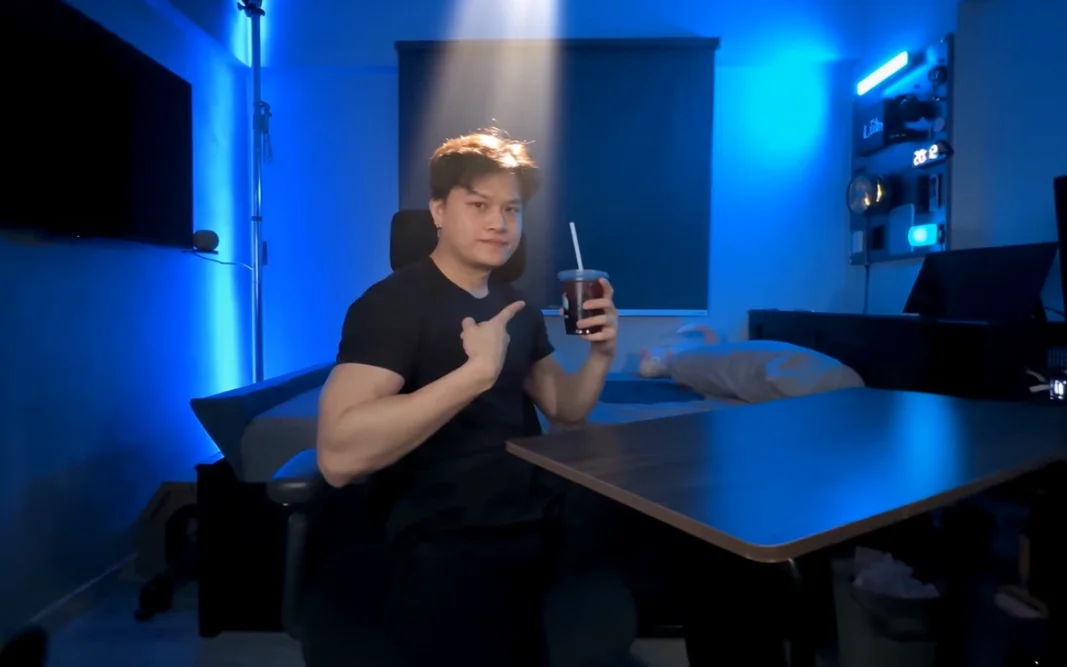
Lighting 6: result 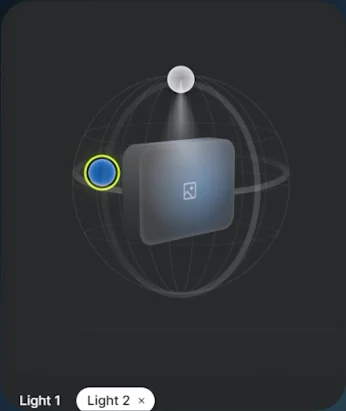
Lighting 6: controls - 05
Generate
Generate the relit clip and play the result.