
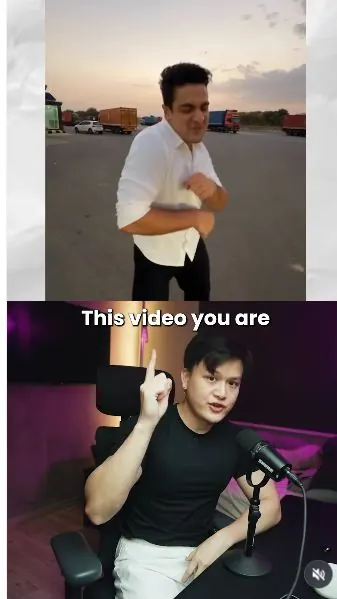
 Watch the original videoInstagram (opens in a new tab)
What you'll make
Choose a trend on your phone, replace its image with yours, and generate.
Who this is for
Creators making videos with their own reference assets.
Step by step
Run the workflow
- 01
Open Genjutsu on your phone
Open Higgsfield and select Genjutsu.
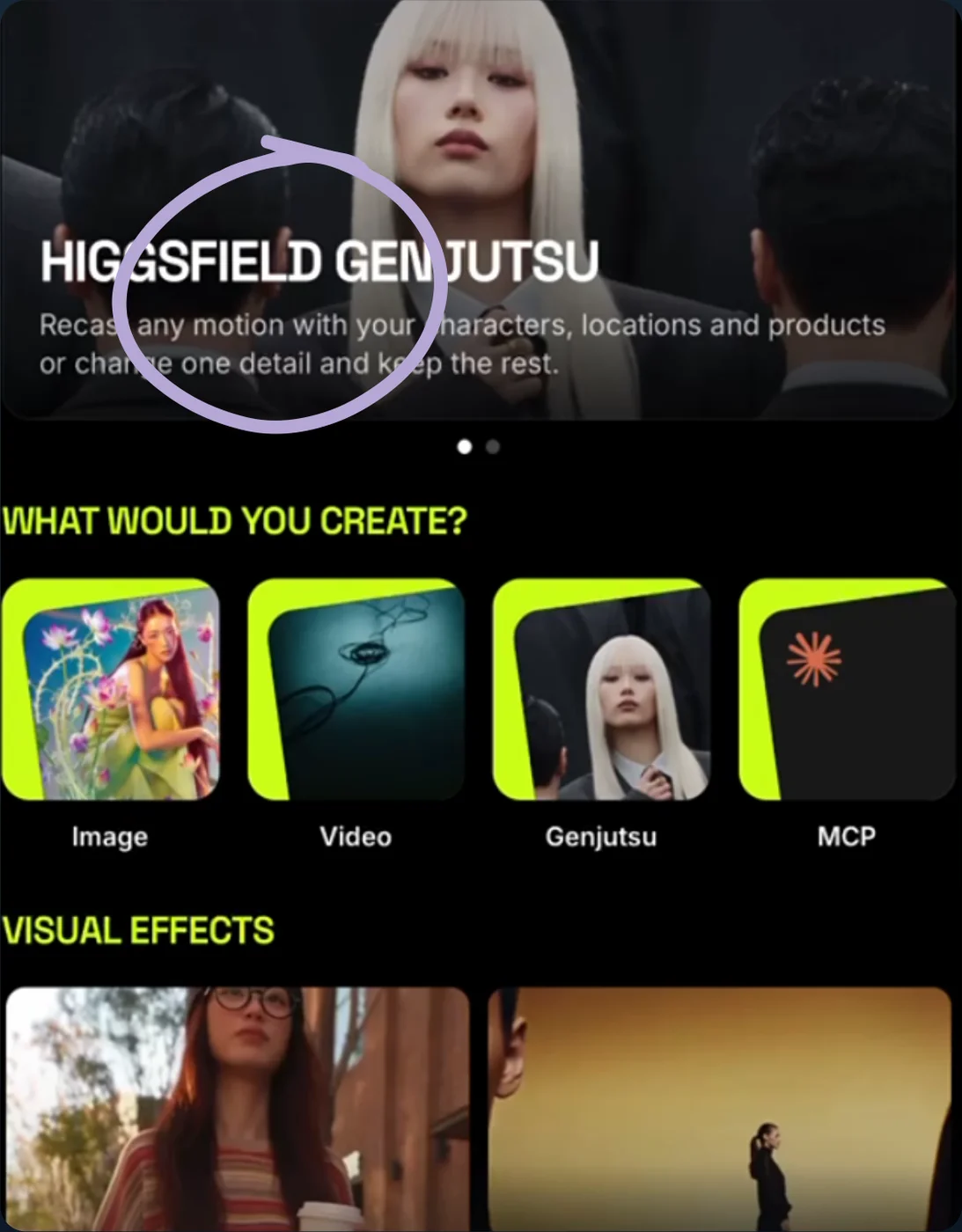
Open Genjutsu on mobile - 02
Choose a trend
Pick the trend you want to try.
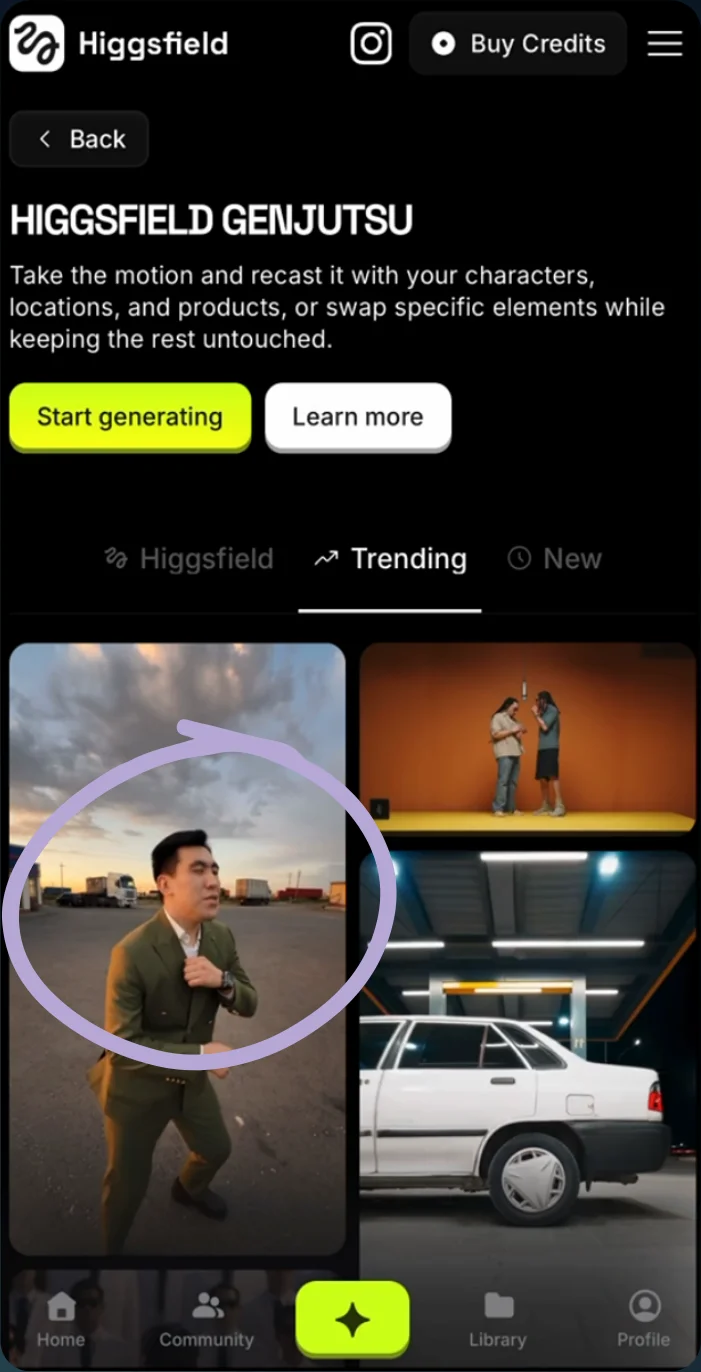
Choose a trend - 03
Upload and generate
Replace the example image with your photo and select Generate.
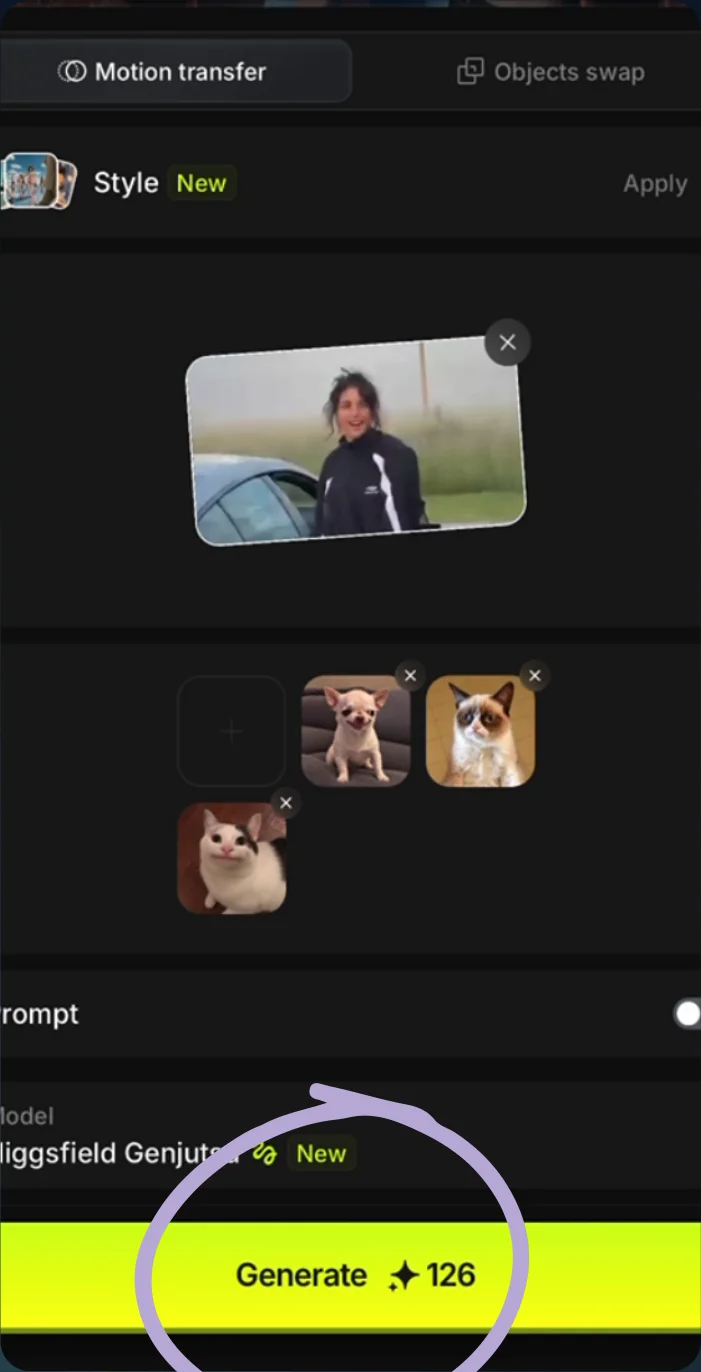
Replace the image and generate - 04
See the result
Play the generated video.
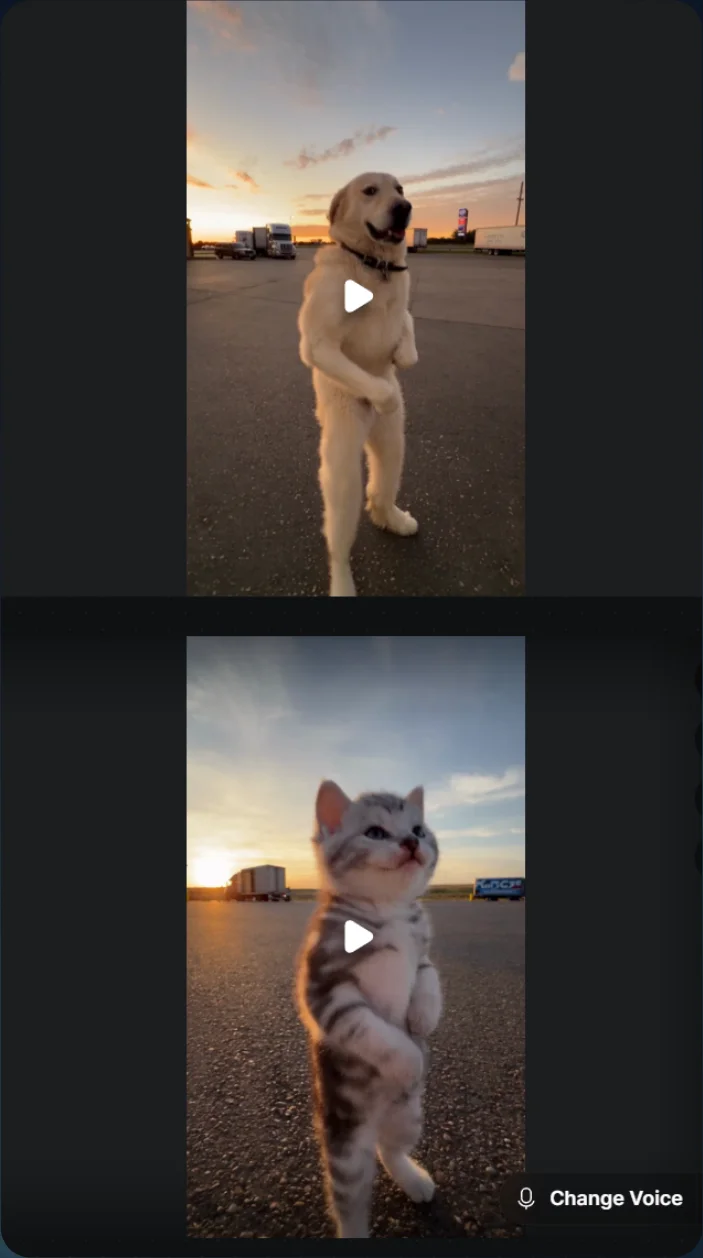
Generated trend result